Read this guide in
| 中文 | ภาษาไทย | 한국어 | tiếng Việt | 繁體中文 | Bahasa Indonesia | 日本語 | Español | Portuguese |
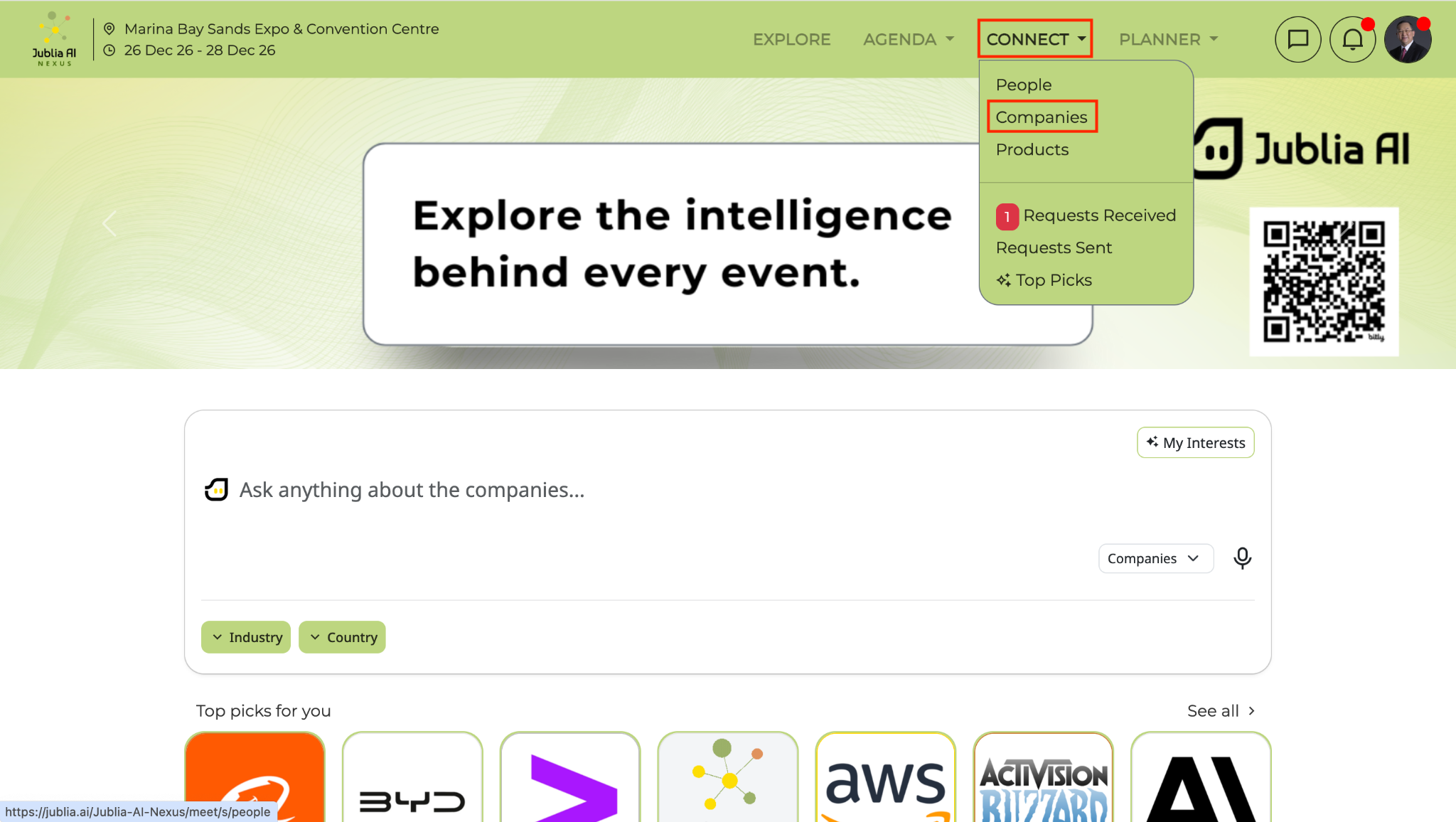
Go to the Connect menu at the top of the navigation bar and click on Companies.
Alternatively, enter the company name in the Ask Anything prompt bar or browse the company listing to locate the company whose brochure you want to view.
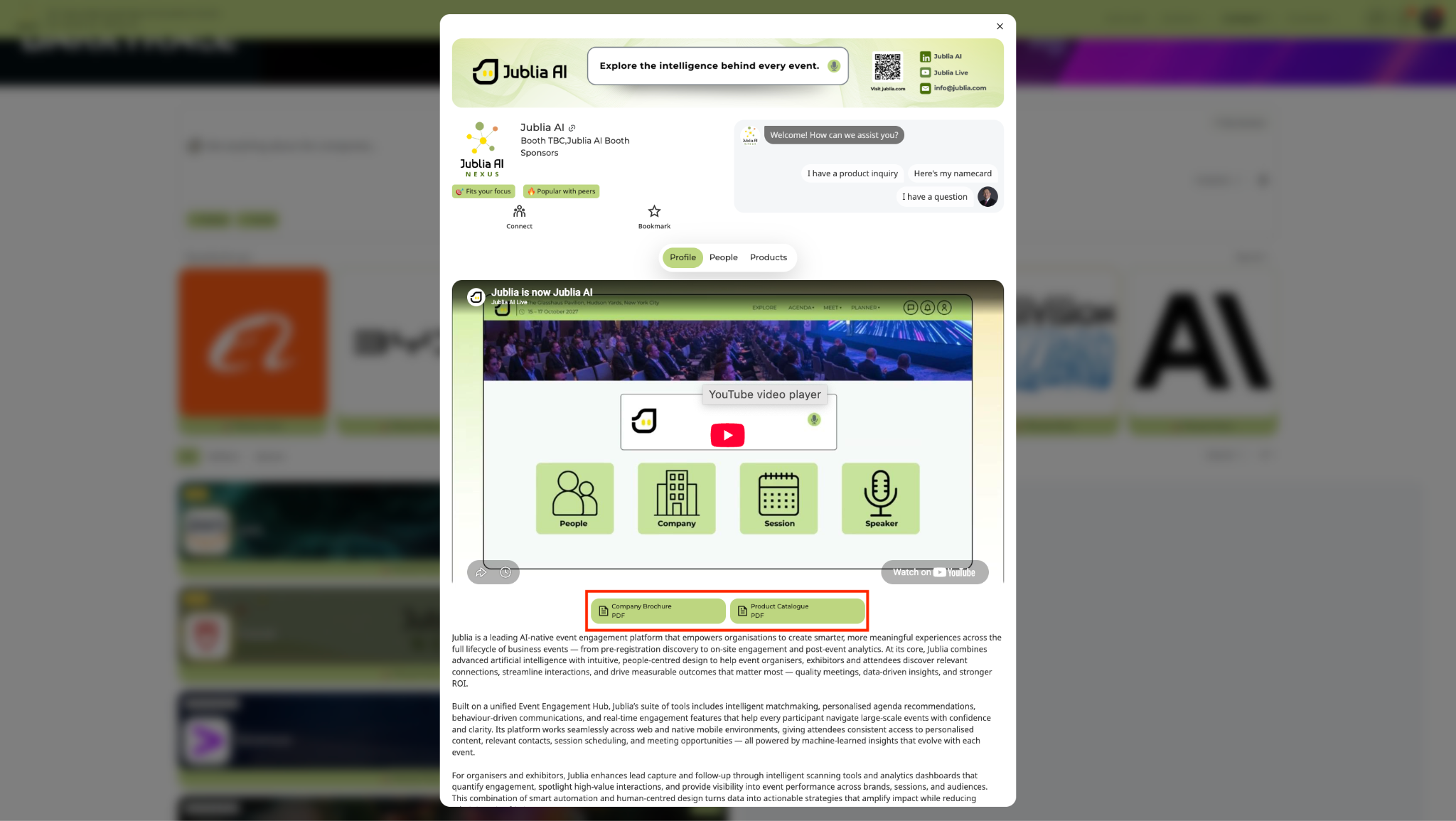
Click on the company name to open the company profile page.
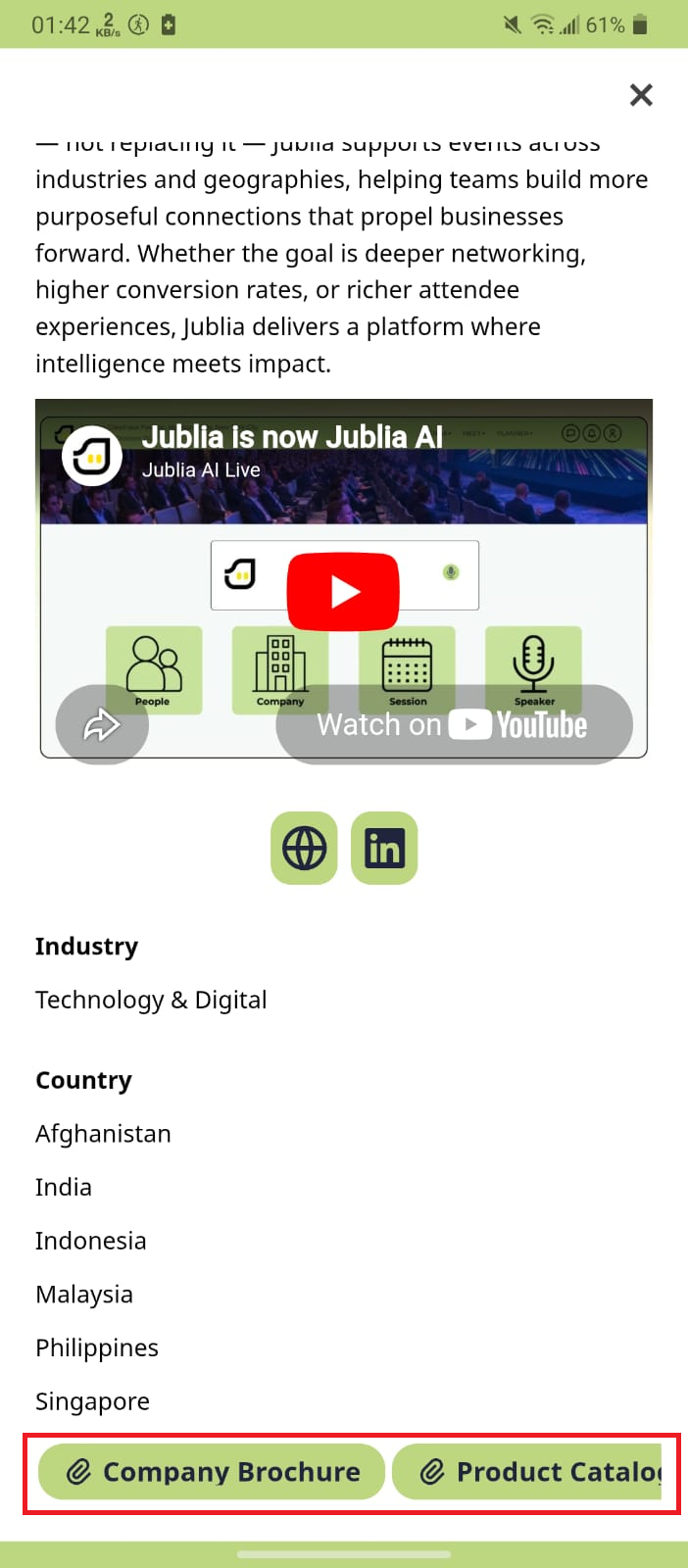
Scroll down the company profile until you find the brochure (PDF) section, then click the PDF file to open the brochure.
Tap the Exhibitors menu to view the list of all participating companies in the native app.
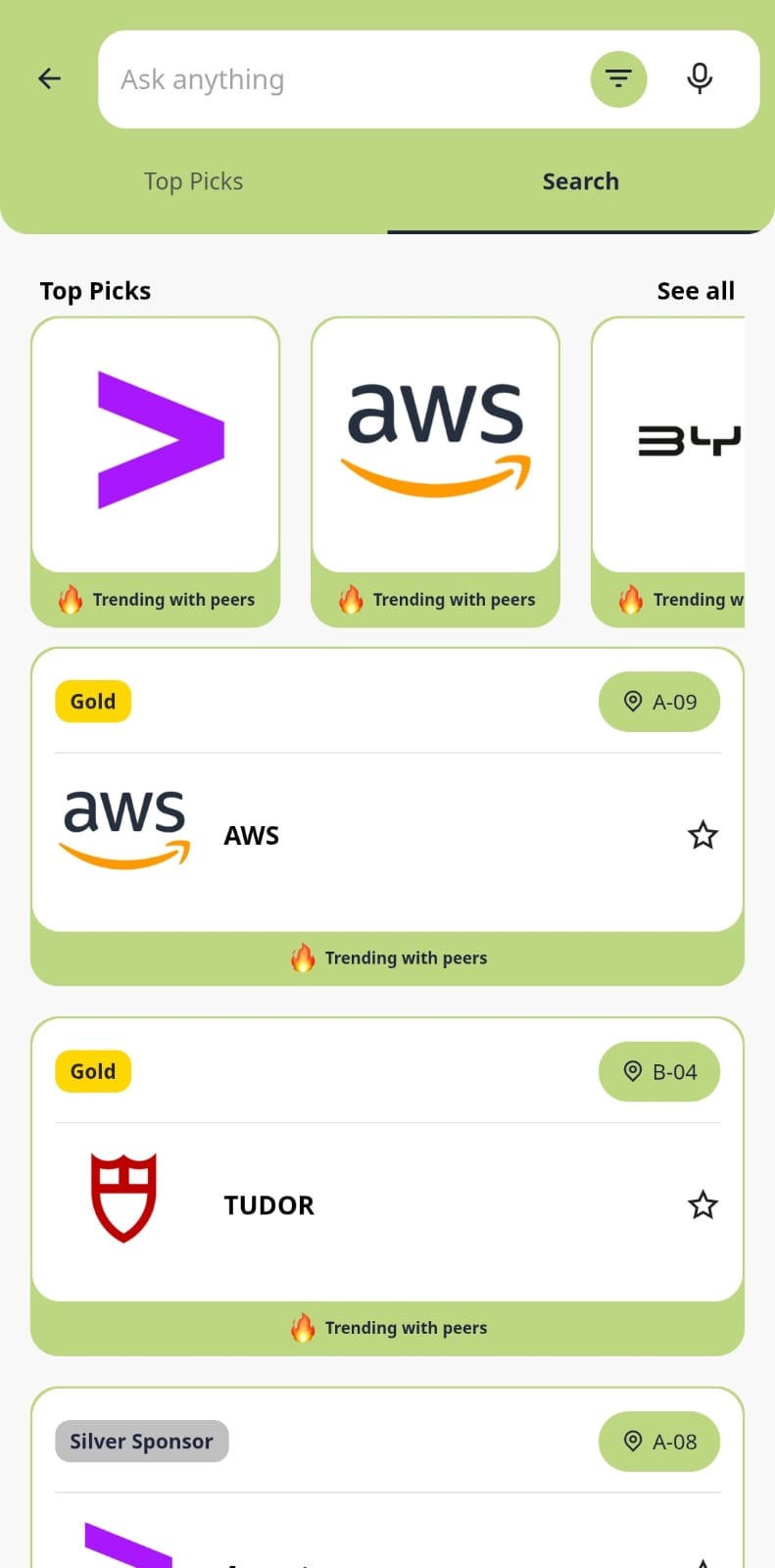
Choose the company to open its company profile. Scroll within the profile and look for the Brochure (PDF) button.
Click the Brochure (PDF) button within the company profile to view the company brochure.