How to Resolve Browser Compatibility Issues on the Video Meet App
Browser compatibility is crucial for ensuring a smooth experience on the Video Meet App. If you're encountering issues, they may be caused by using an unsupported or outdated browser. This guide will help you identify the problem and provide steps to resolve it.
Read this guide in
| 中文 | ภาษาไทย | 한국어 | tiếng Việt | 繁體中文 | Bahasa Indonesia | 日本語 | Español | Portuguese |
Common Causes
Using an outdated browser version.
Browser settings blocking necessary permissions (e.g., microphone, camera).
Incompatibility with in-app browsers or deprecated browsers.
Troubleshooting Solutions
Check Browser Compatibility
To find your current browser version, open your browser's settings and look for the About section.
Ensure you're using a supported browser version:
Desktop
Chrome (Version 80 and above) Download it here
Firefox (Version 75 and above) Download it here
Edge (Version 80 and above) Download it here
Safari (Version 13.1.1 and above) Download it here
iOS
Safari (Version 13.1.1 and above)
Android
Chrome (version 82 and above)
Edge (version 45 and above)
Opera (version 58 and above)
Samsung Browser (version 12 and above)
Note:
for Mobile (iOS & Android), screen sharing feature is not available
in-app browser is deprecated, do please copy the link to any browsers such as Chrome, Firefox, etc
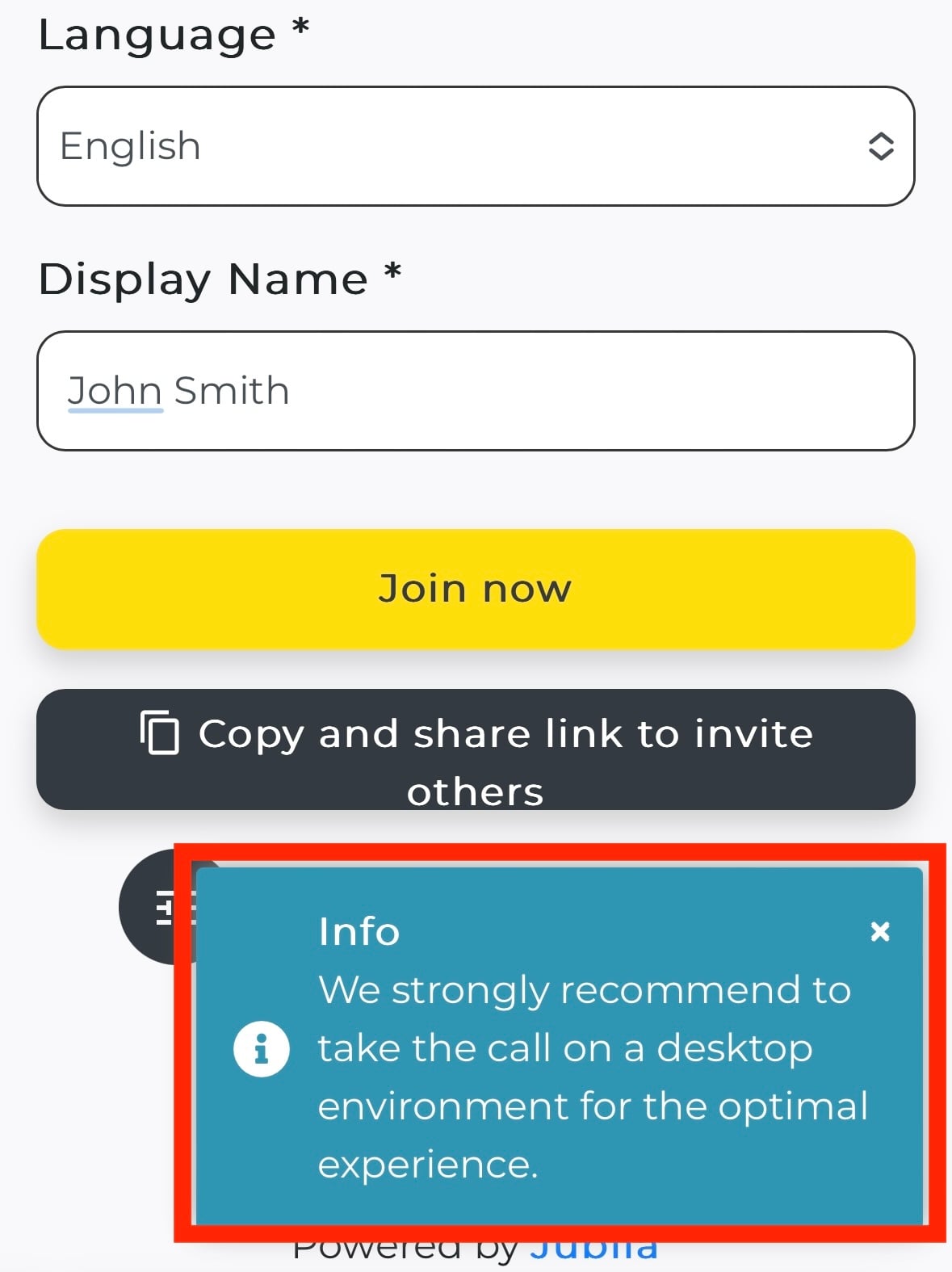
Update your browser
If your browser is outdated, update it using the provided links above.
Enable Necessary Permissions
Ensure your browser has access to your microphone and camera. Click here for instructions.
Enable Third-Party Cookies
Some features of the app may require third-party cookies to be enabled. Click here for instructions.
Advanced Troubleshooting
Compatibility Checker
Use our Compatibility Checker to verify your browser setup. You can run the Jublia Compatibility Checker here.
Outdated Browser Redirect
If your browser redirects you to an outdated page, try updating it or use an alternative device like a tablet or smartphone.