Read this guide in
| 中文 | ภาษาไทย | 한국어 | tiếng Việt | 繁體中文 | Bahasa Indonesia | 日本語 | Español | Portuguese |
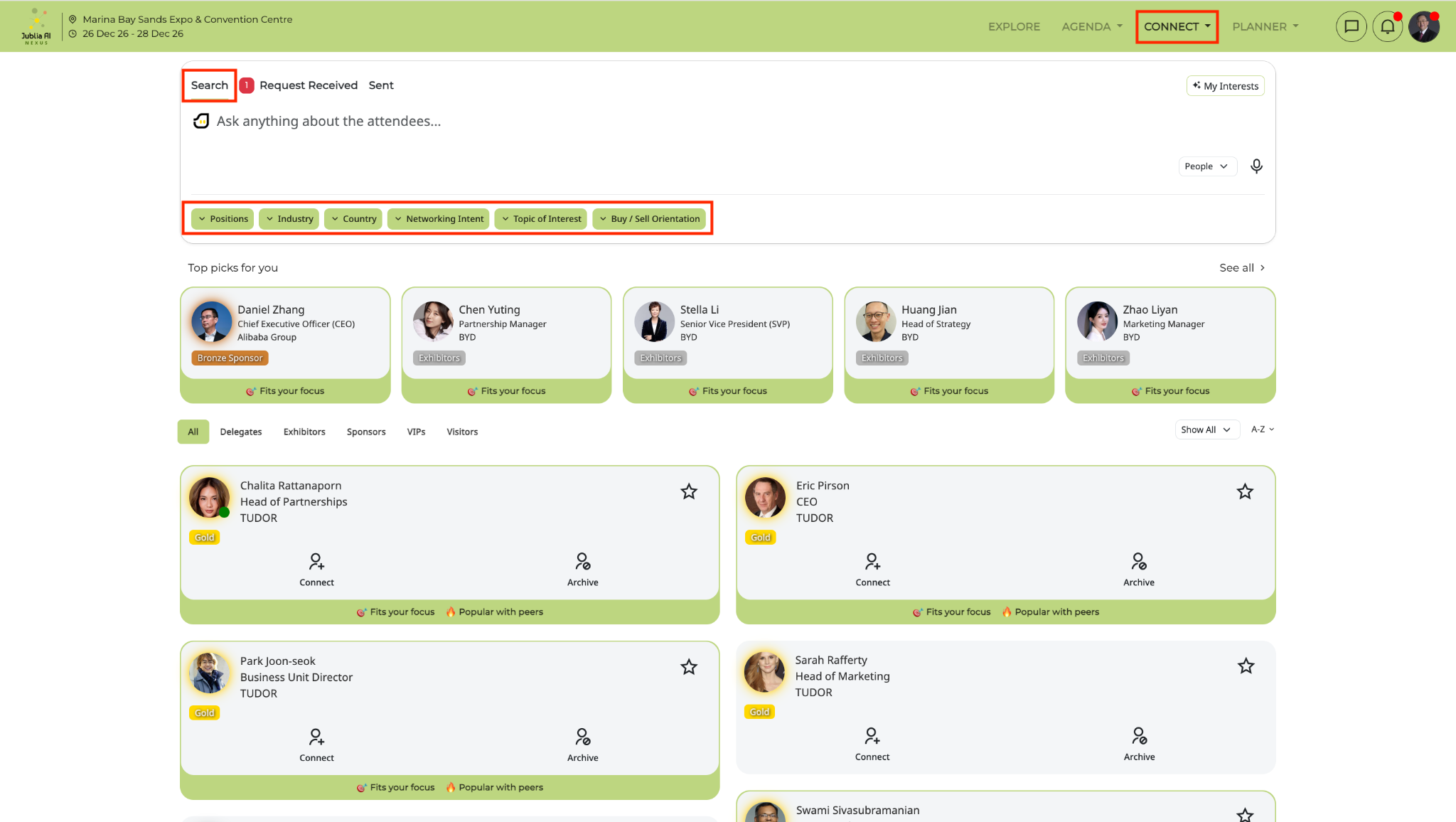
Navigate to Connect on the top navigation bar and click Search to enter keywords or apply filters to find your target matches.
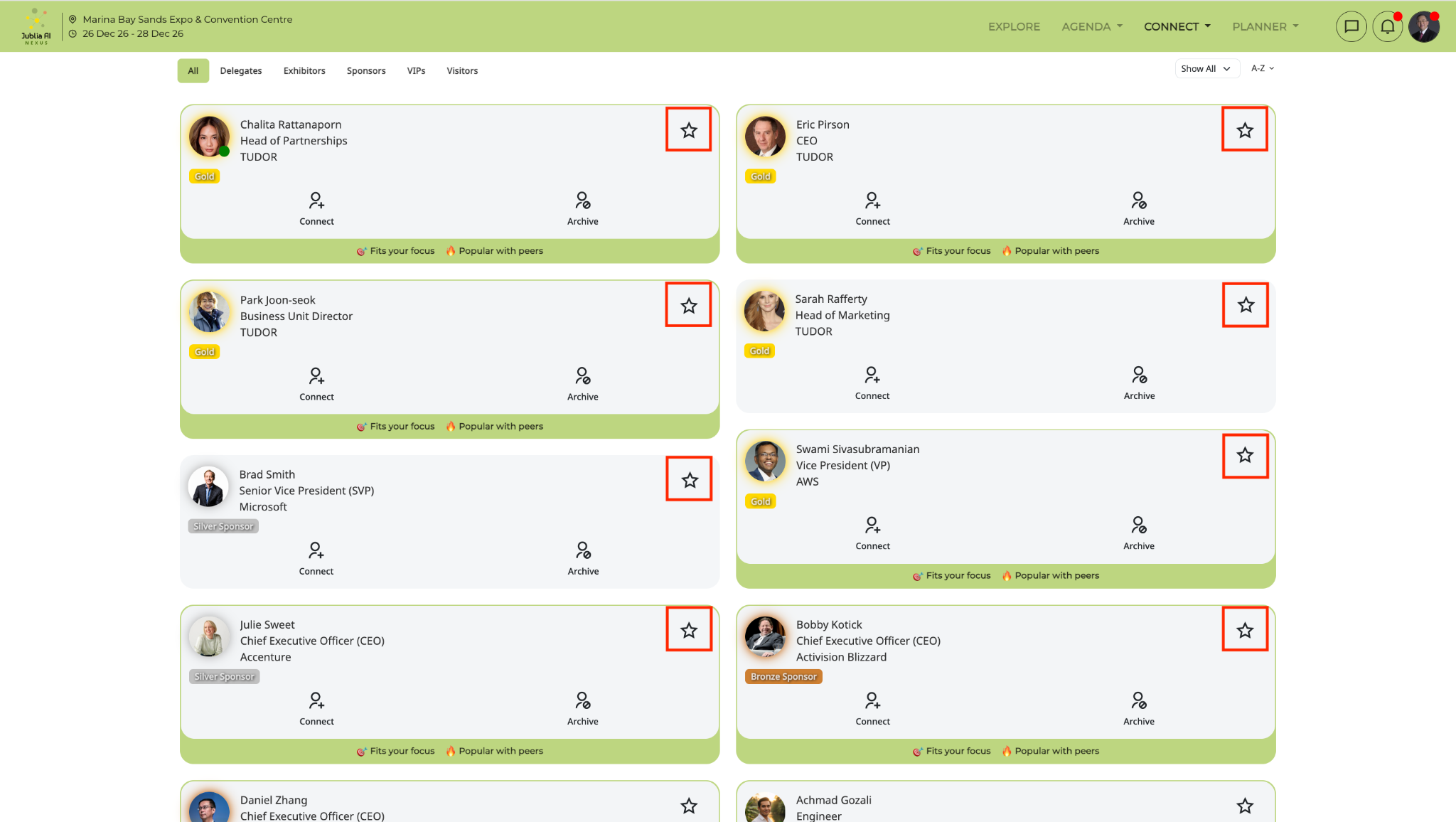
Click on the Bookmark star icon on an attendee’s profile card or within your Planner to save the profile to your favorites.
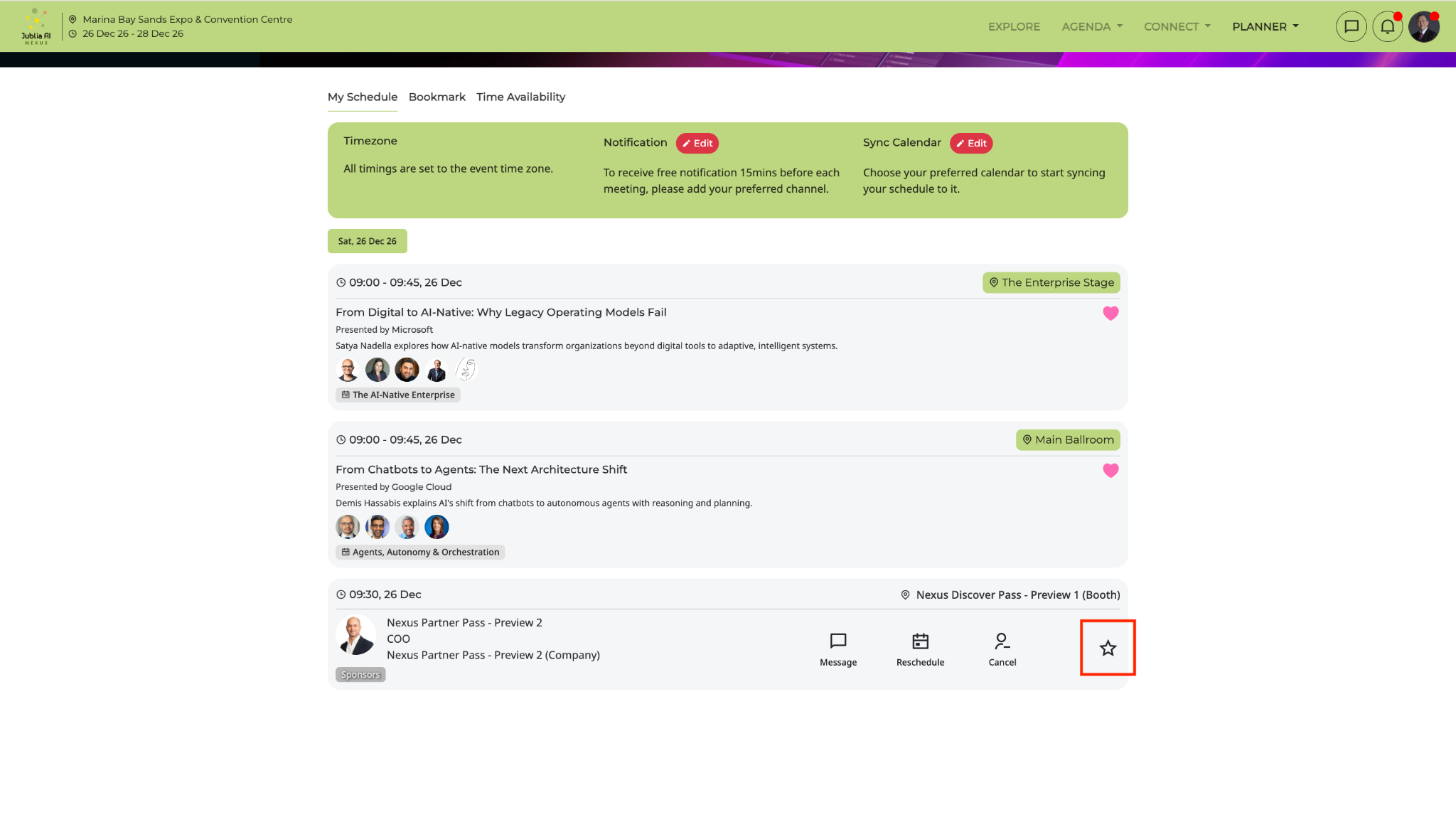
You can also bookmark a profile from your Planner, on the profile cards of your confirmed meetings.
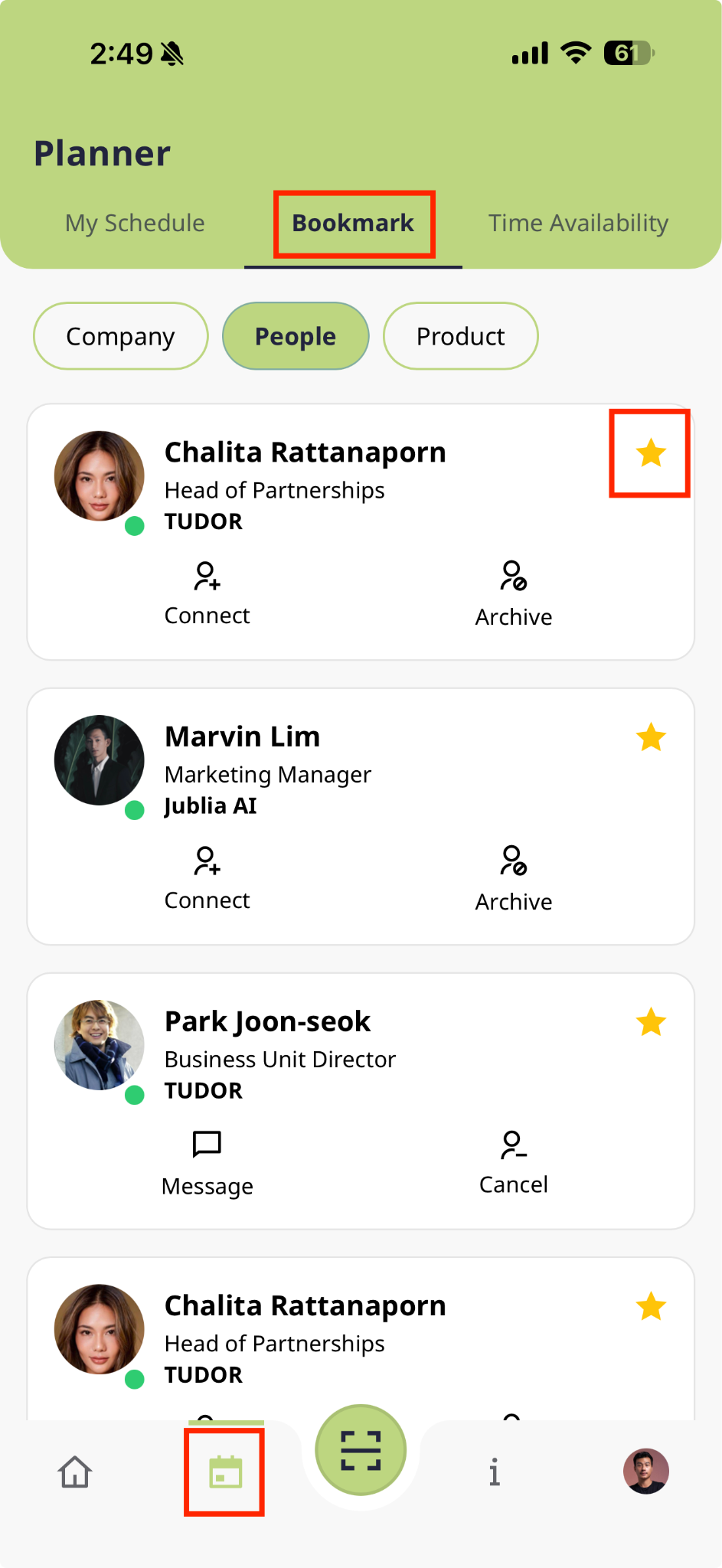
Under Connect select the Bookmark filter or under Planner select the Bookmark tab to display a curated list of all saved attendee profiles.
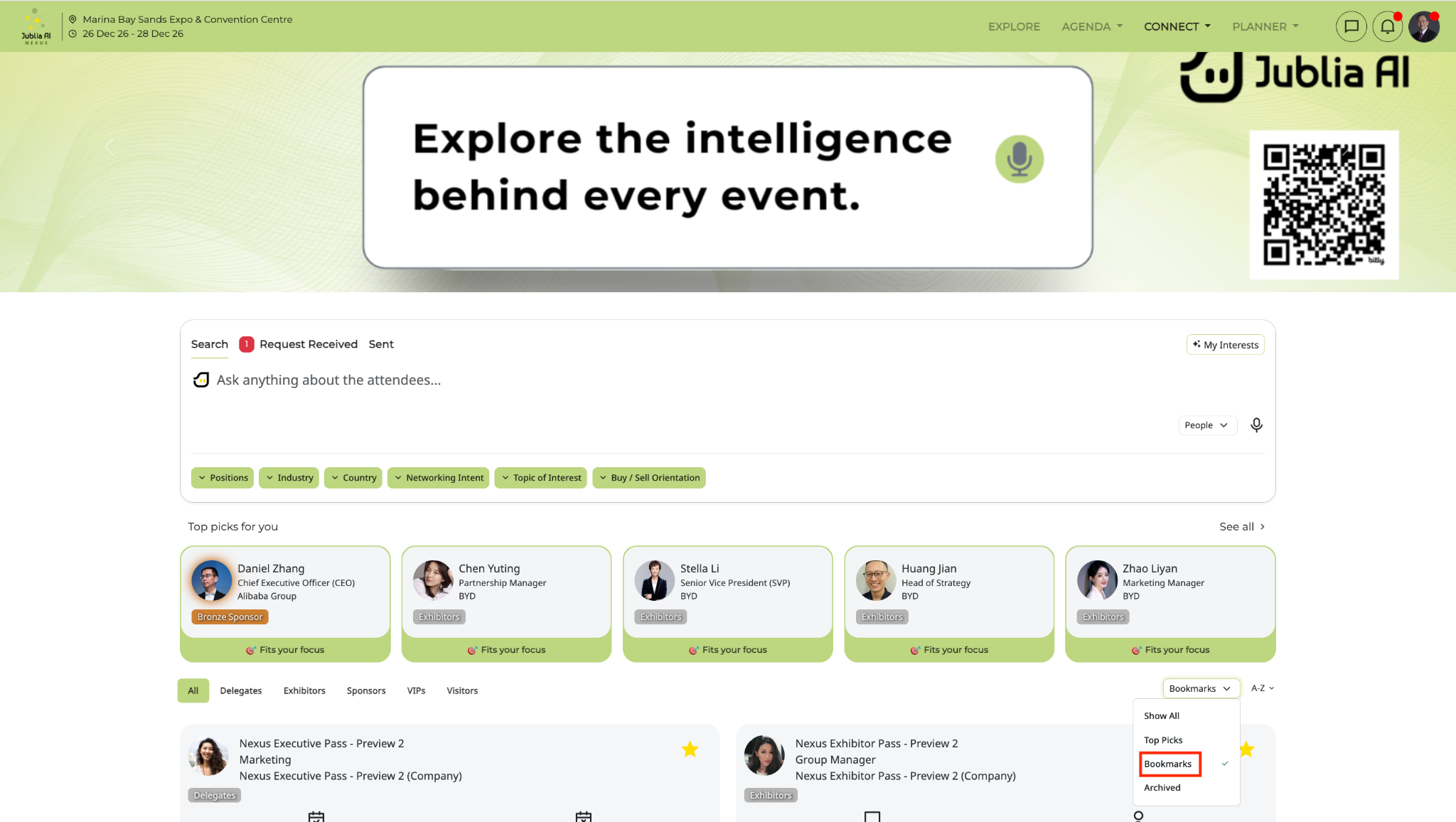
If you feel that the attendee recommendations on the Connect page are irrelevant to your interests, simply archive the profiles so that the platform can understand and provide better recommendations.
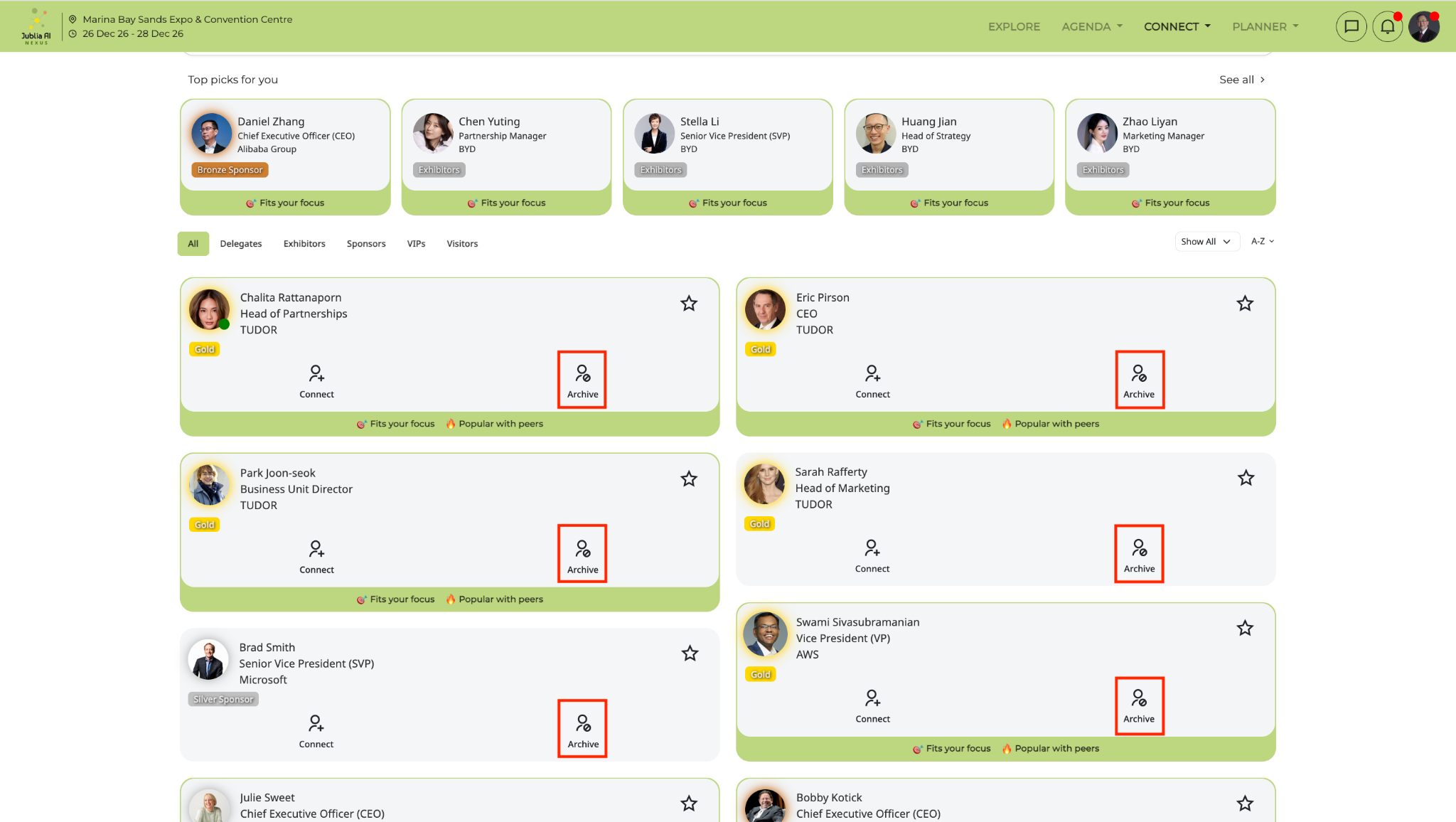
Click on the Archive icon on the profile of the attendee you wish to archive
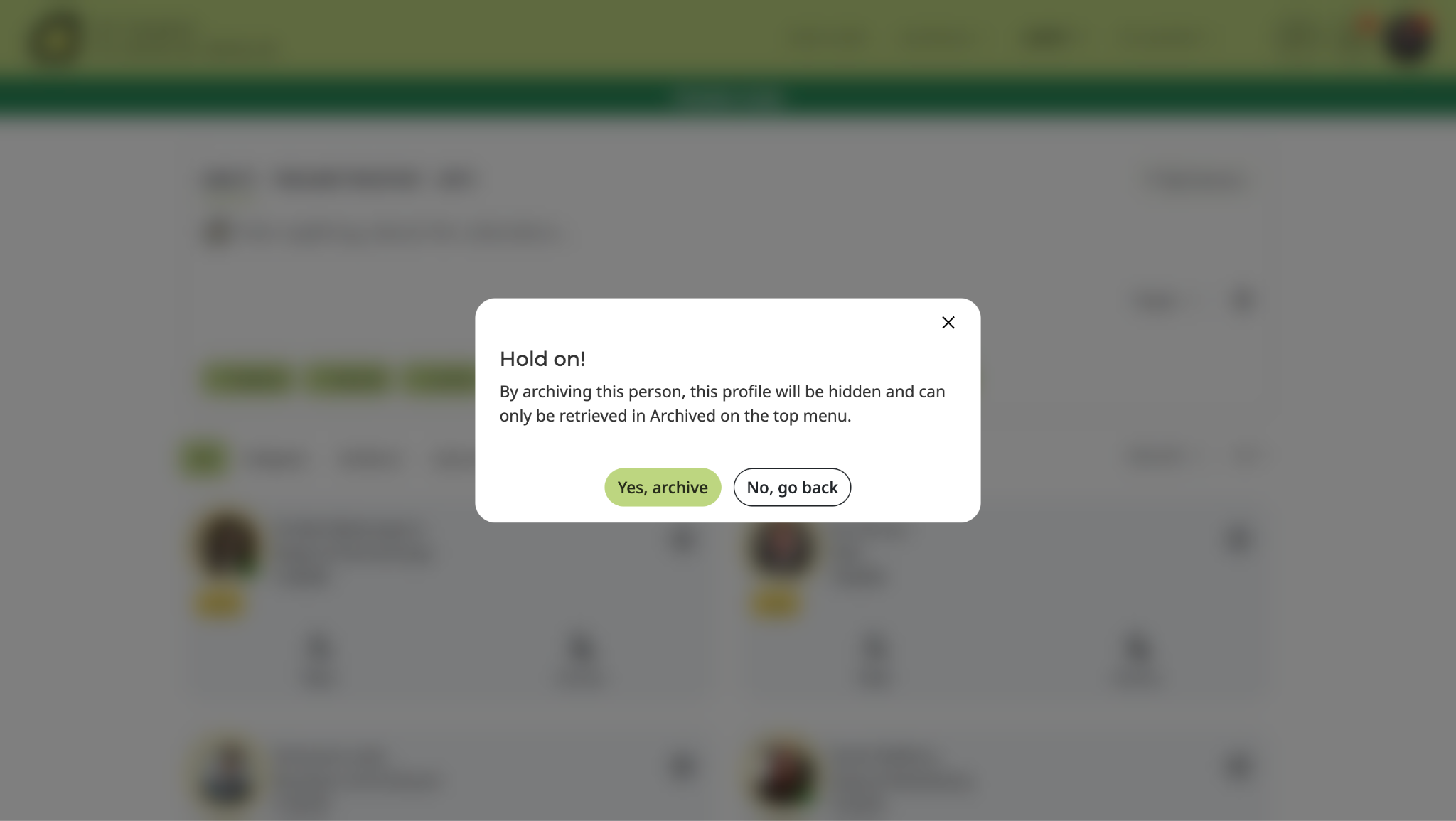
Confirm that you want to archive the profile by clicking "Yes, archive"
The attendee's profile will now be moved to the Archived tab and can only be found here:
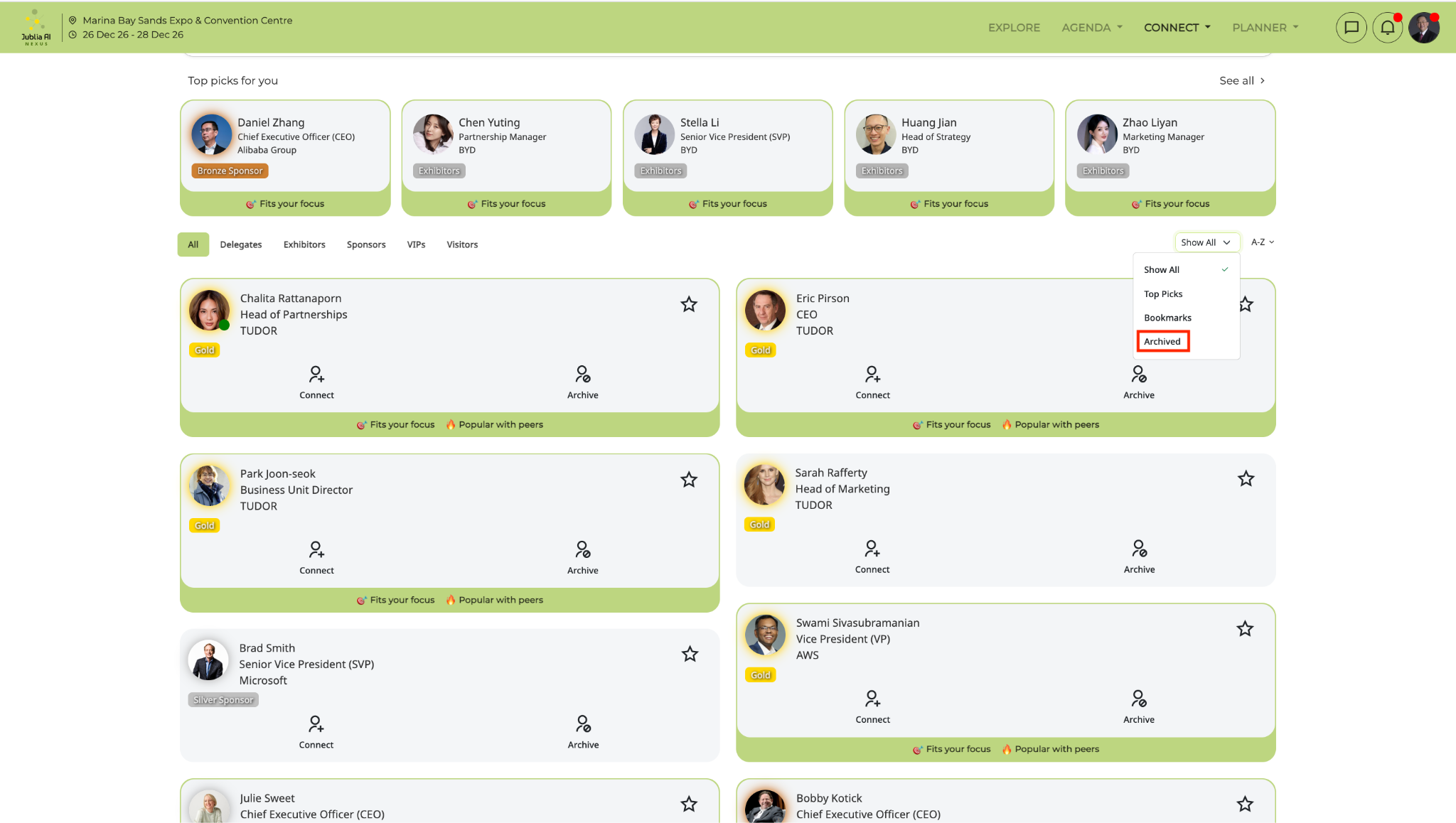
To unarchive an attendee's profile, simply click on the Archived icon on the profile you want to restore.
Open the Meeting menu (name may vary by event) and tap Search to use keywords and filters to find attendees.
Click on Search bar
Enter keywords into the search bar or use the search filters to further narrow down your search
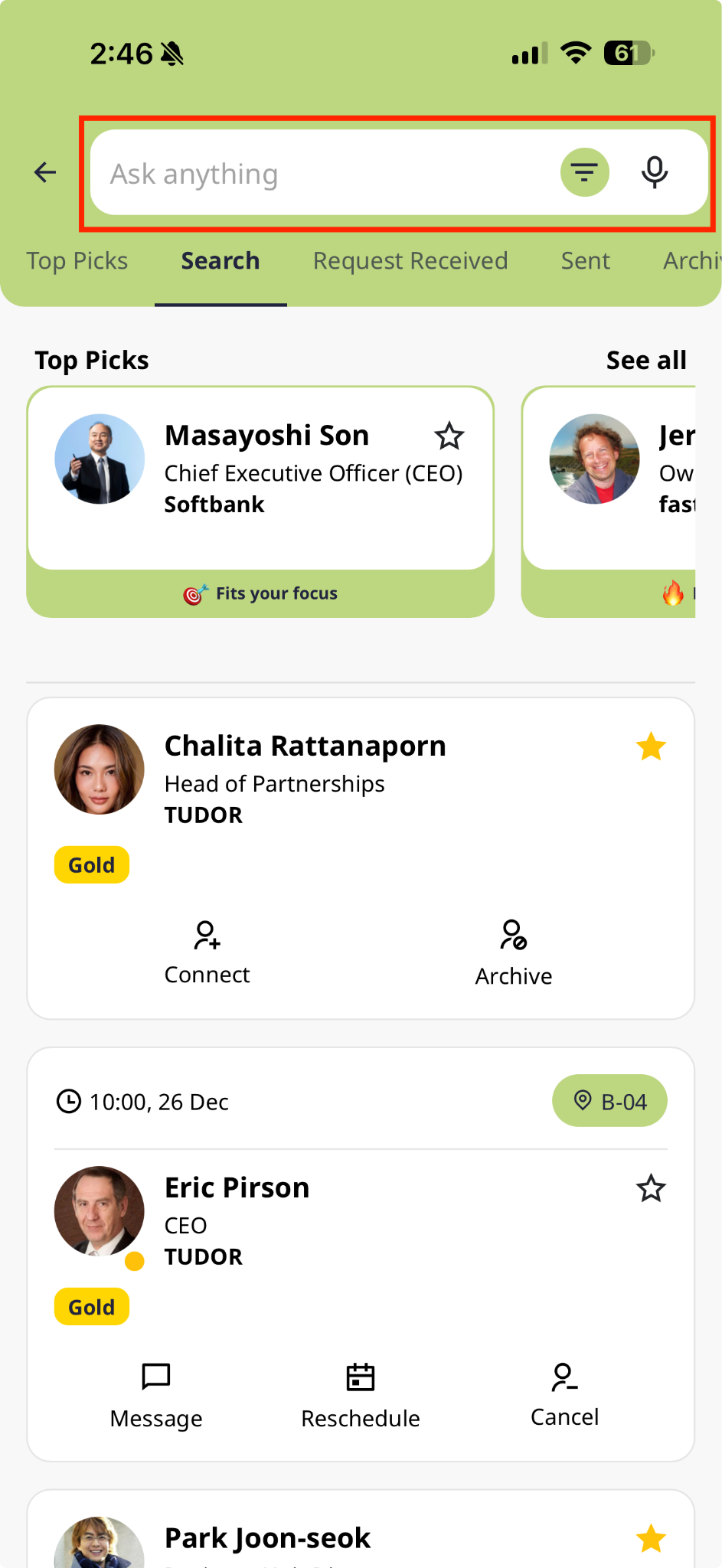
When you have found an attendee's profile of your interest, click on the Bookmark star to save the attendee's profile to your bookmarks.
Access your Bookmarks by enabling the Bookmarked option. This will bring up a list of all the attendees you have bookmarked.