Read this guide in
| 中文 | ภาษาไทย | 한국어 | tiếng Việt | 繁體中文 | Bahasa Indonesia | 日本語 | Español | Portuguese |
Go to the Agenda tab in the top navigation menu and select Sessions to view all scheduled sessions.
Enter the session title or keywords in the Ask anything prompt bar to search for a specific topic.
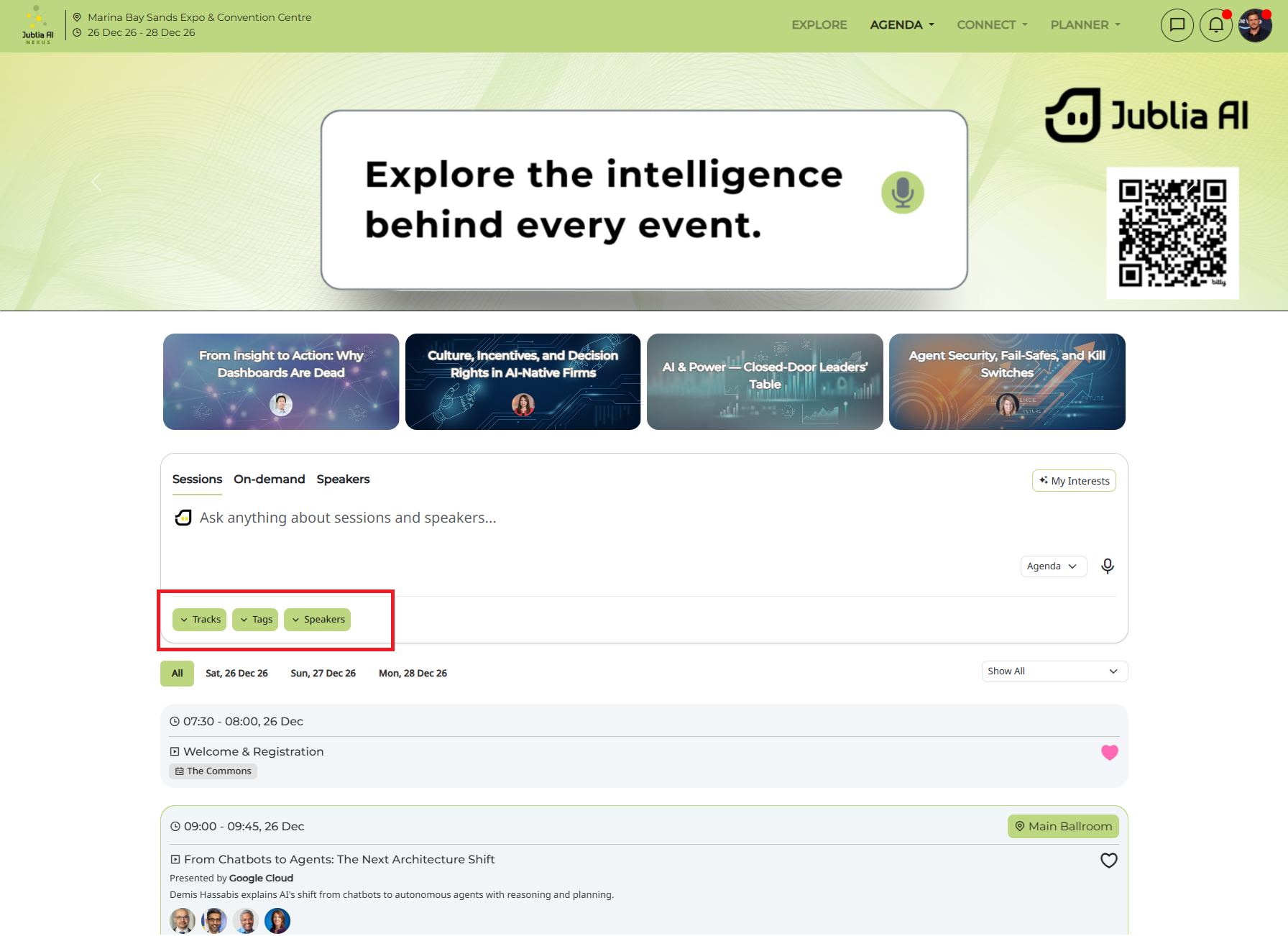
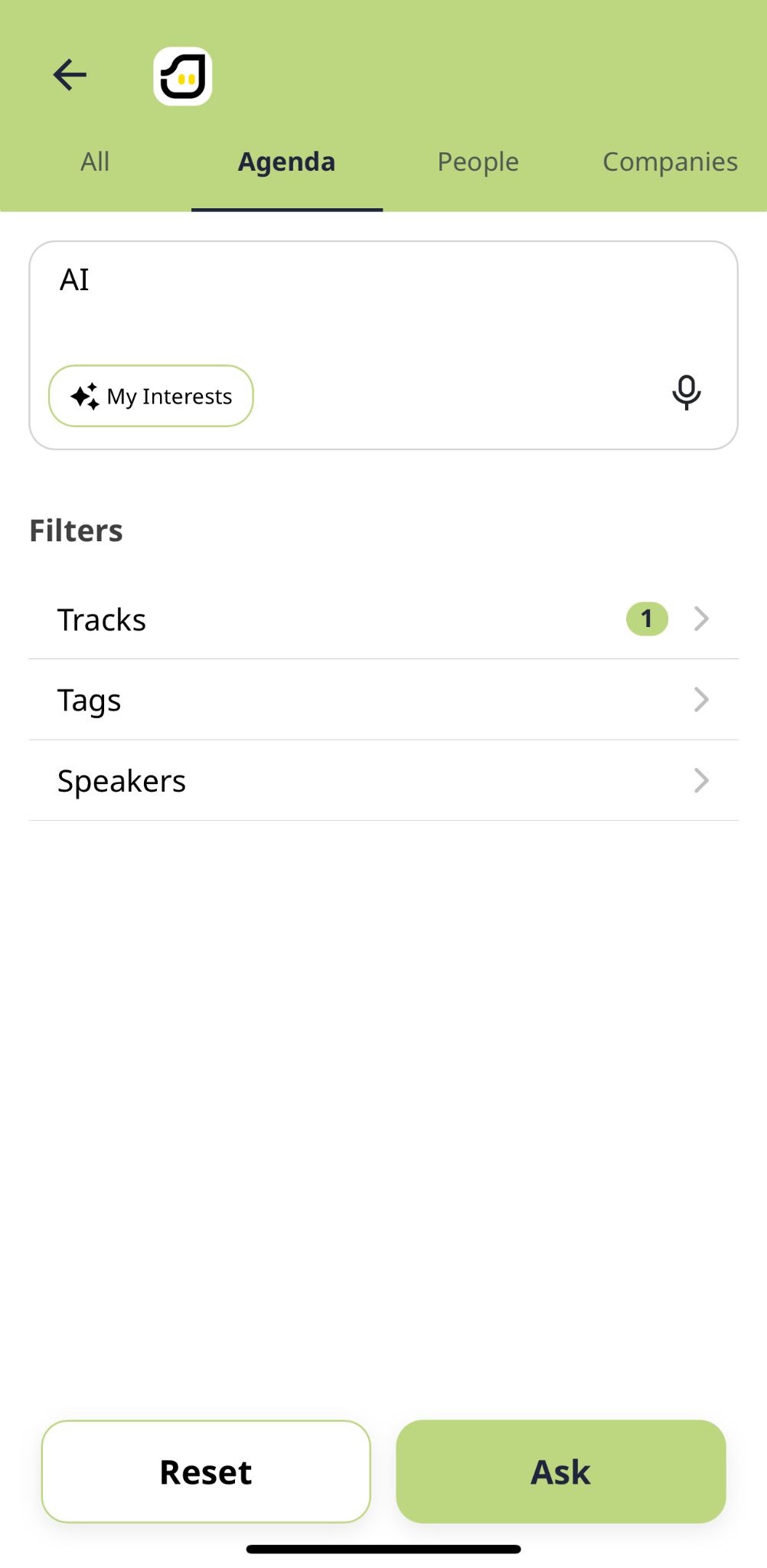
Filter based on Tracks, Tags and Speakers
Browse sessions by their date
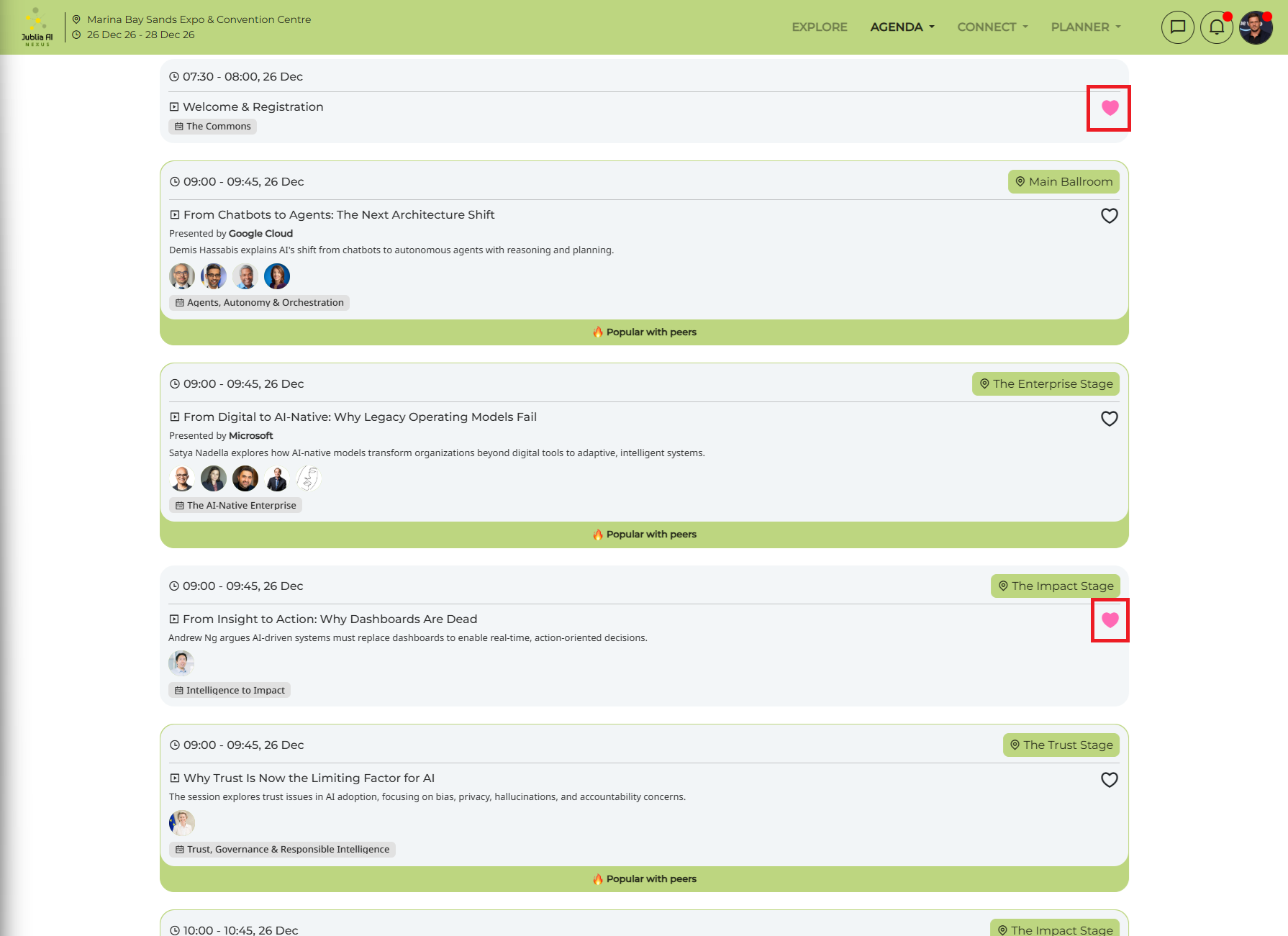
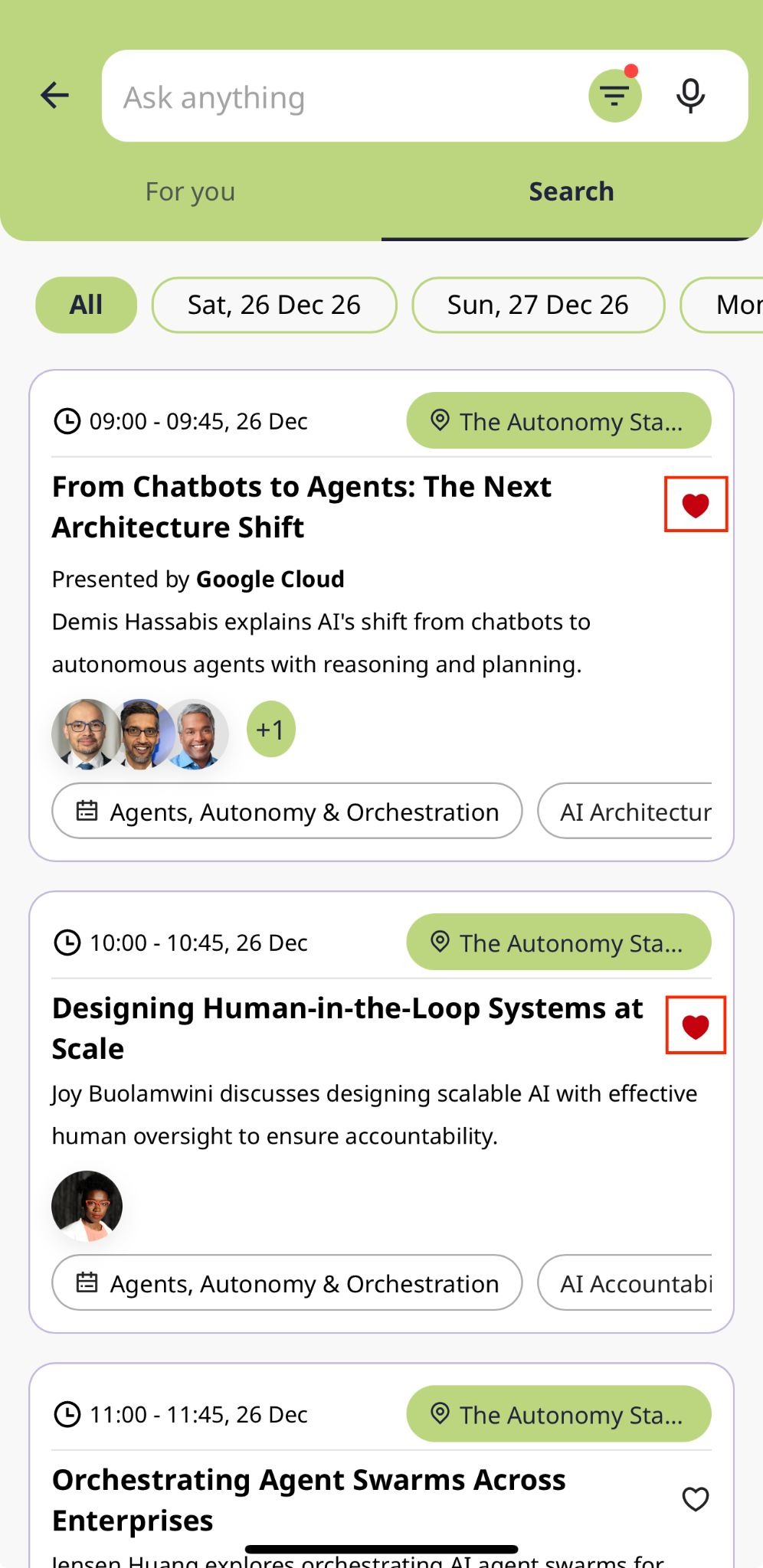
On the session card, click the Favorite icon (heart) to bookmark the session.
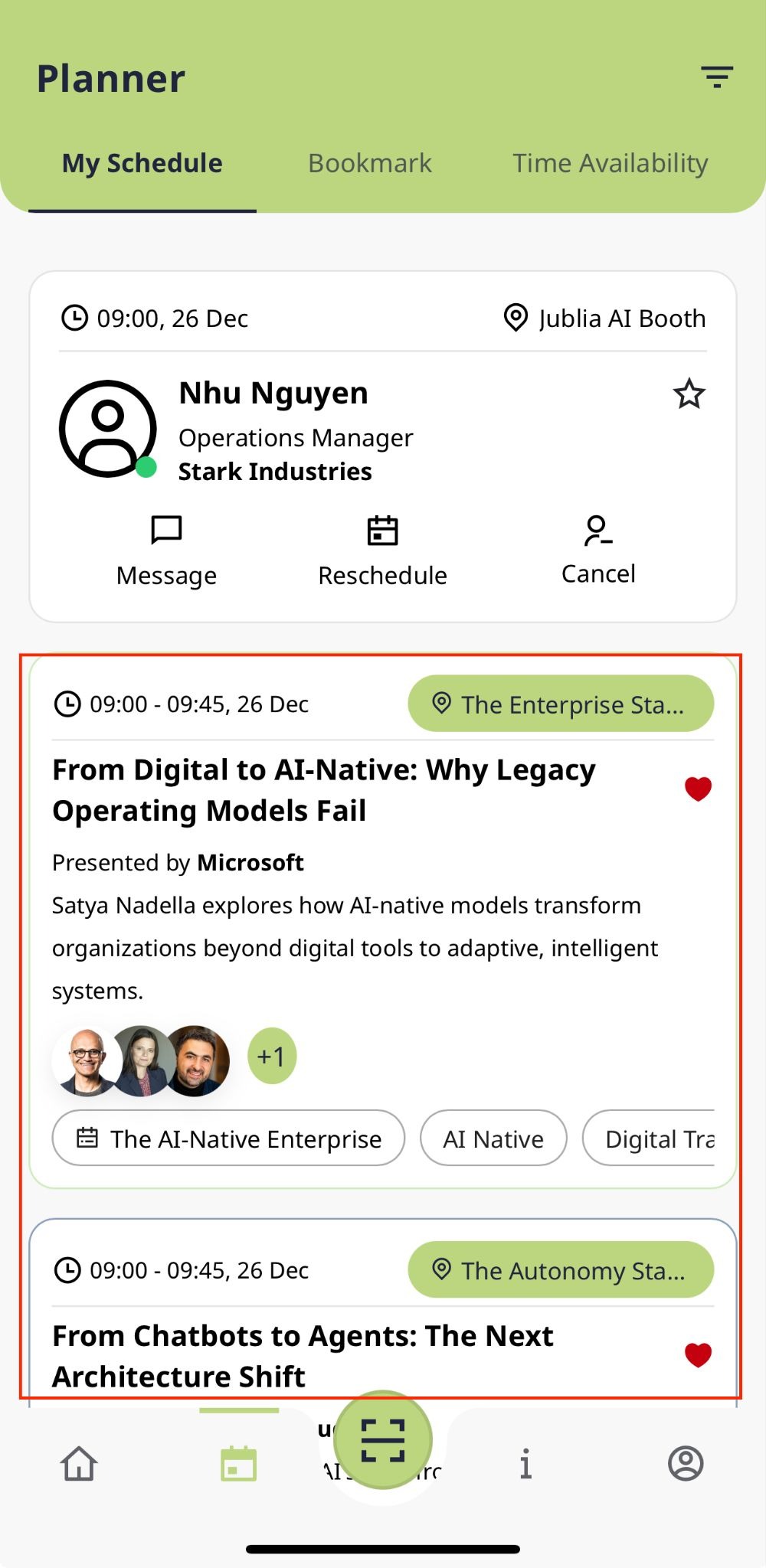
The favorited session will automatically appear in My Schedule within your Planner for easy access.
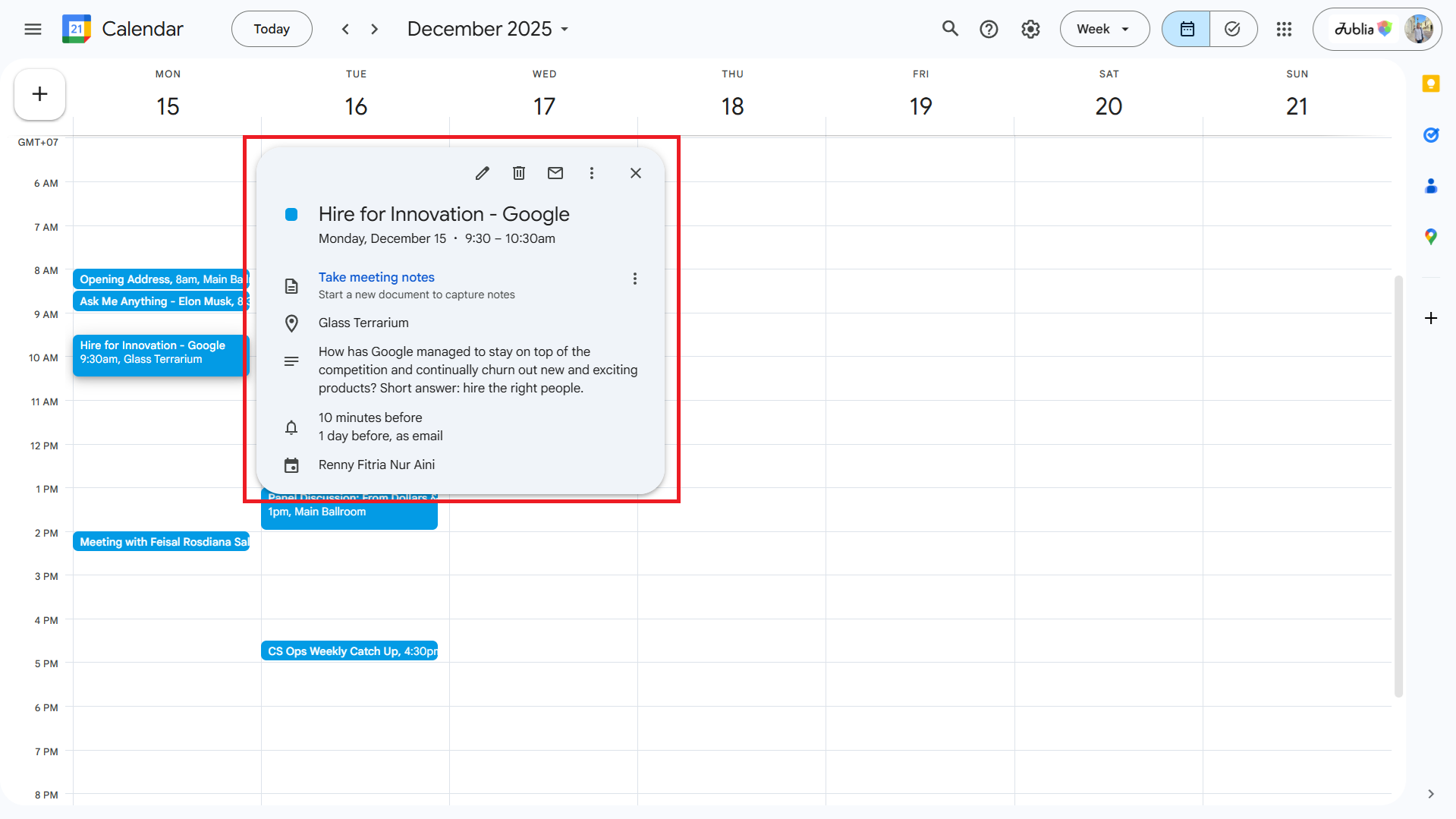
Favorited sessions can be synced to your calendar, and any updates to the session (time, date, or venue) will automatically reflect in your calendar.
Removing a session from favorites will also remove it from your calendar.
If a session is deleted or republished by the organizer, it will be automatically removed or added to your calendar accordingly. If there’s any updates regarding the session such as dates, time, or venue. It will be automatically reflected on your calendar.
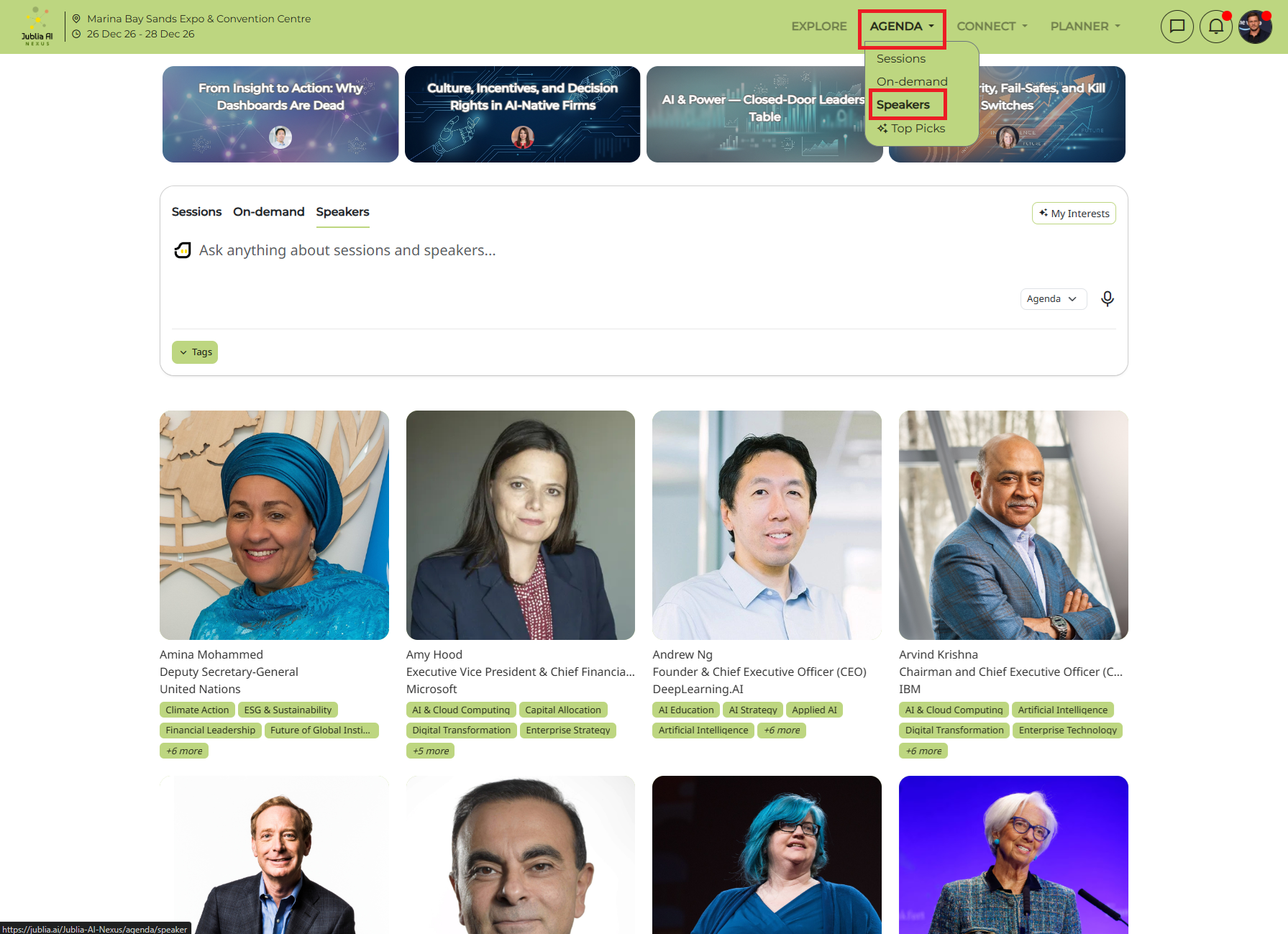
In the Speakers page, you can use the Ask Anything about sessions and speakers bar at the top to search the Speakers name and it'll show all sessions that the searched speaker will be talking in. Click on the speaker and it will show the speaker's profile and sessions they are taking in.

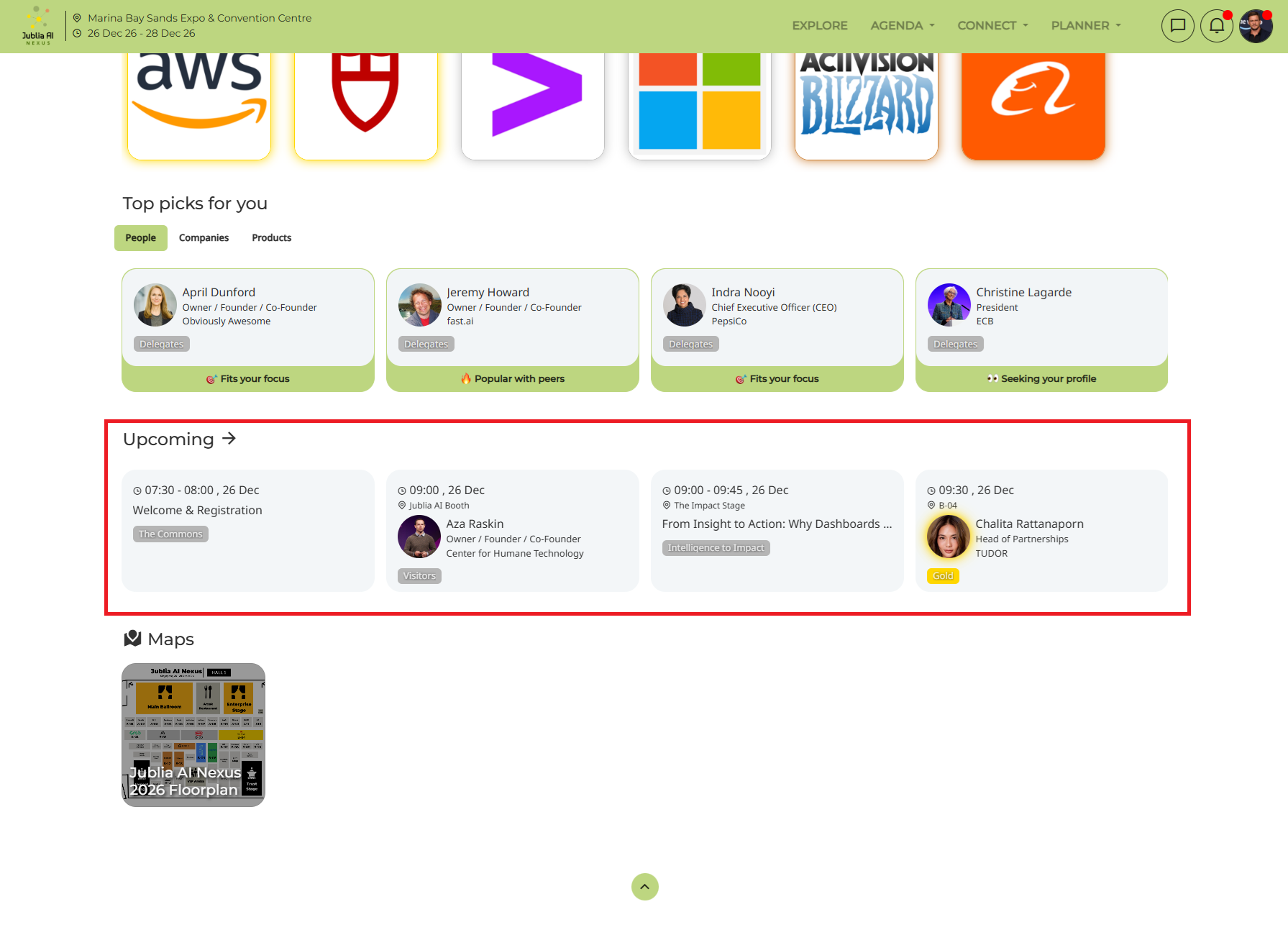
In the home page, the system will recommend an agenda that might suit you. You can update the interest to recommend the agenda session according to your interest.
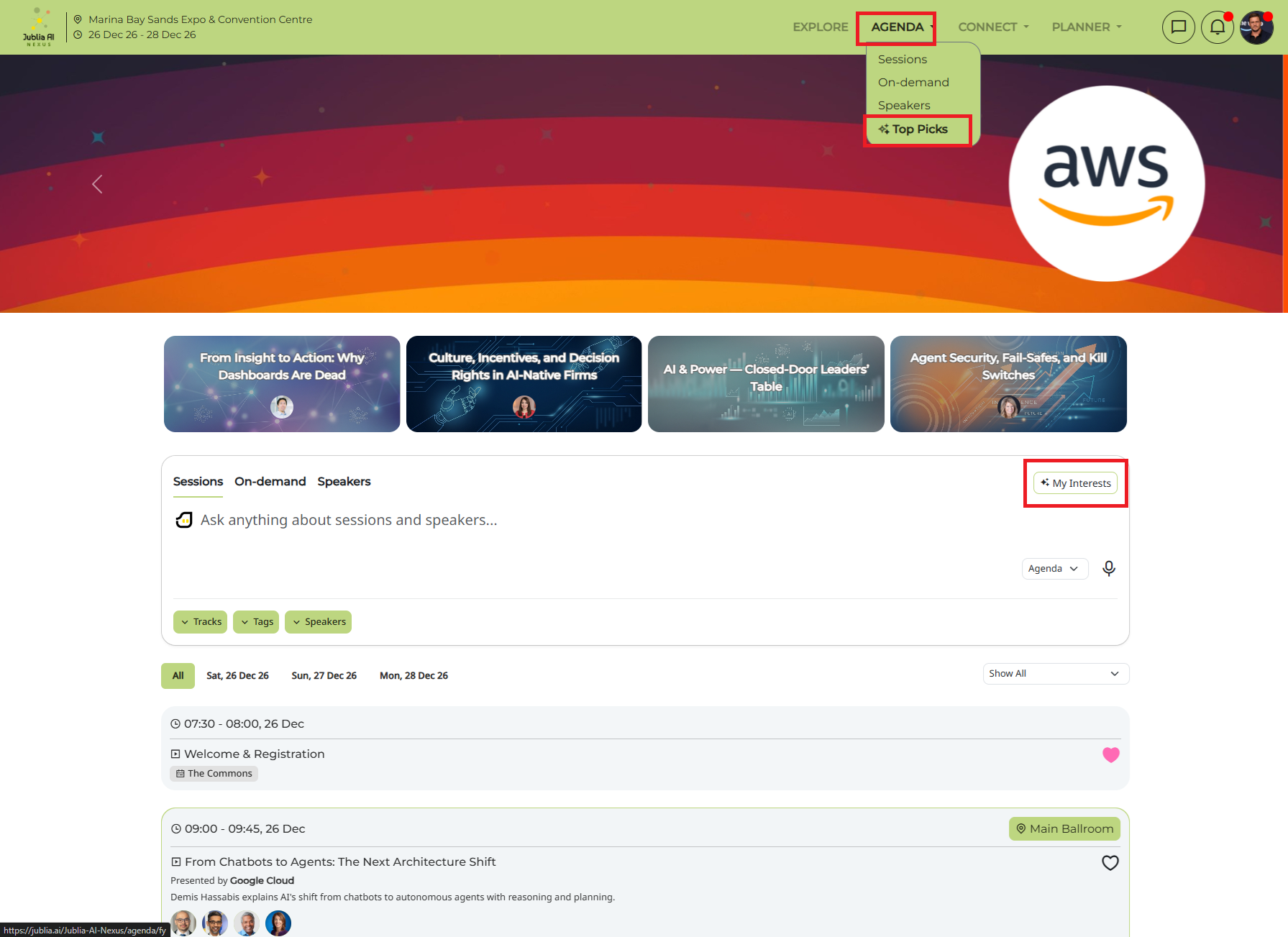
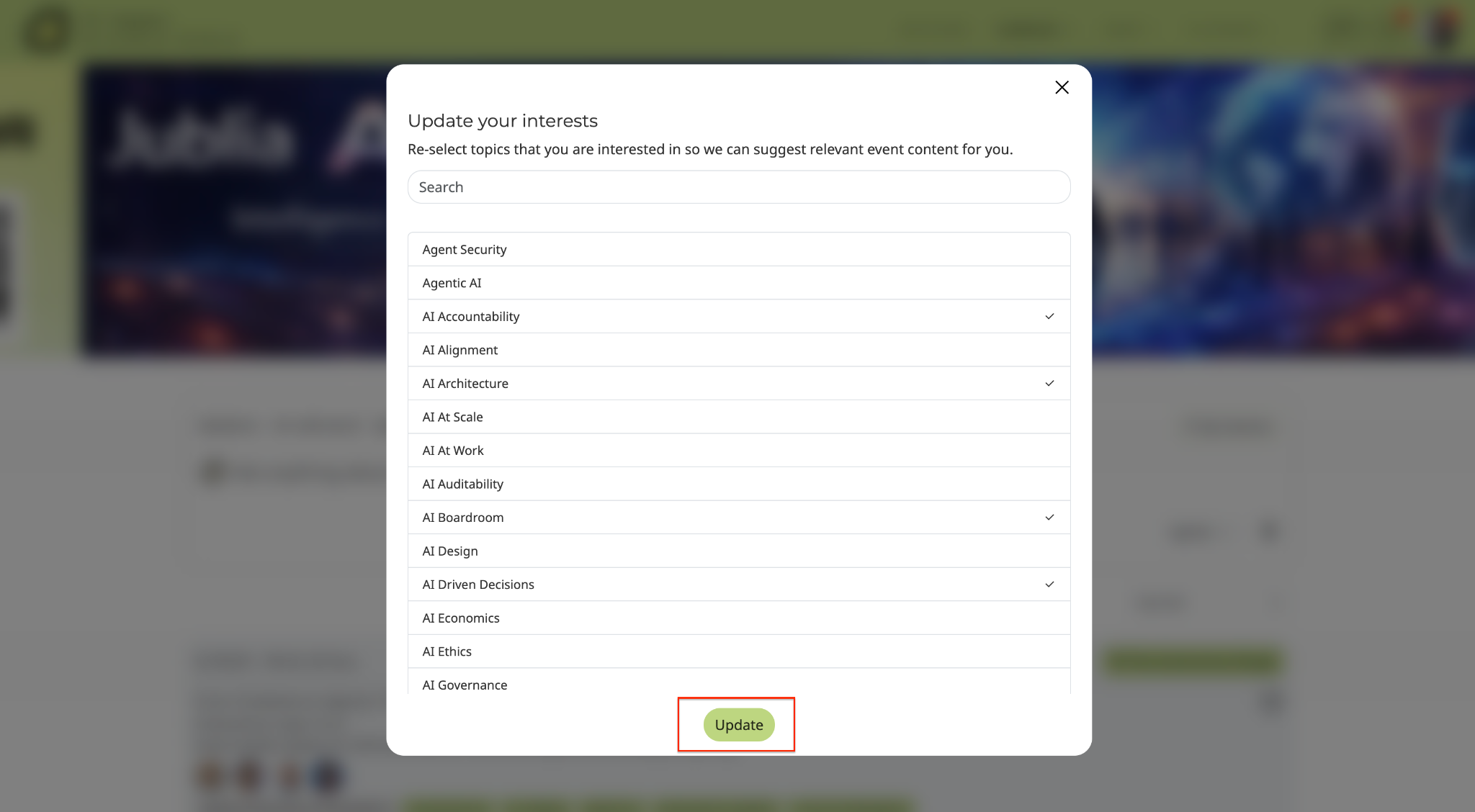
Go to the Agenda tab located on the navigation menu at the top of the platform.
Select On-demand
Search for a session by its title or relevant keywords in the Ask anything about sessions and speakers bar.
Use the drop-down options such as Tracks, Tags and Speakers to refine your search.
Browse sessions by their date
If you can't find the session using the search options, view all sessions manually by scrolling through the agenda list.
Click Play to start watching the session.
Note: Ensure you have a stable internet connection to maintain smooth video playback. An unstable connection may result in stuttering and lagging.
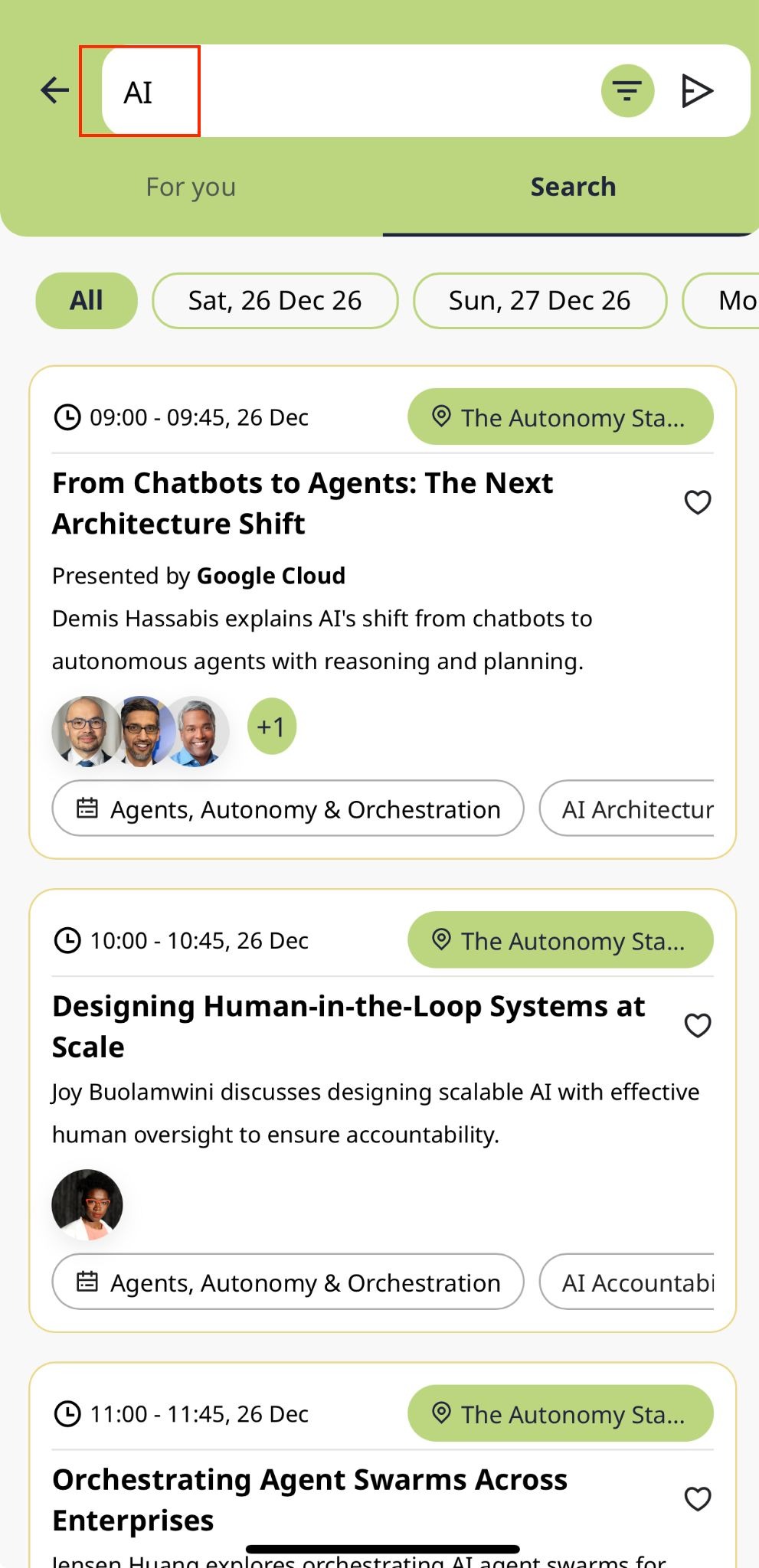
Enter the keyword in the search field, and relevant sessions will be displayed.
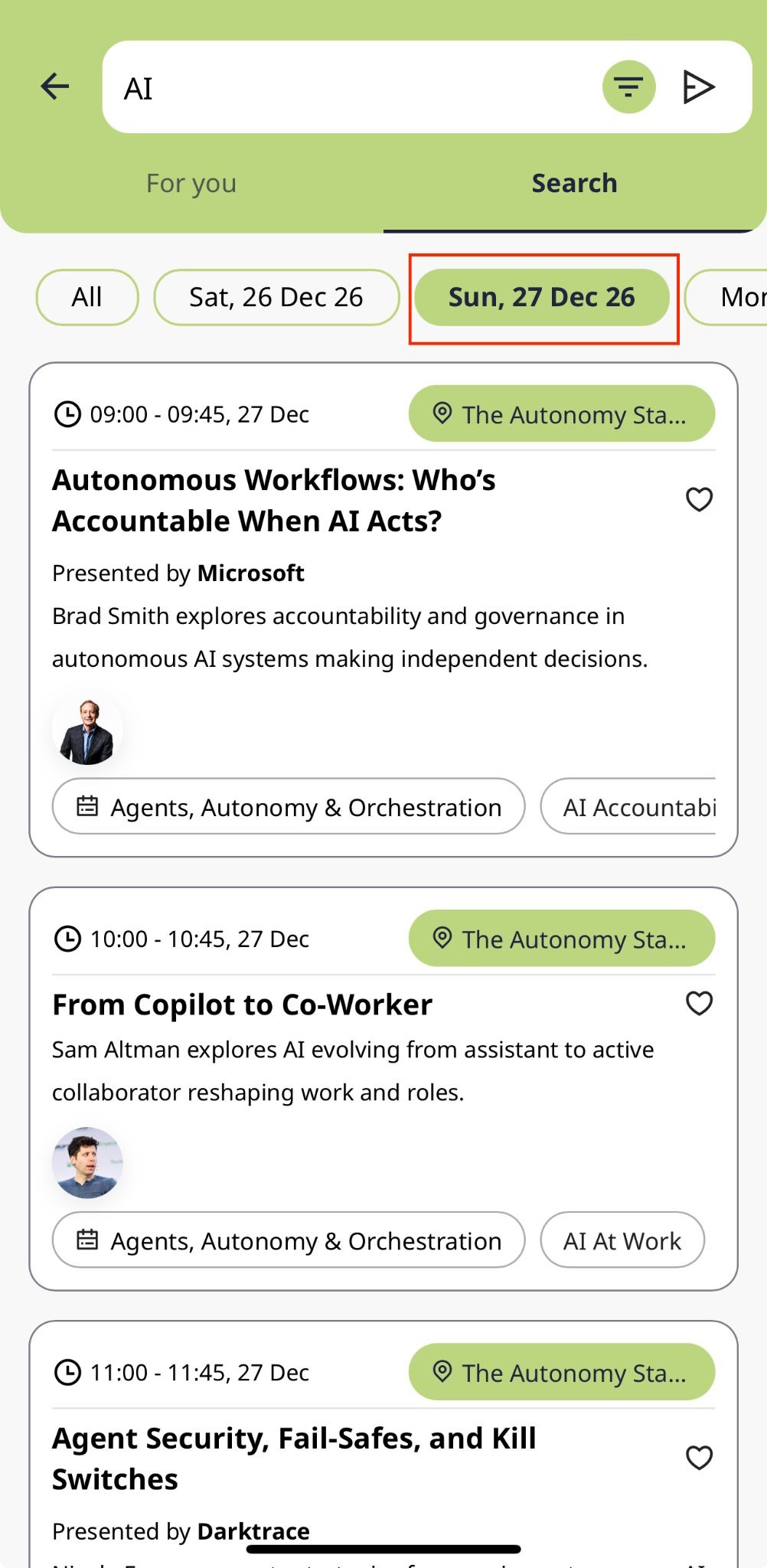
Tap the button on the top bar to view sessions for a specific date.
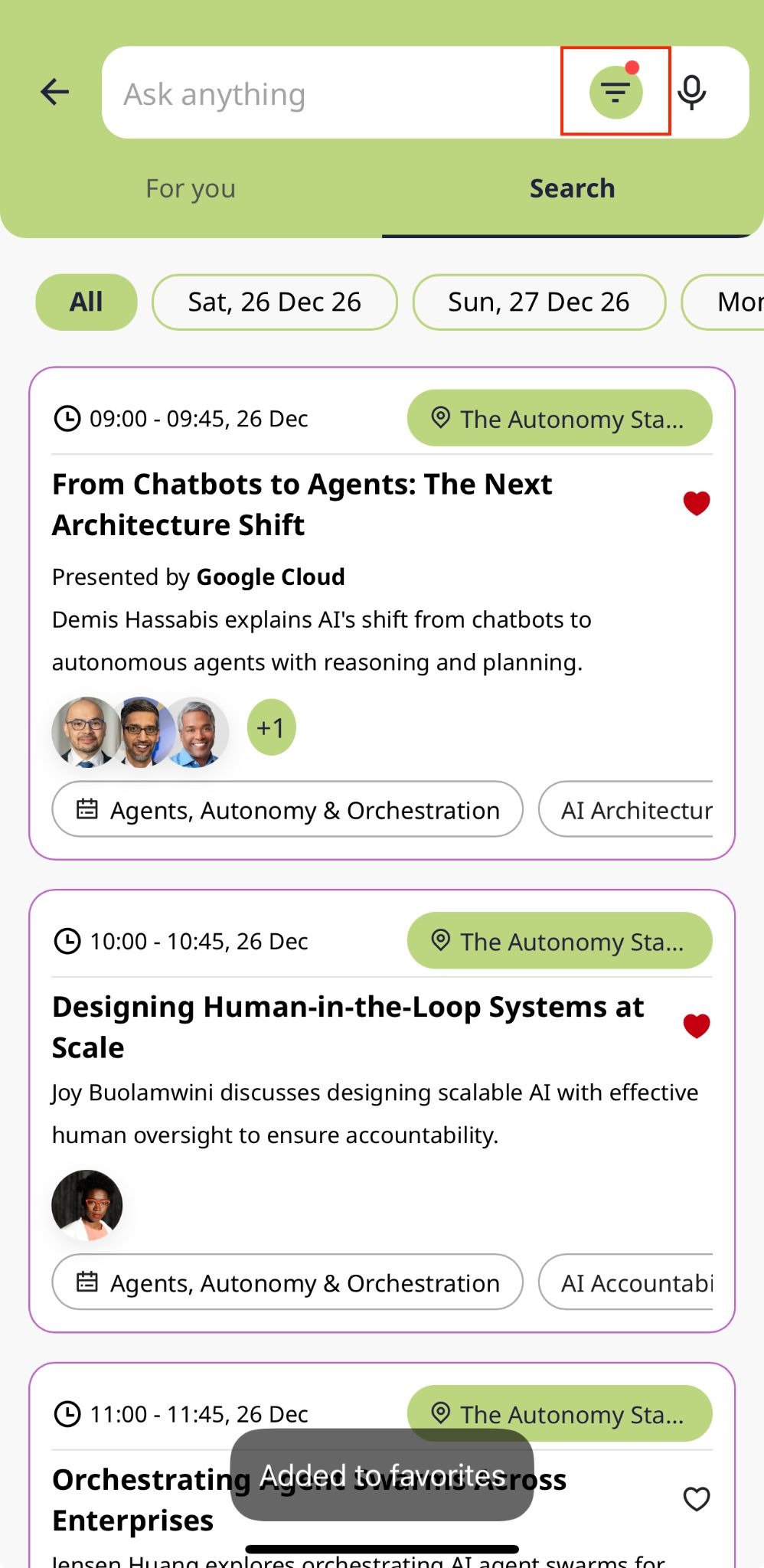
Tap the Filters button, select your desired values, and tap Apply to see the filtered sessions.
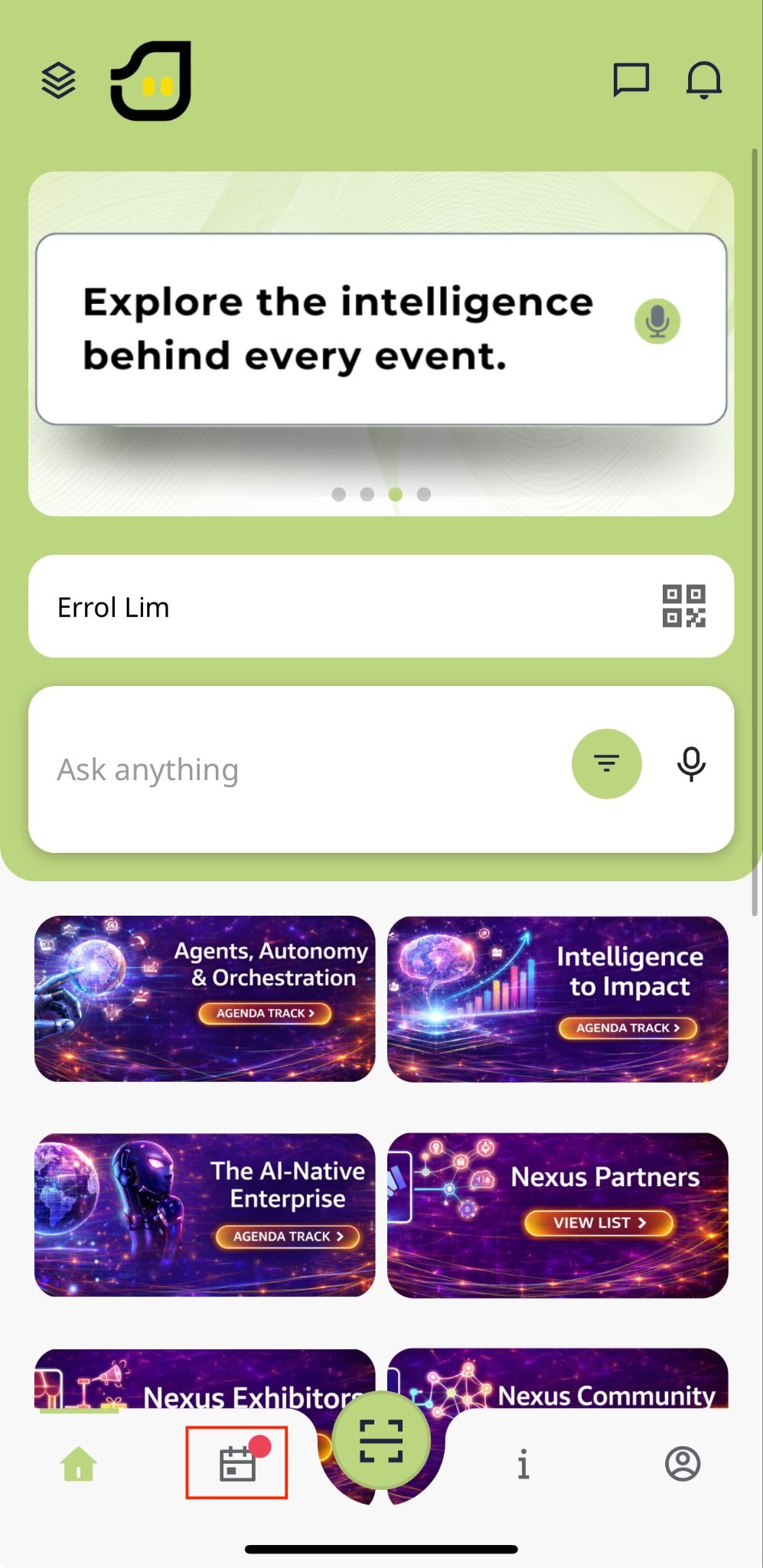
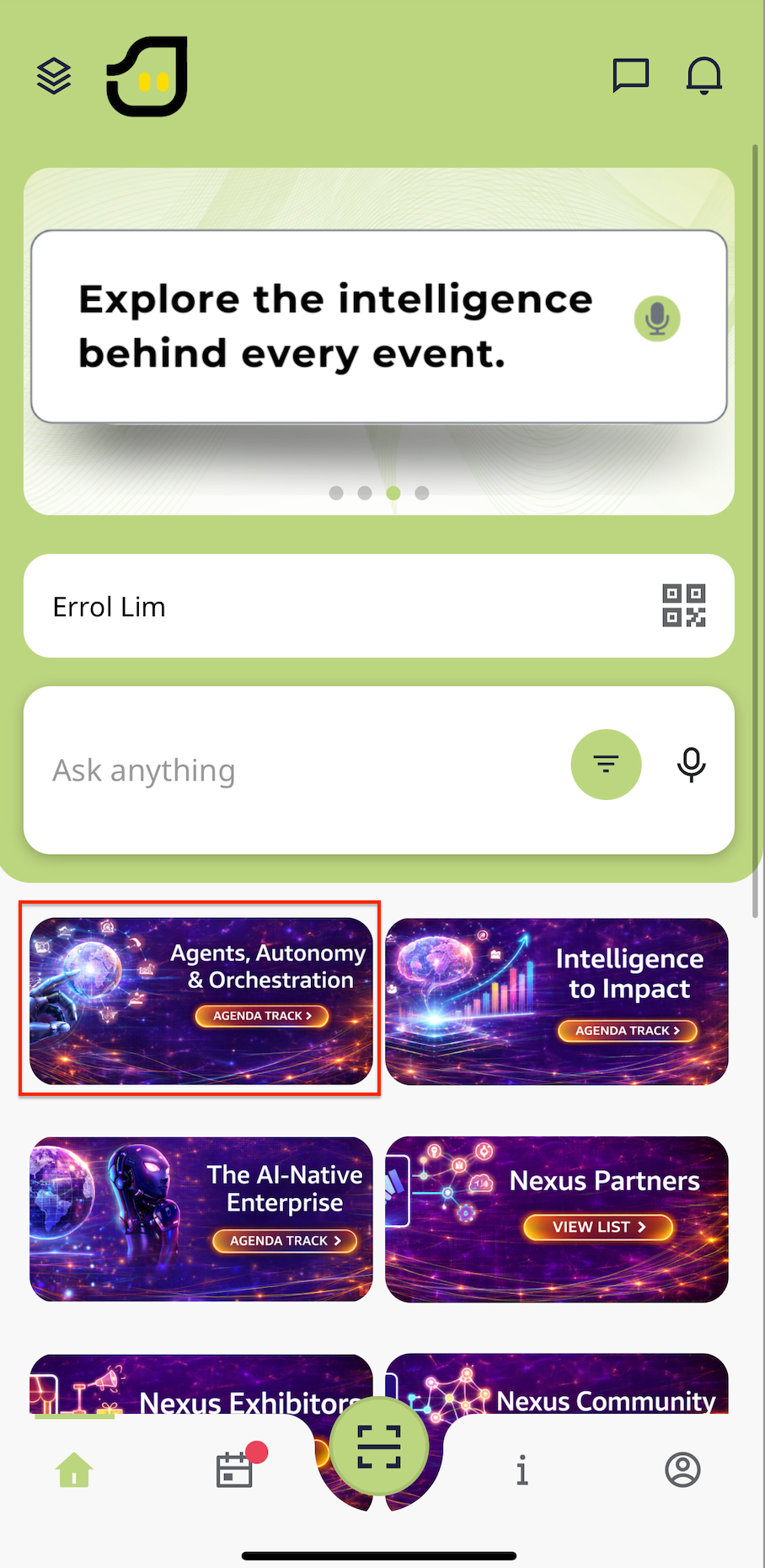
In the Home menu, access the Agenda menu to view the list of sessions.
Mark sessions by tapping the heart icon.
Return to the Home menu, open the Planner menu from the bottom navigation bar, and in the My Schedule tab, you'll find your favorite sessions.