Read this guide in
| 中文 | ภาษาไทย | 한국어 | tiếng Việt | 繁體中文 | Bahasa Indonesia | 日本語 | Español | Portuguese |
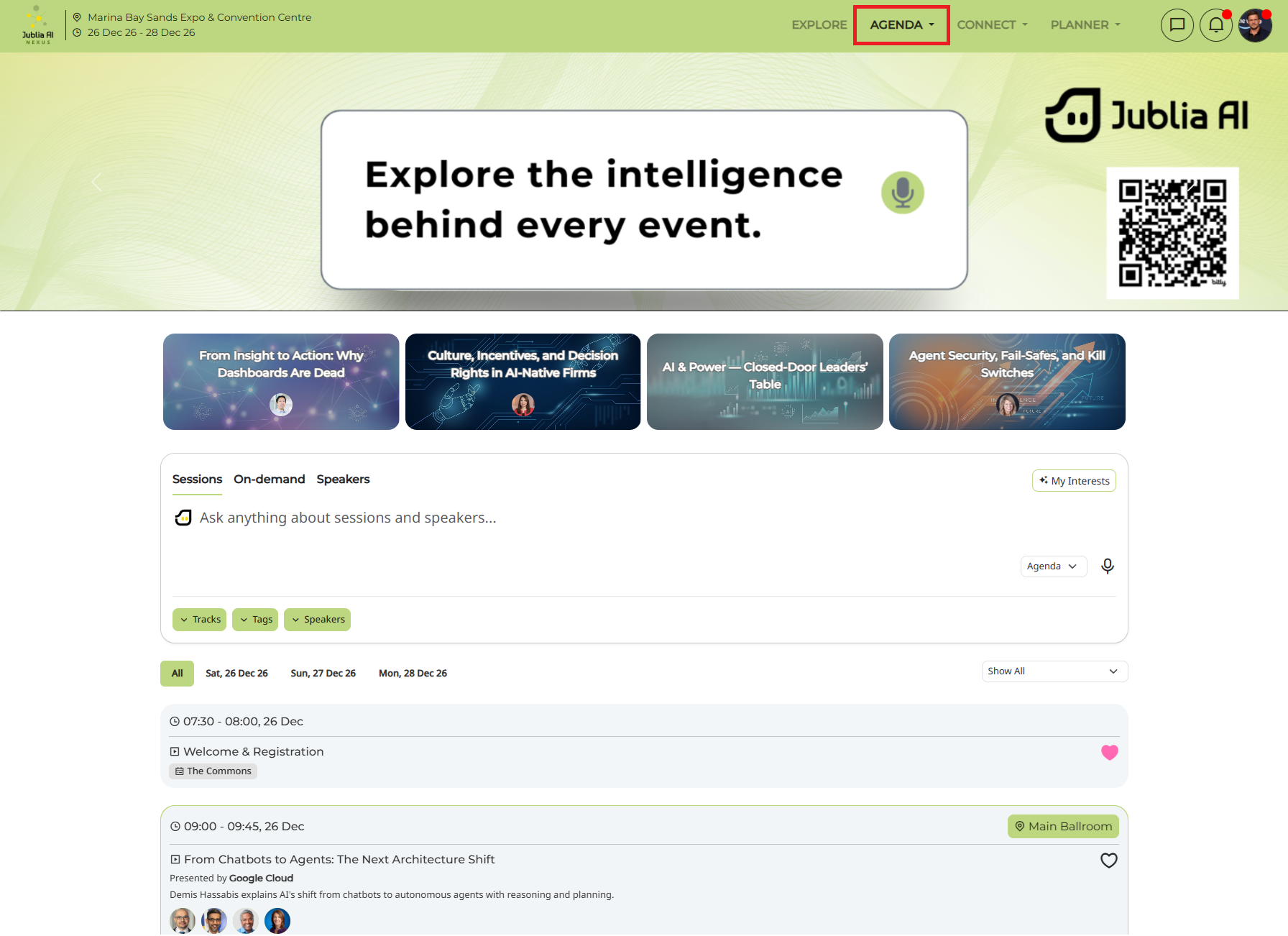
Click the Agenda menu in the top navigation bar, search using keywords or date filters, or select the Session tab to locate the session and click the Video button to start streaming the session.
Note: Session streaming may not be available for all events.
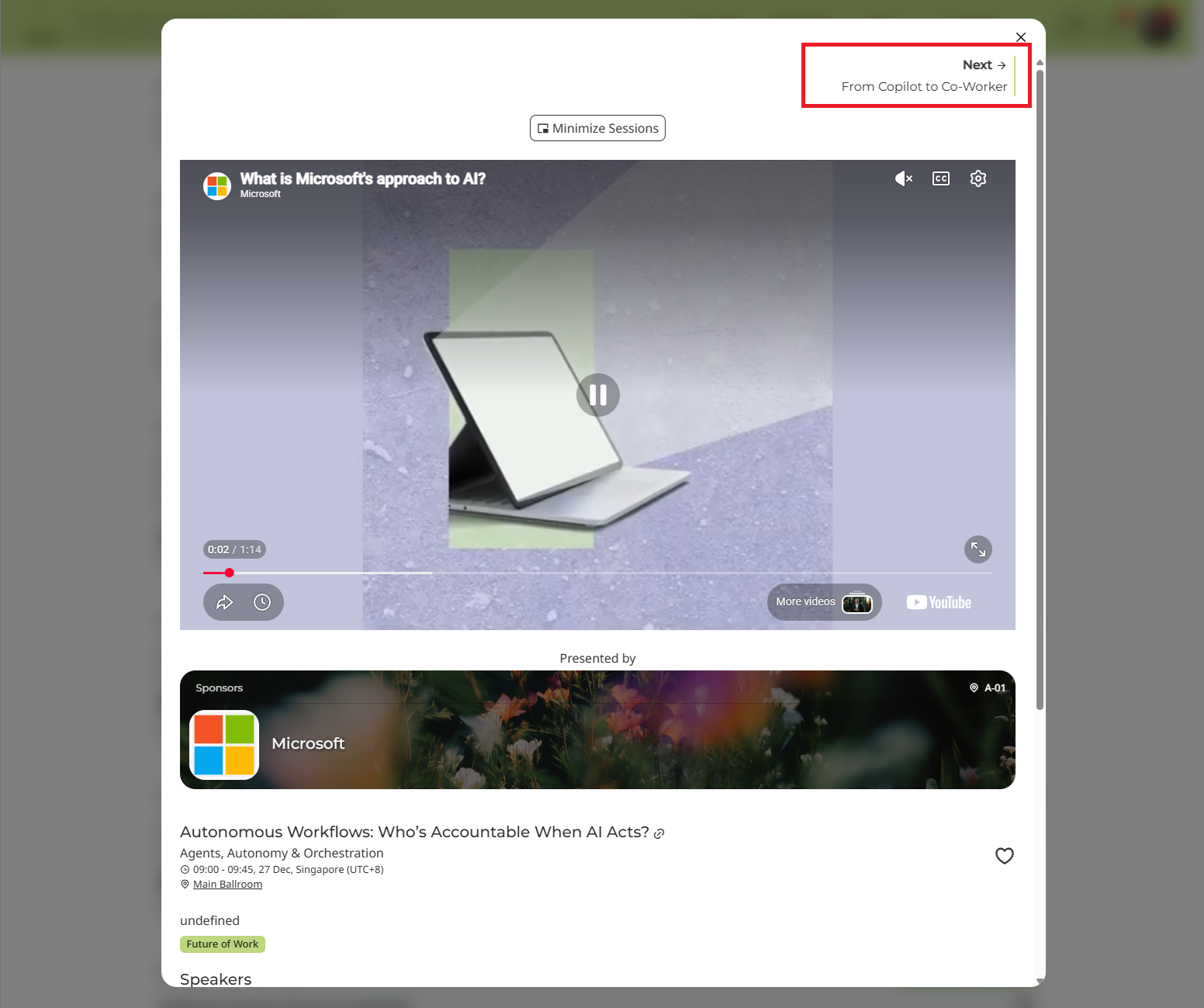
Click next at the top of the session page to move to the next session in the same track and continue watching related content.
You will also be given an agenda session recommendation
When accessing the agenda session, scroll down to the Sessions for you section.
Our platform is built to create the most interactive virtual experience so you can also engage with the speakers live via:
Link to the Presentation Slides
QnA
Rate Session/Speakermakers live via:
How to access this?
Click on the session.
Click the link button provided in the session.
When you are watching or streaming a session, you can make it a picture-in-picture that will allow you to go to another menu
Click Minimize Session above the streaming player
The session will be minimized on the bottom right side.
Please note that you can only watch one (1) session at a time.
In the Home Menu, access the Agenda menu to view the list of sessions.
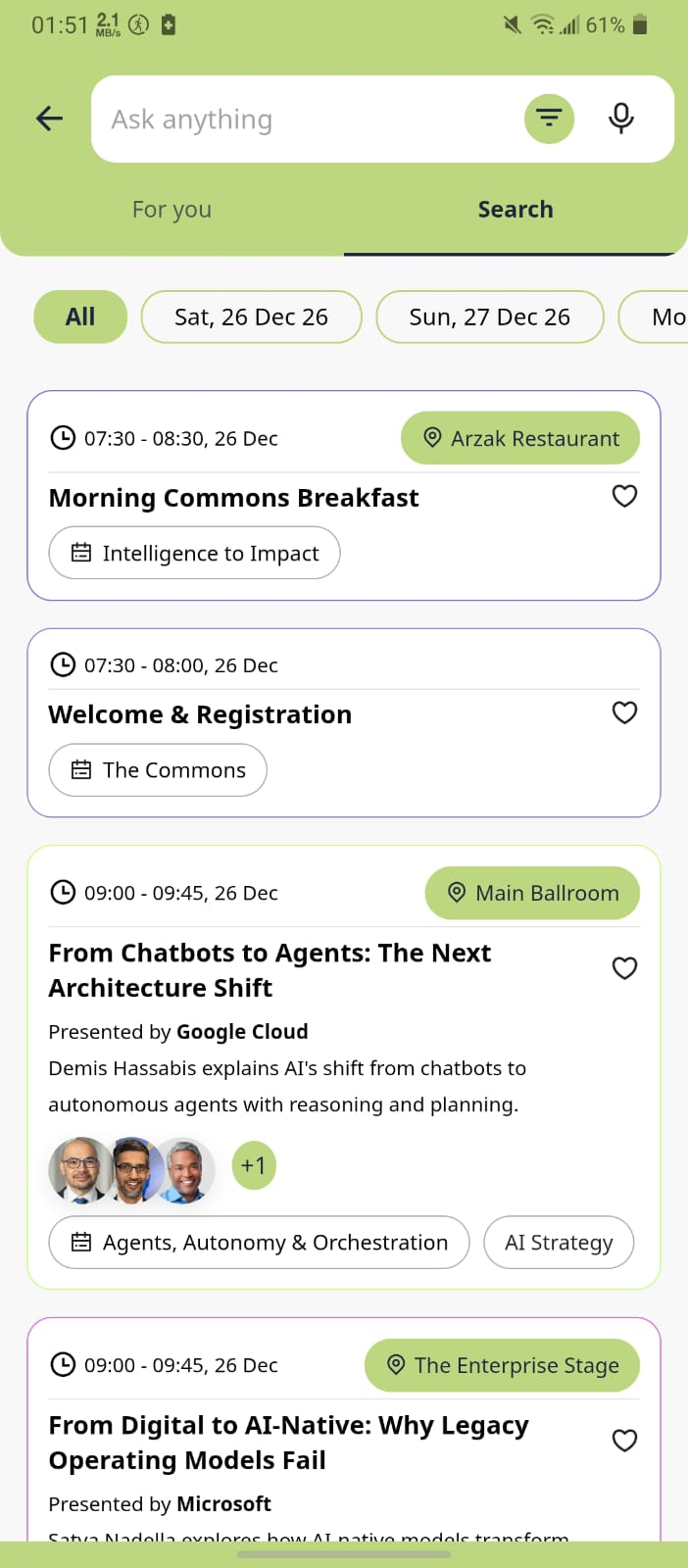
*Note: Not every session might have Session Streaming
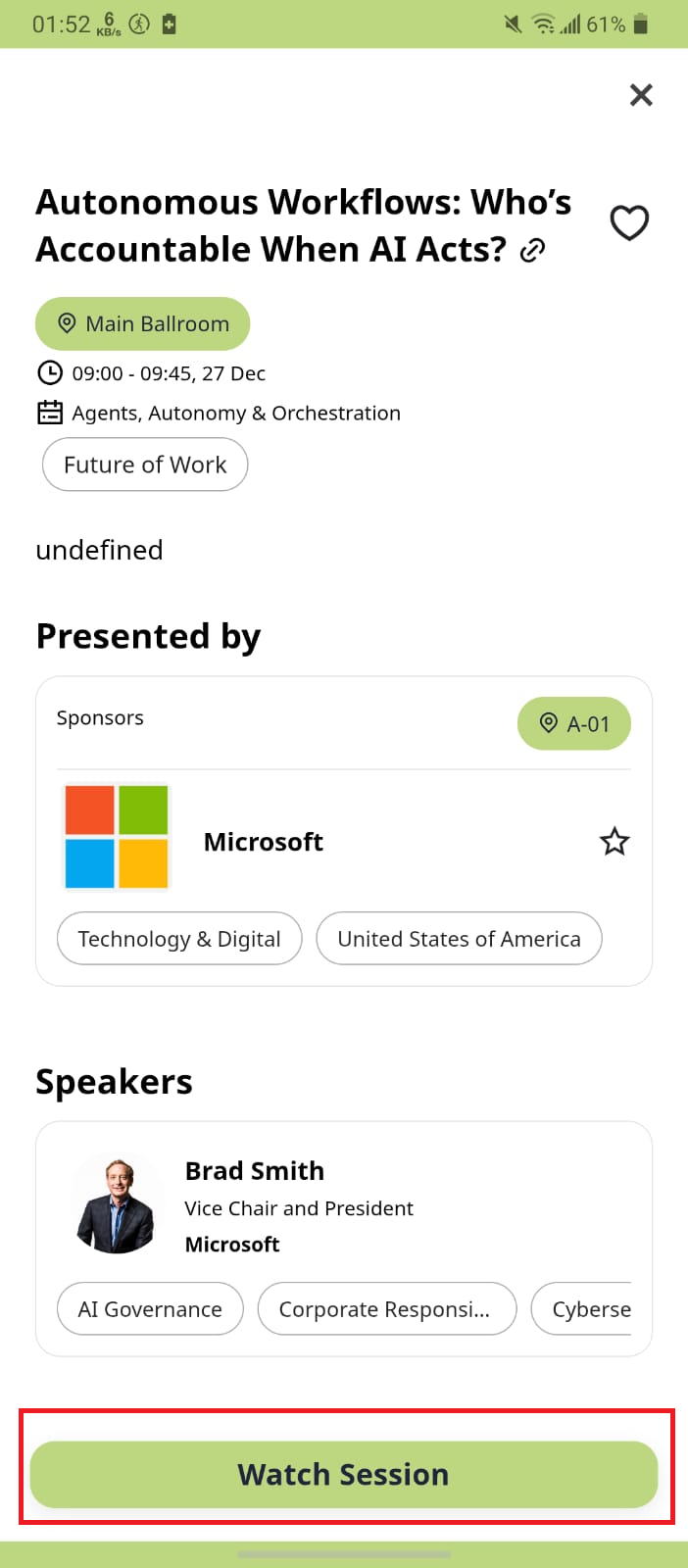
Tap the Watch Session button to start streaming the Session.