Read this guide in
| 中文 | ภาษาไทย | 한국어 | tiếng Việt | 繁體中文 | Bahasa Indonesia | 日本語 | Español | Portuguese |
Click on Connect or Planner on the navigation bar and select the Companies or My Schedule tab to find your target destination.
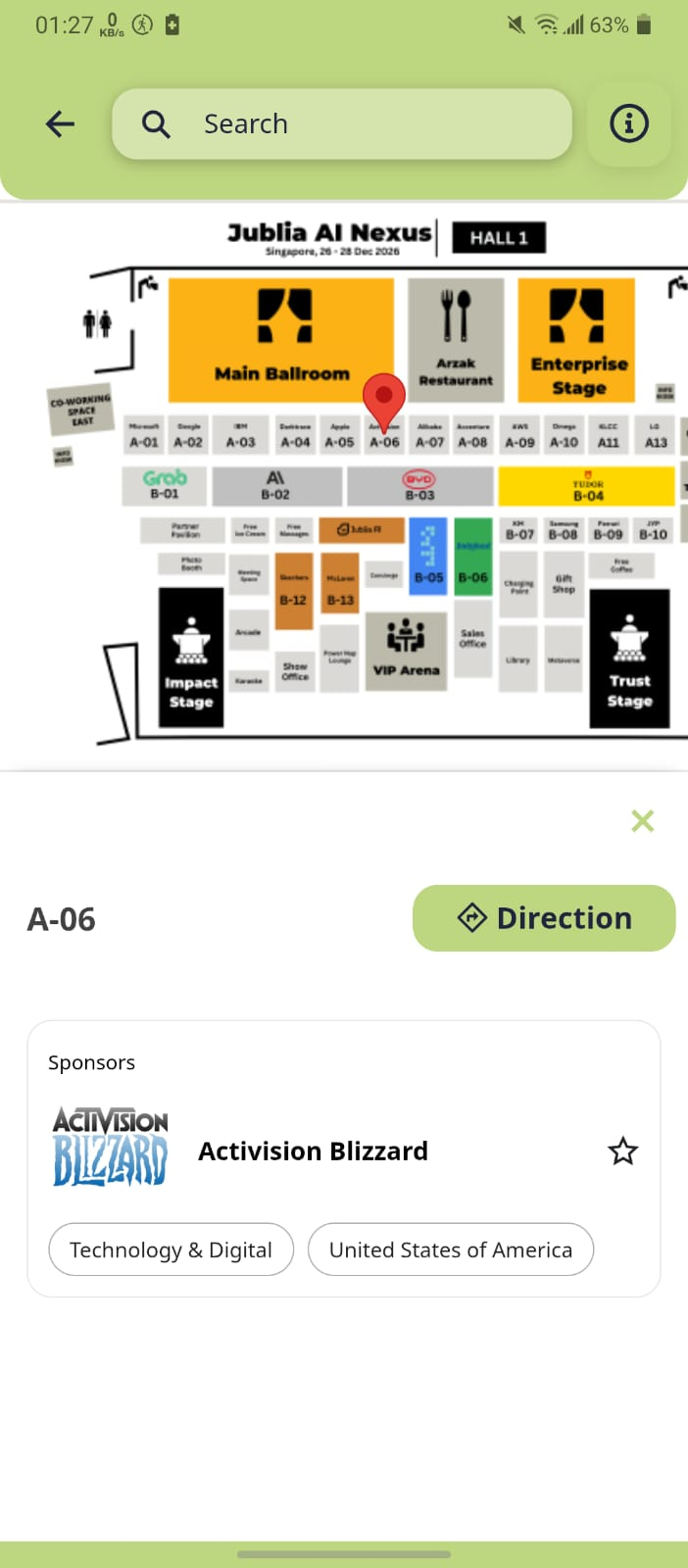
Click the Location pointer icon at the top right corner of any company, meeting, or session card to display its position on the floor plan.
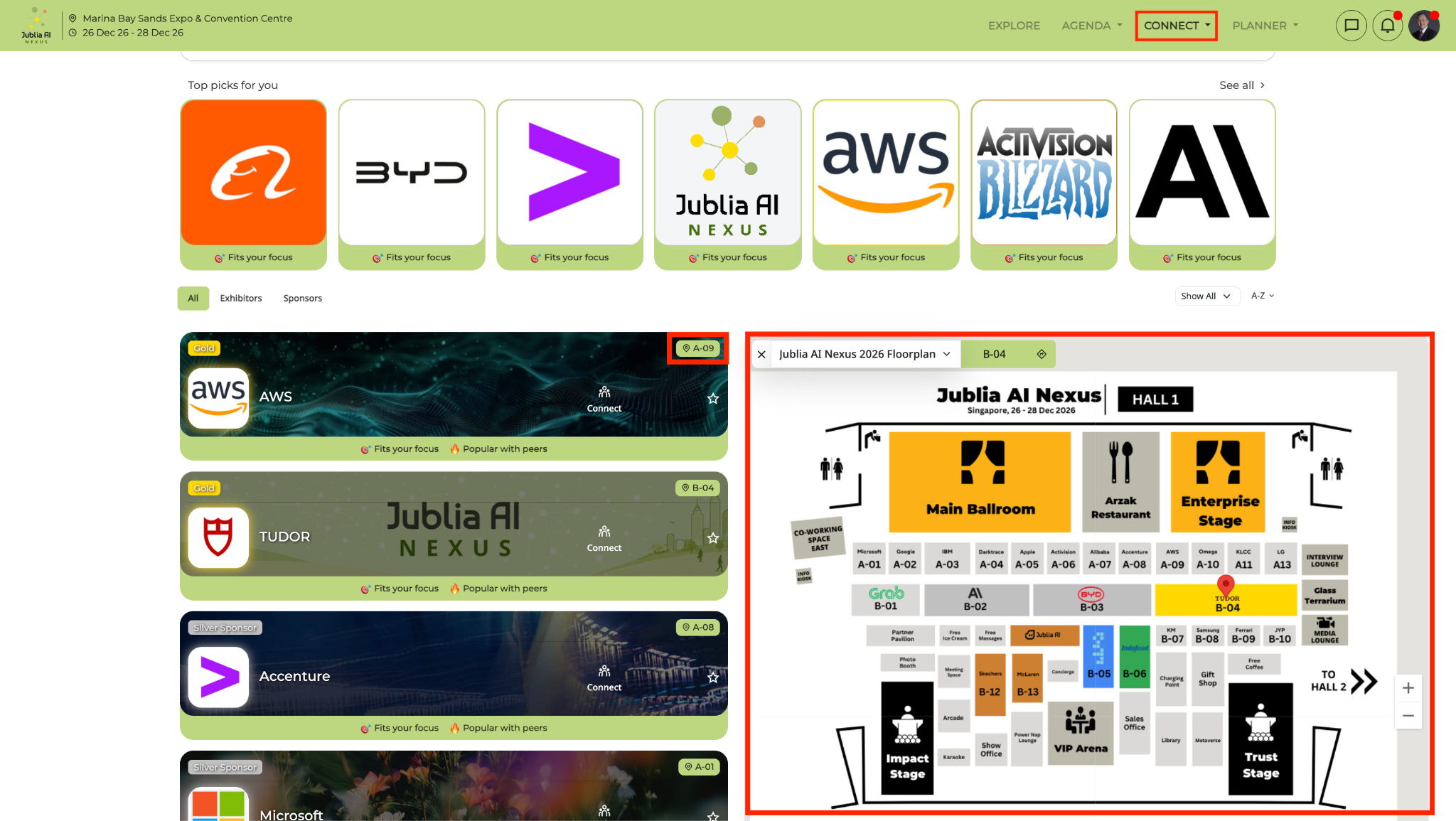
Under the Companies listing, select the companies you’d like to bookmark by clicking on the star icon.
Click on the interactive map located at the bottom of the main Explore page.
AI Maps Clustering intelligently groups your bookmarks into clusters based on their proximity and relevance. This dynamic clustering adjusts in real-time as you zoom in and out on the map, offering a clear and concise view of your bookmarks.
(Please note that the interactive floor plan only works for events with ‘Companies’ listings. For all other events, you may still view the floor plan as a static map.)
Access the Exhibitors menu to view the list of all companies in the app.
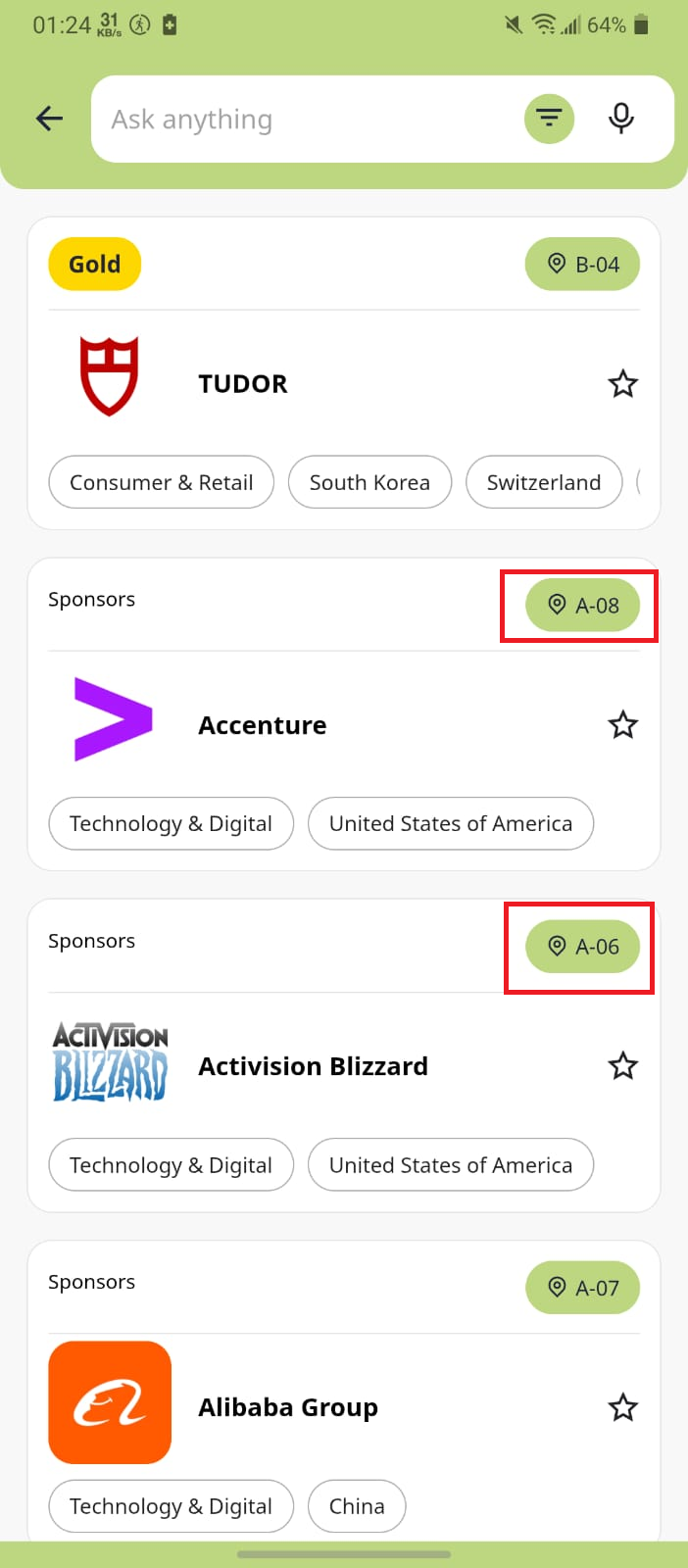
On the Company list page, tap the location pointer in the top right corner for each company to get directions.
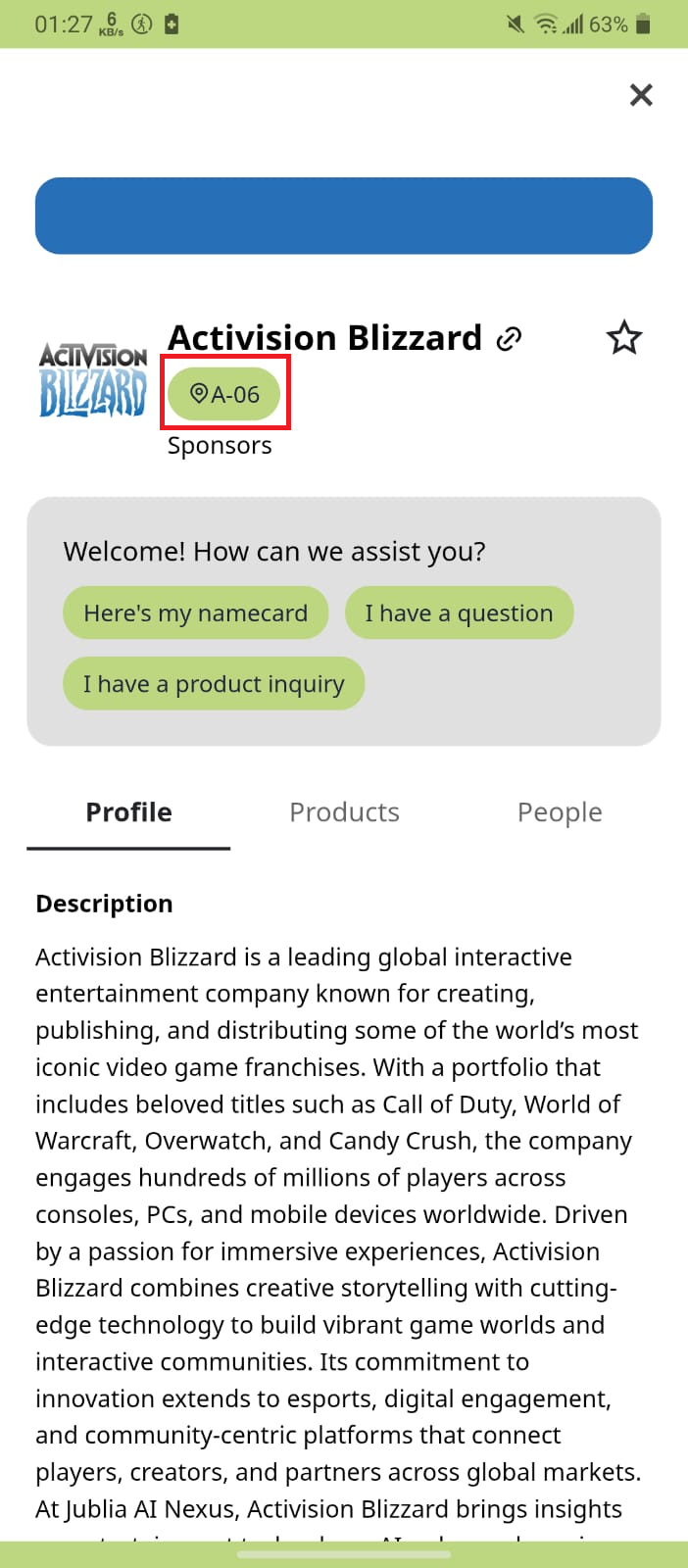
Tap on a company to view its profile details. In the profile, tap the location pointer to get directions to the booth location.
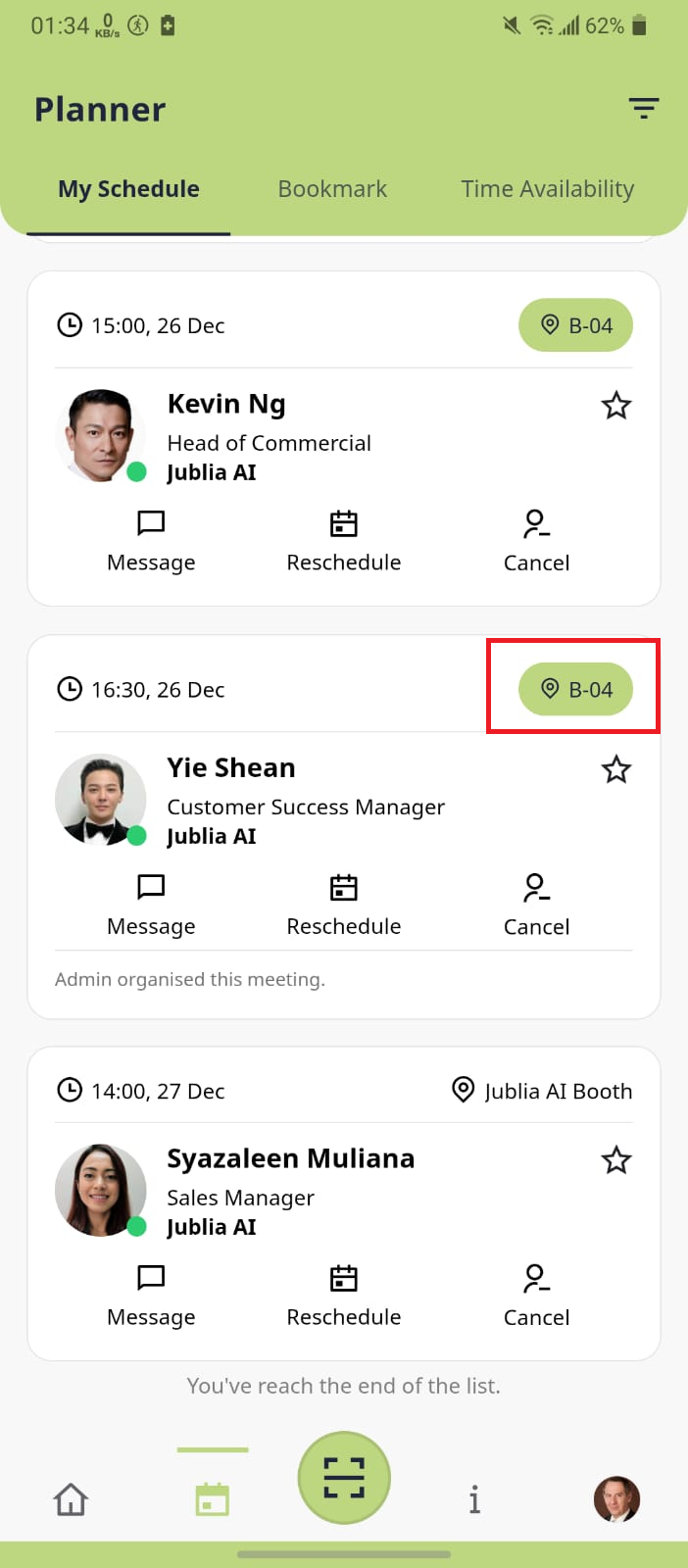
Navigate to the Planner menu using the bottom navigation bar, go to the My Schedule tab, and filter by Meeting.
Onsite meetings are indicated by the map icon in the top right corner. Tap the location pointer, and it will guide you to the meeting location.
*You may use the same steps above for your favorite sessions in your Planner.
In the Home menu, access the Agenda menu to view the list of sessions.
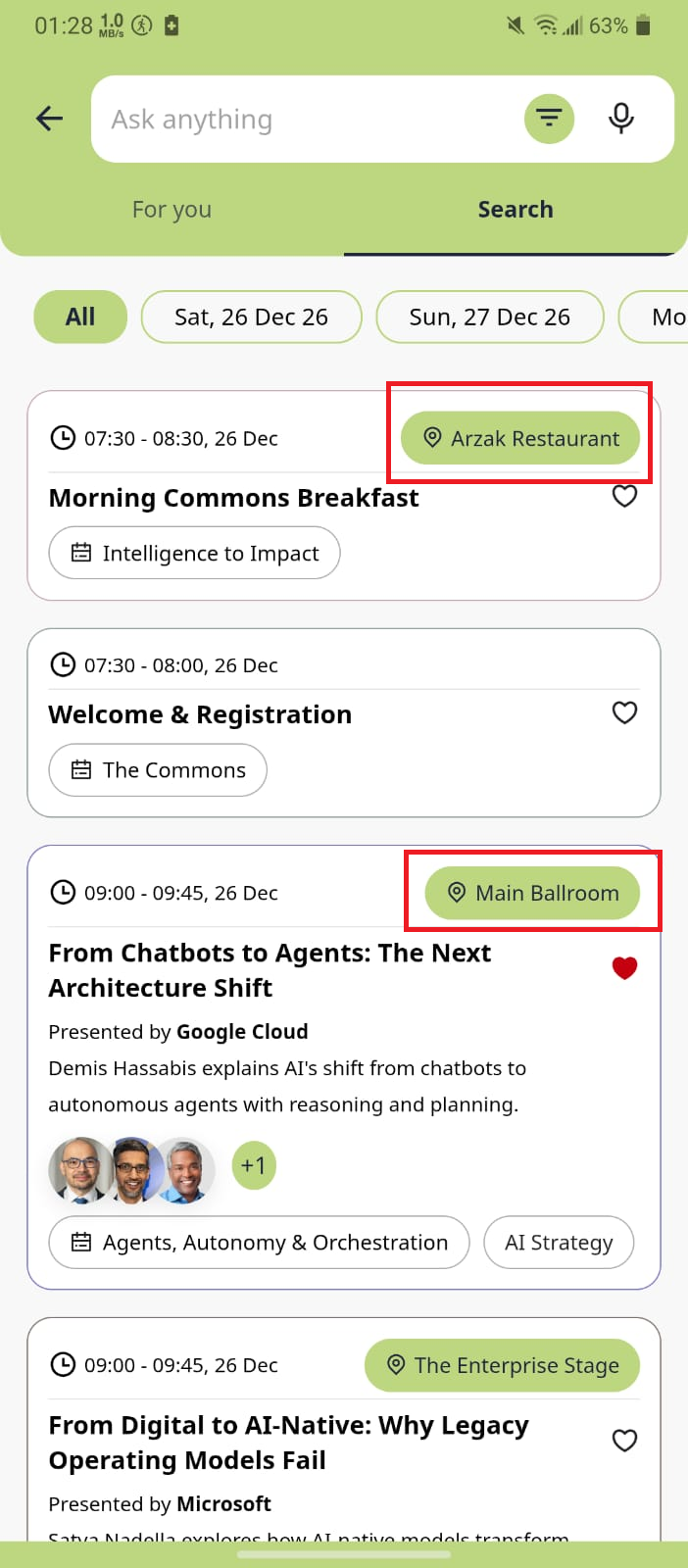
Tap the location pointer next to the session, and it will take you to the floor plan page, showing where the session is being held.
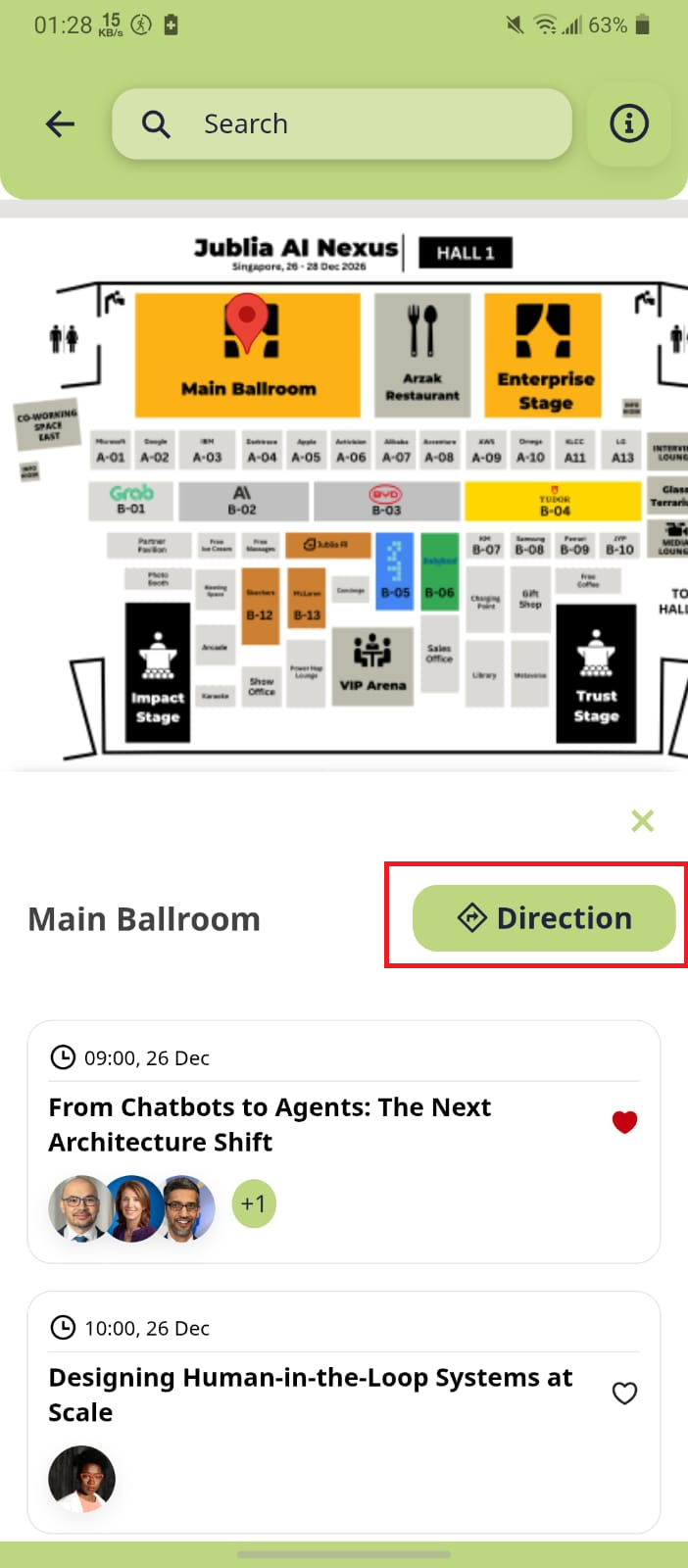
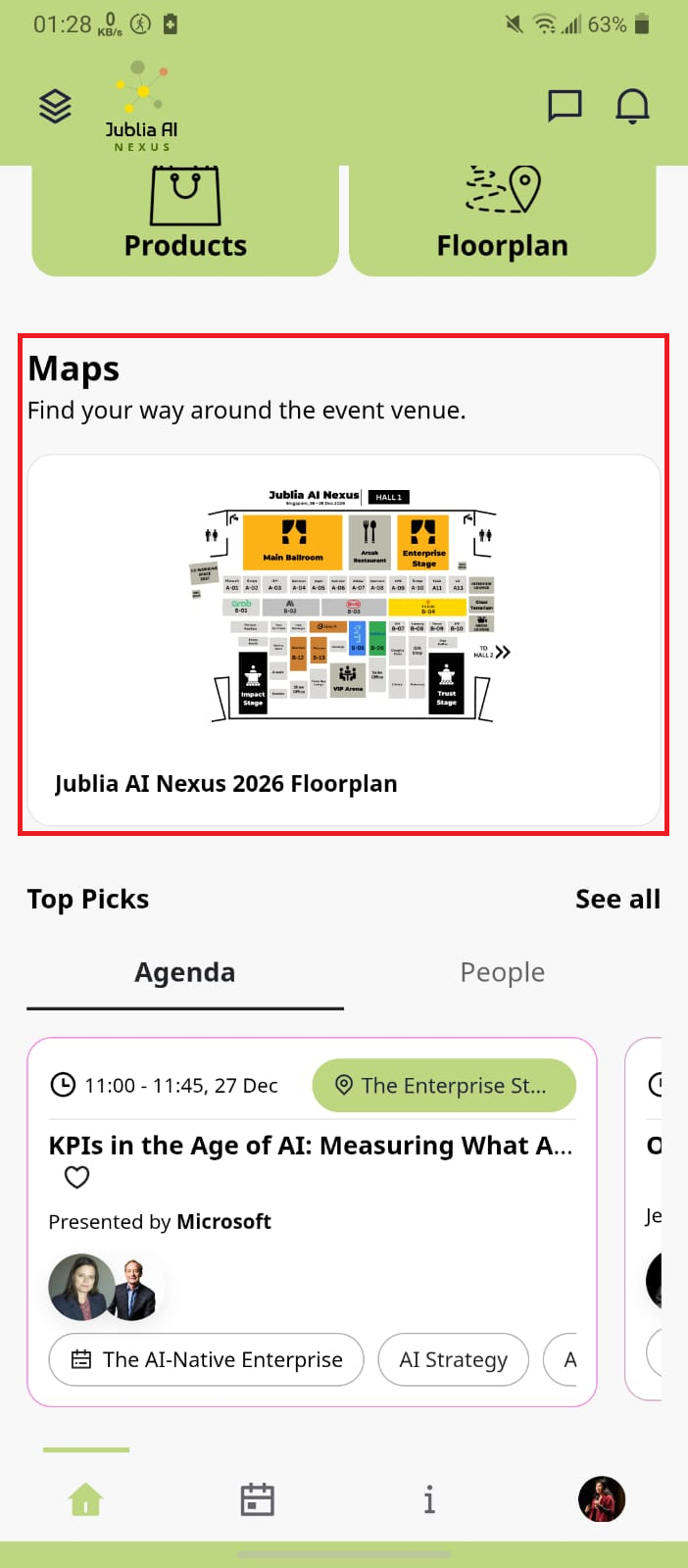
On the Home page menu, scroll down to locate the Maps section.
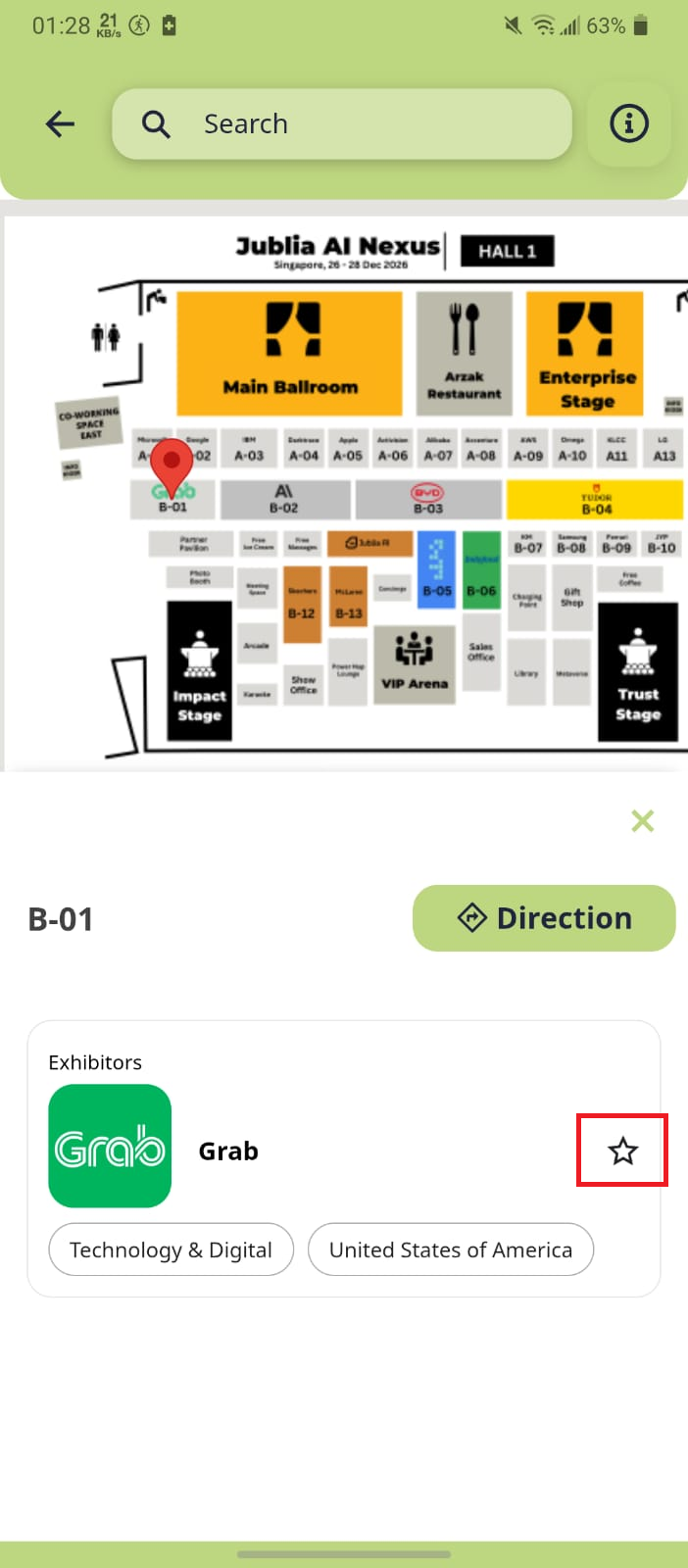
Select your desired destination, then tap Direction and specify your starting point.
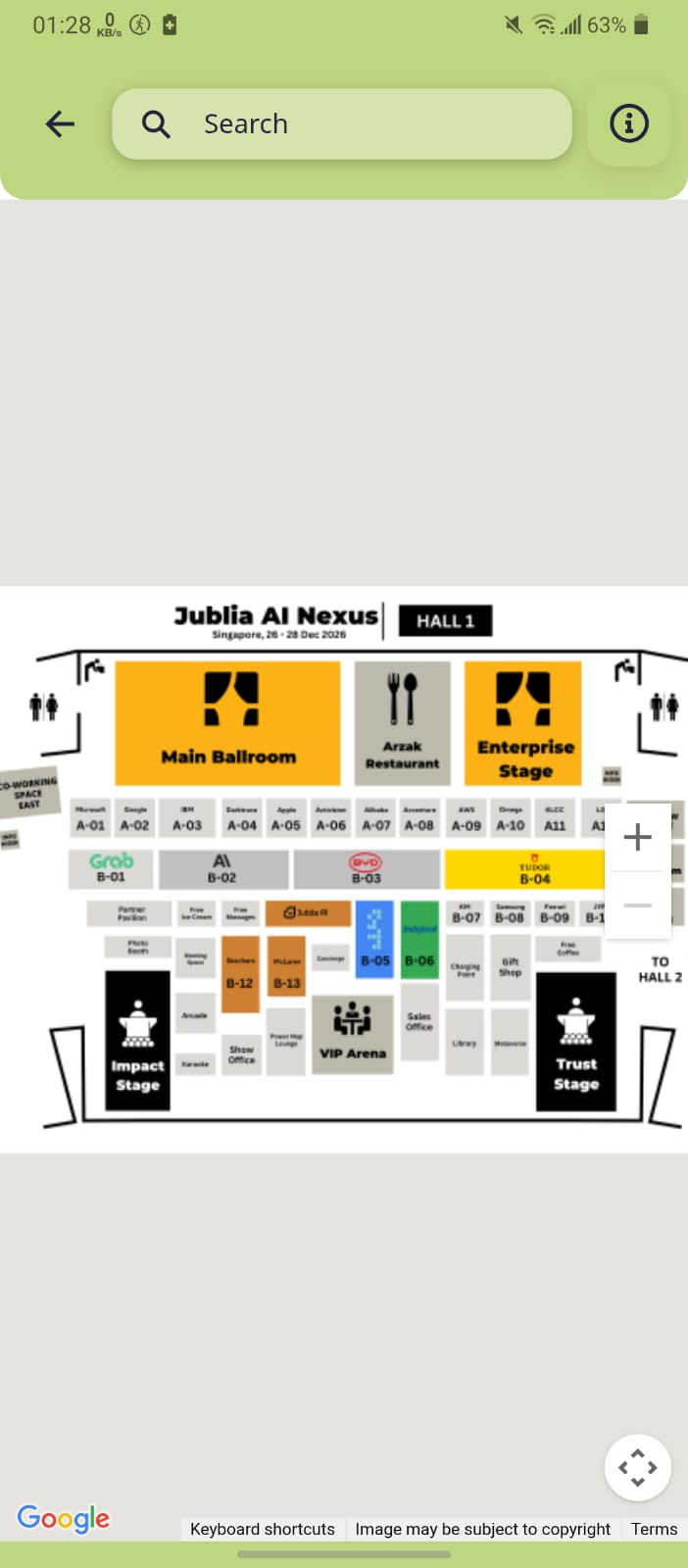
After entering your starting point, the map will generate the route to guide you.
Tap the location pointer to view the company’s location on the map. Bookmarked companies will be indicated by a star icon on the map.