Read this guide in
| 中文 | ภาษาไทย | 한국어 | tiếng Việt | 繁體中文 | Bahasa Indonesia | 日本語 | Español | Portuguese |
Click on the Connect page, then select the Companies in the menu to open the company listing. You can also ask directly from the Explore page.
Click a company from the company listing to open the company profile.
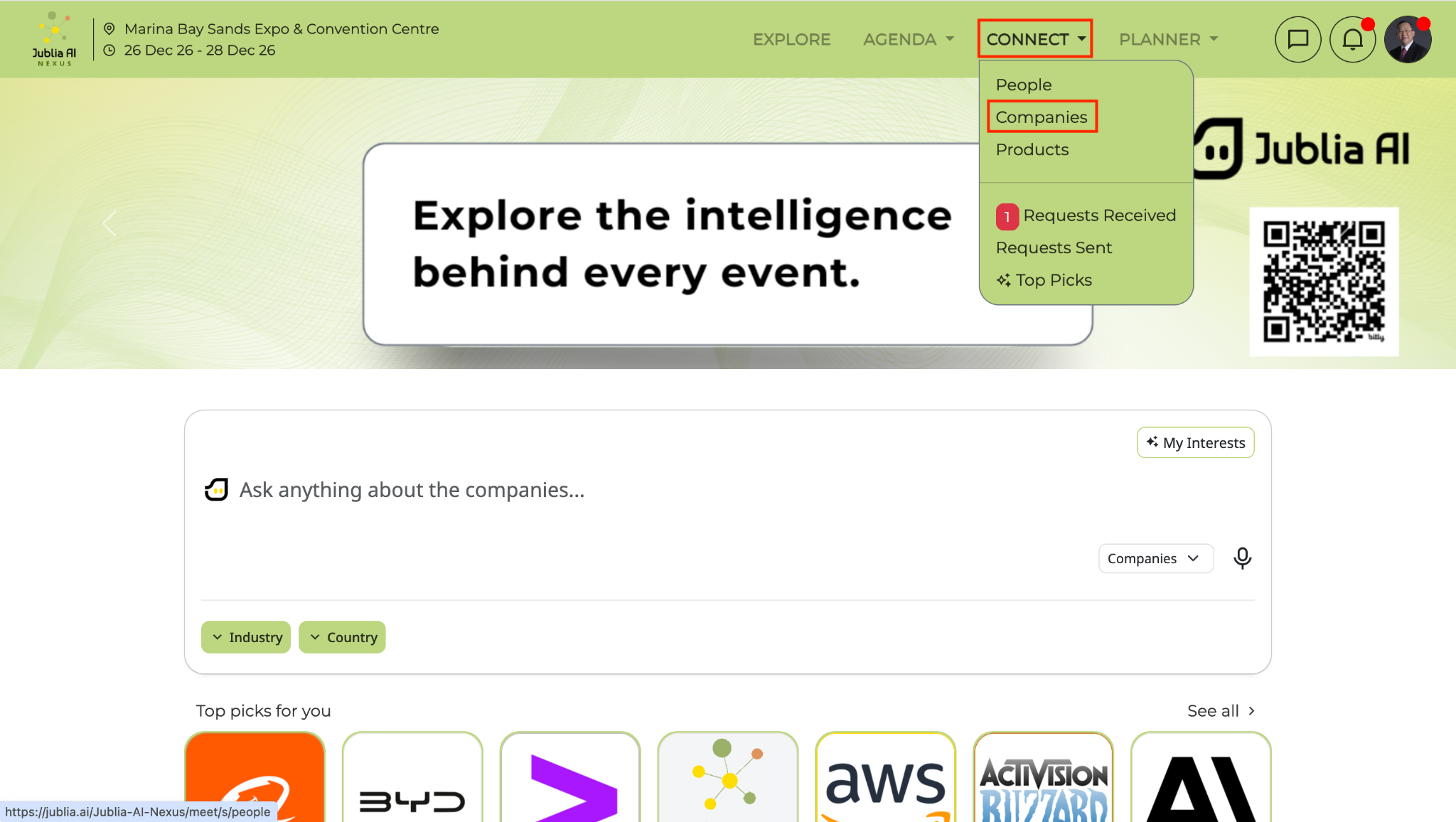
Use the Ask Anything prompt bar then click the send button (arrow icon)
You can also use the dropdown filters located below the Ask Anything prompt bar to refine your results based on specific criteria (eg. Country, Product & Service, Industry, etc).
Click the Products tab within the company profile to display all available products.
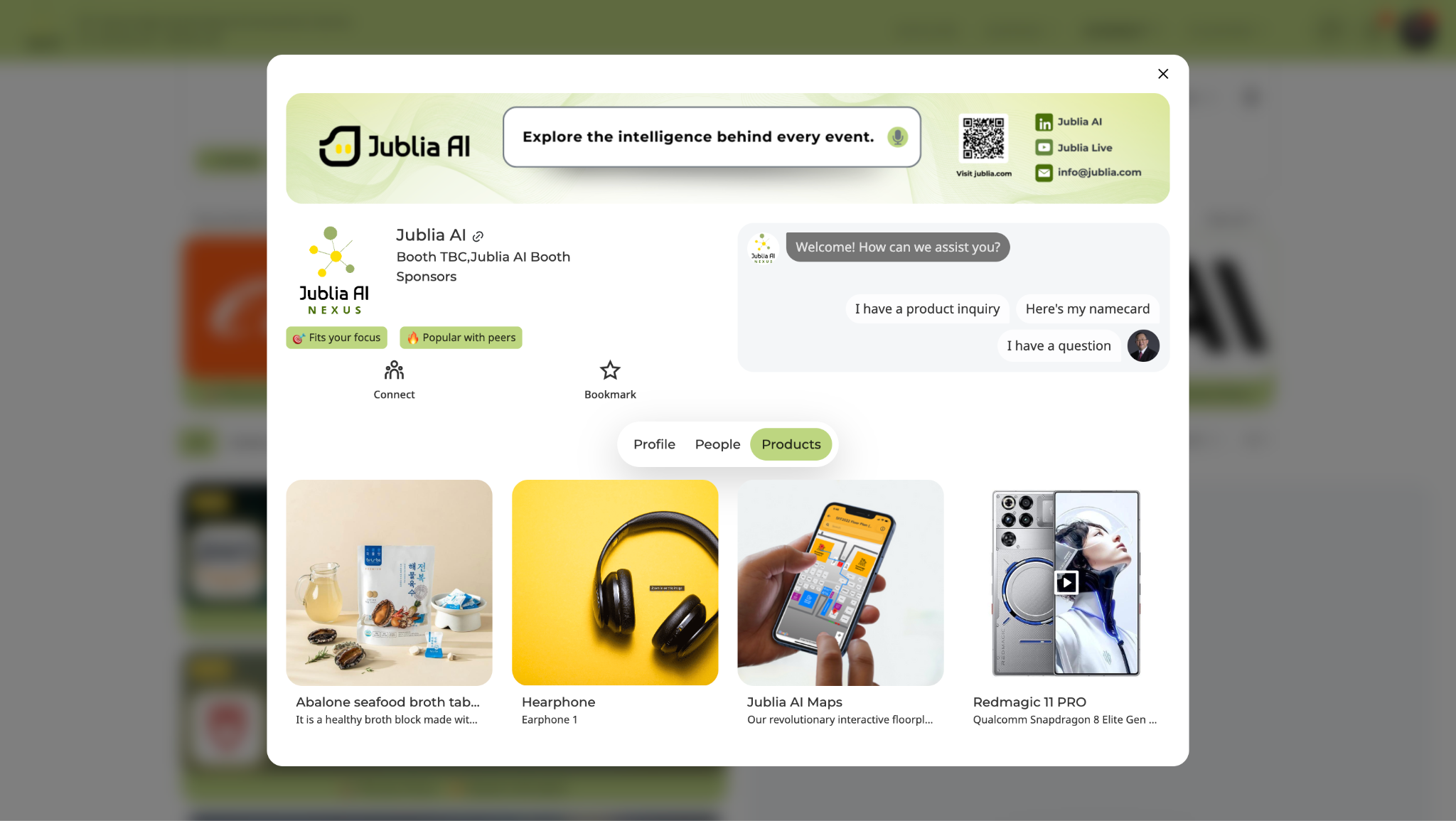
Click on a specific product card to view the detailed product information.
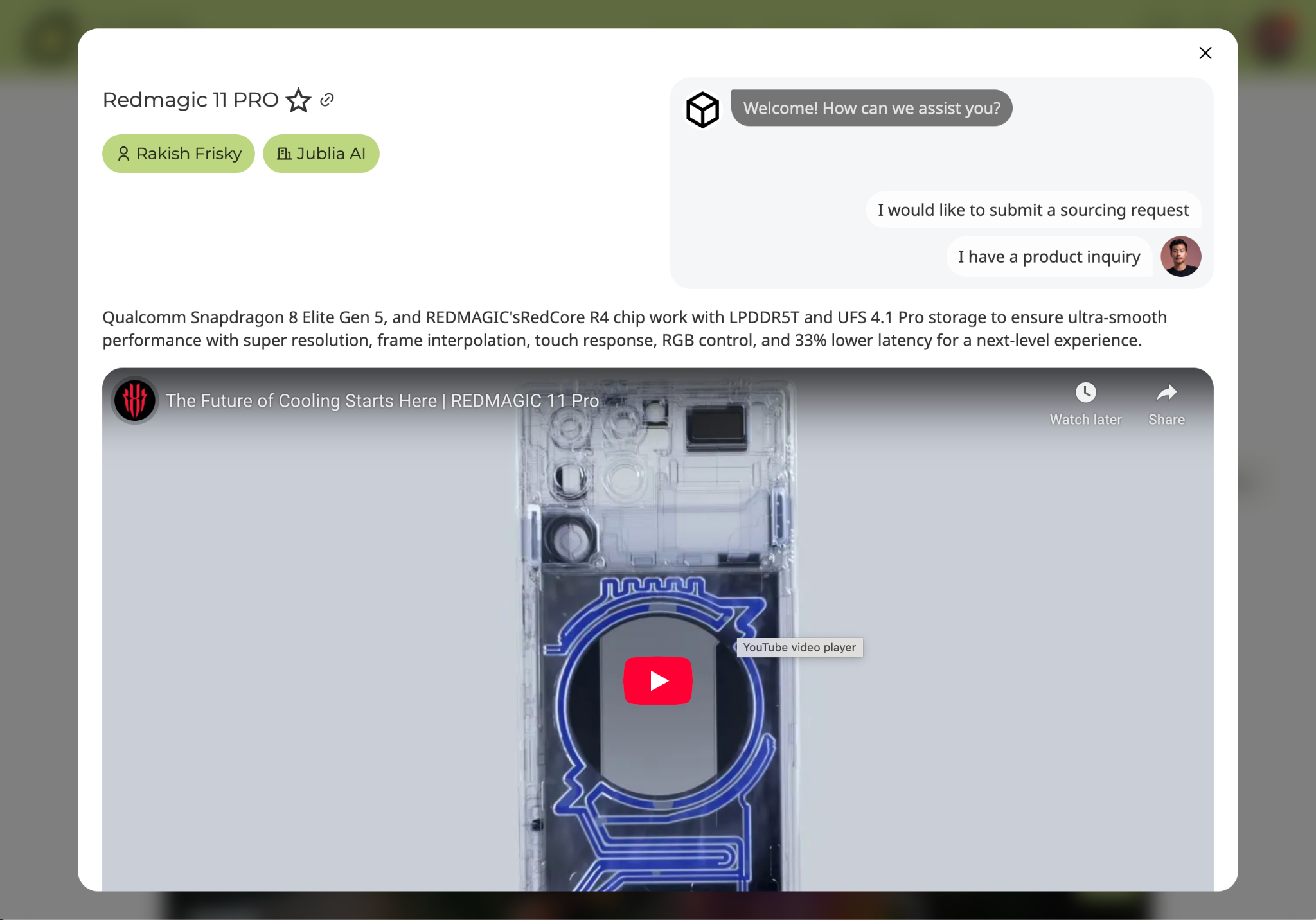
Click on the Connect page, then select the Products in the menu to open the product listing
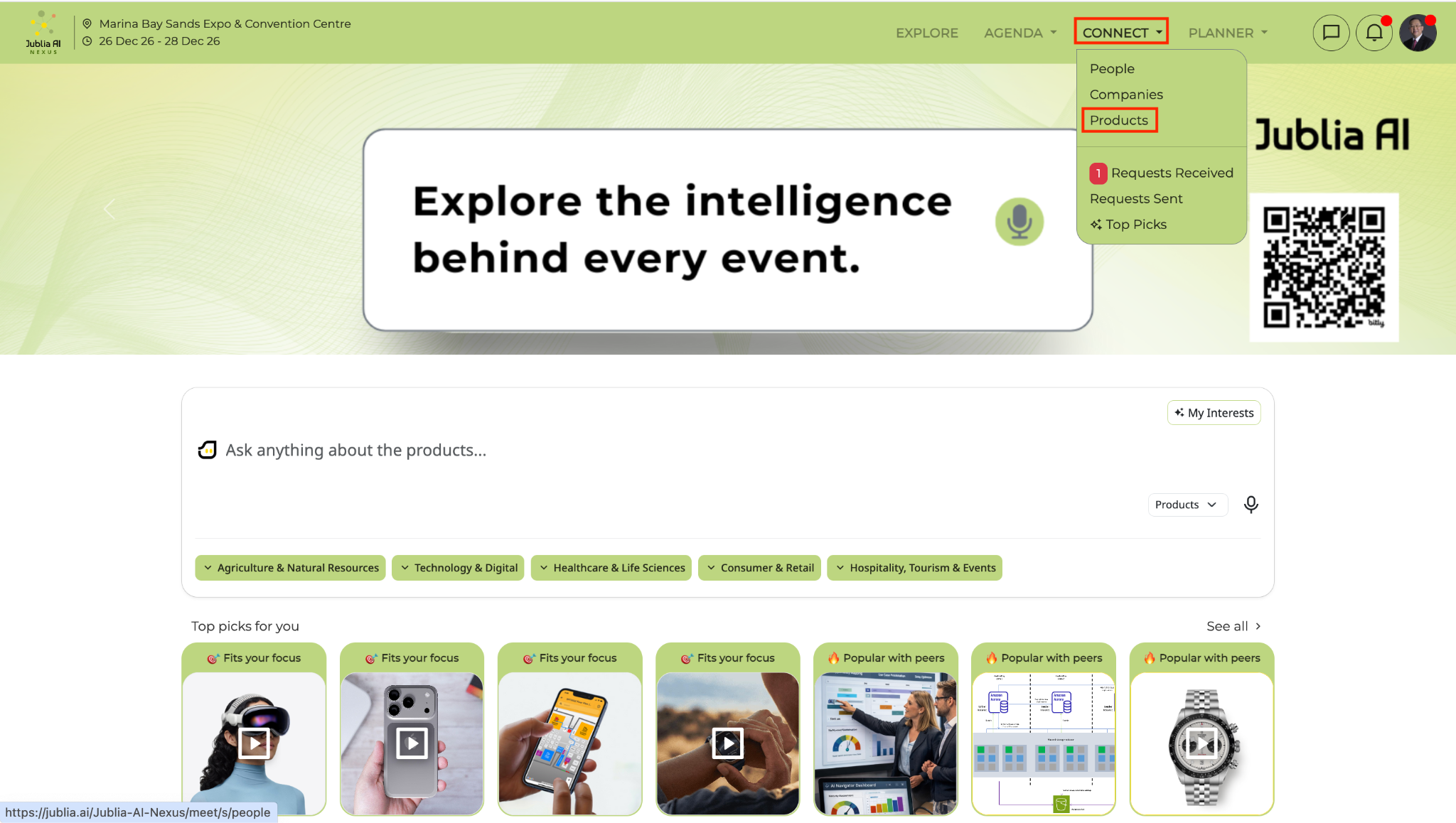
Click a product from the product listing to open the information.
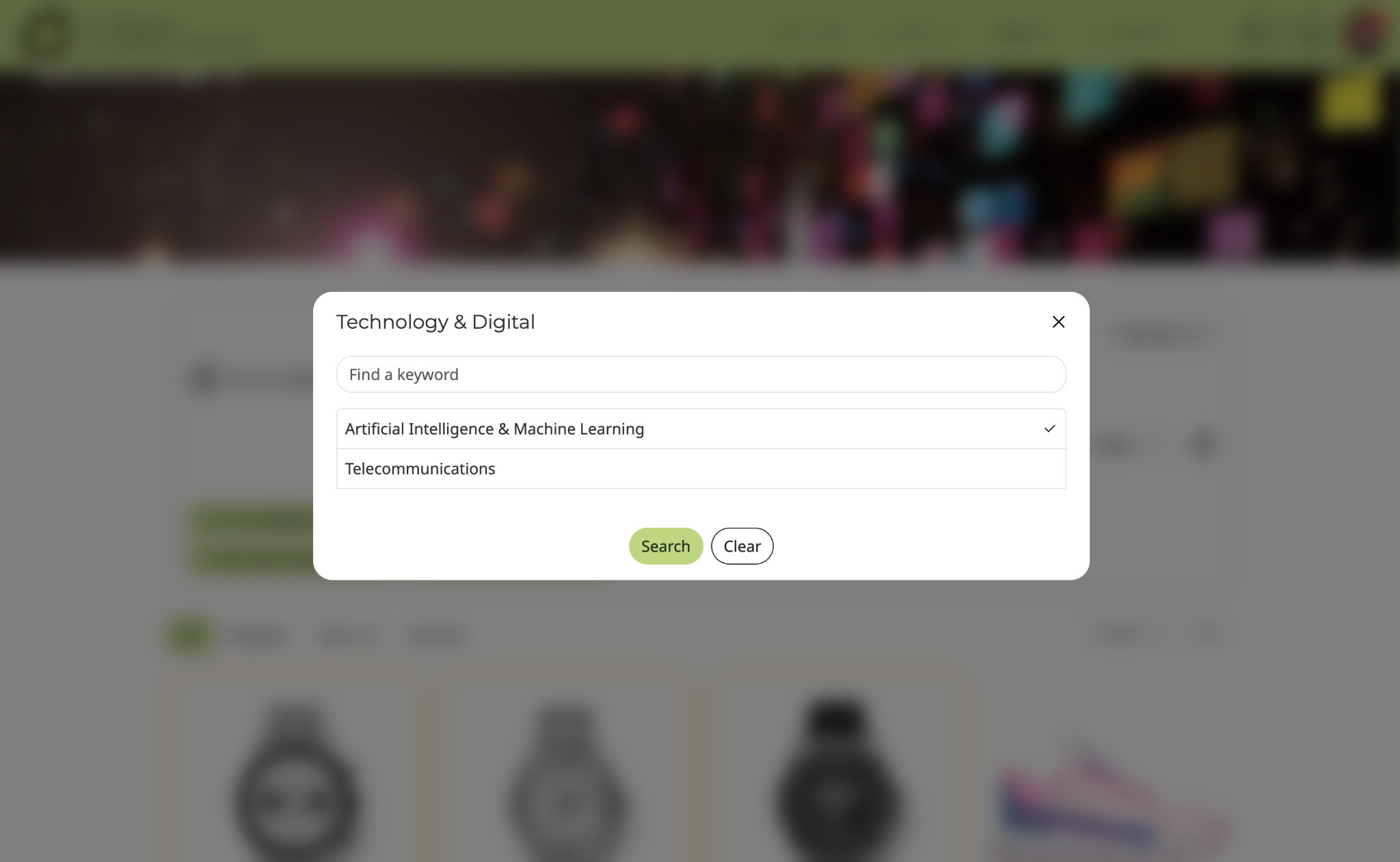
You may utilize the Ask Anything prompt bar or the dropdown filters to narrow down the search for the product.
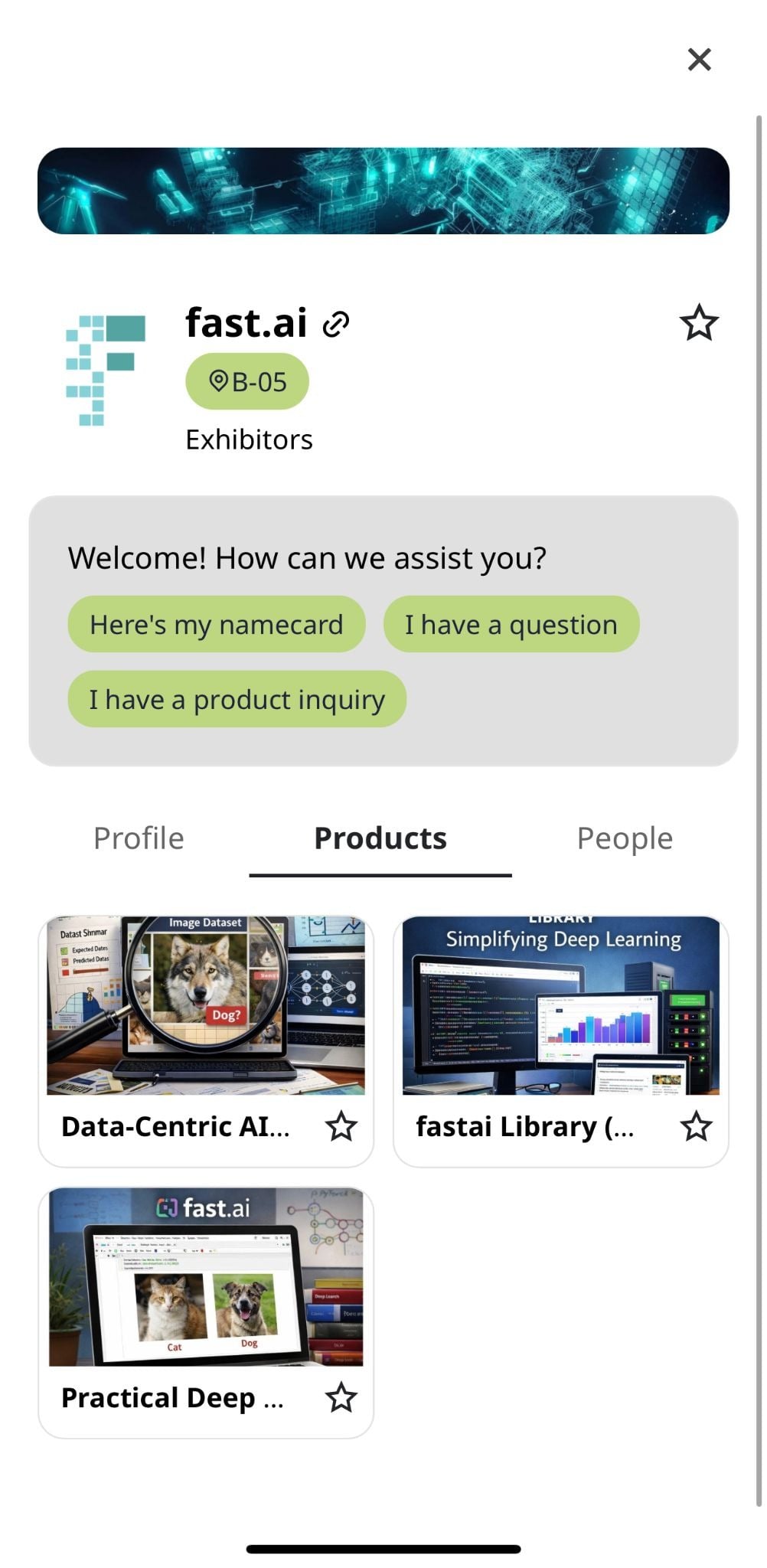
Access the Exhibitors menu to view the list of all companies in the app. You can also ask directly from the Home page.
Tap a company name to open the company profile and check if product information is available.
Tap the Products section within the company profile to see the list of uploaded products.