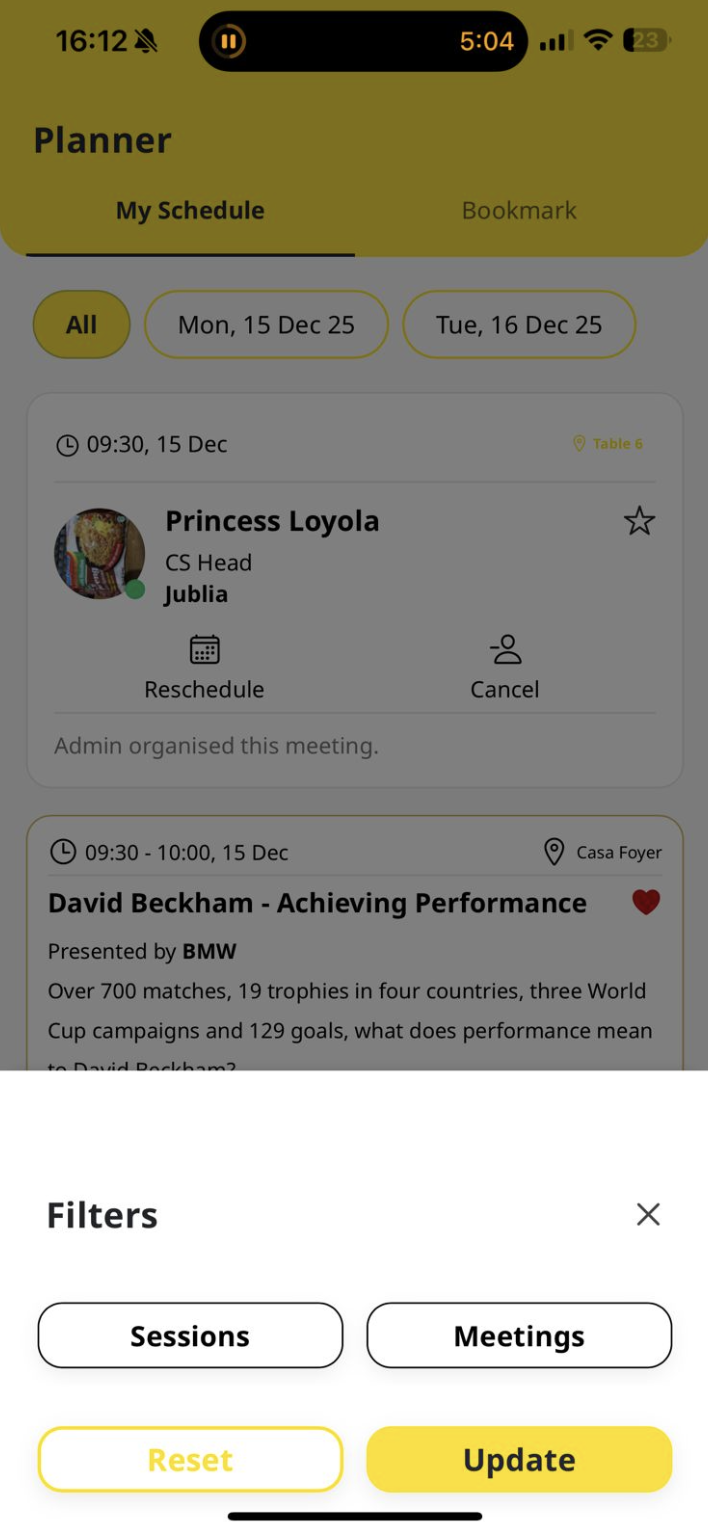
Native Planner
You can bookmark or favorite any sessions by tapping on the heart in the Agenda Session.
Session Bookmark
You can bookmark or favorite any sessions by tapping on the heart in the Agenda Session.
Read this guide in
| 中文 | ภาษาไทย | 한국어 | tiếng Việt | 繁體中文 | Bahasa Indonesia | 日本語 | Español | Portuguese |
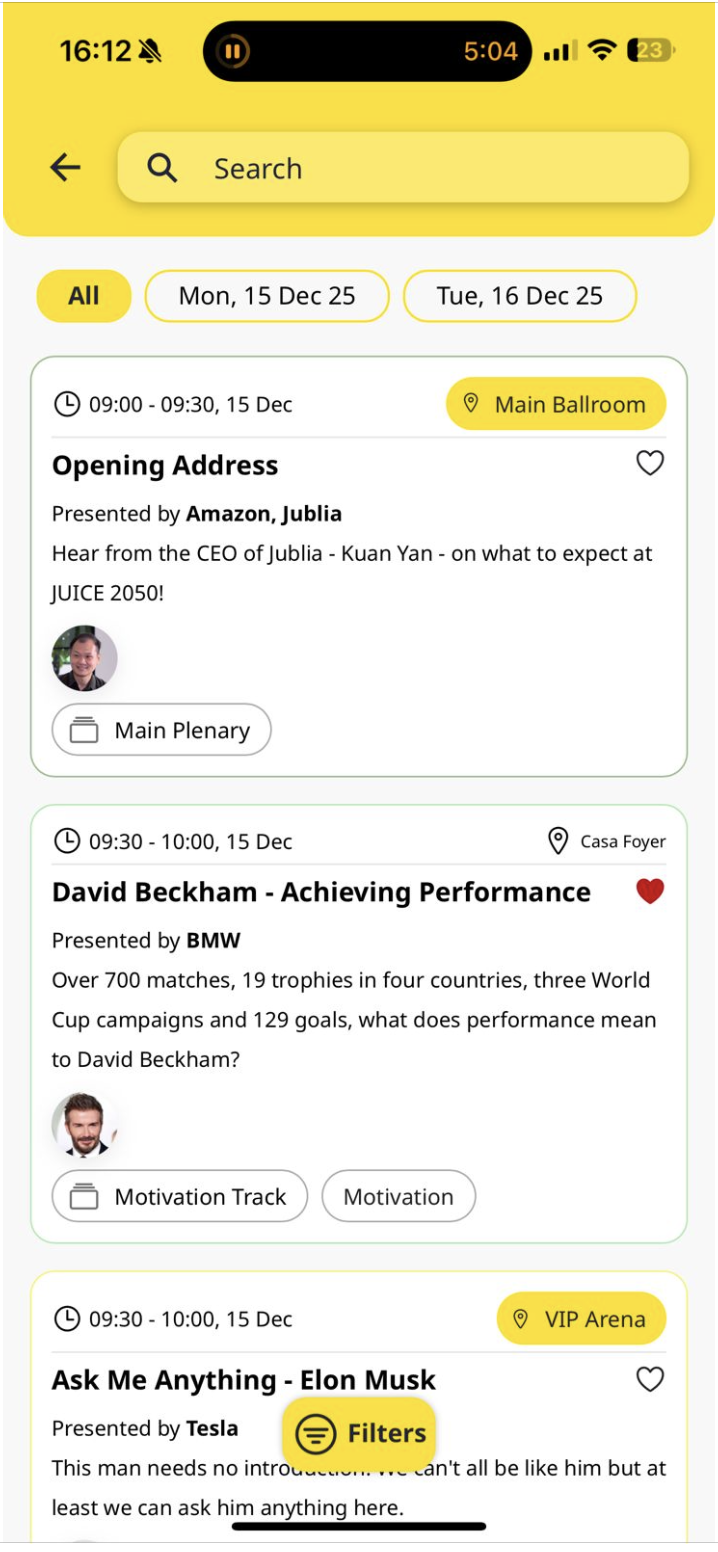
The session you’ve marked as a favorite will appear on your Planner. Tap the heart again to remove it from your favorites.
Accessing the Planner
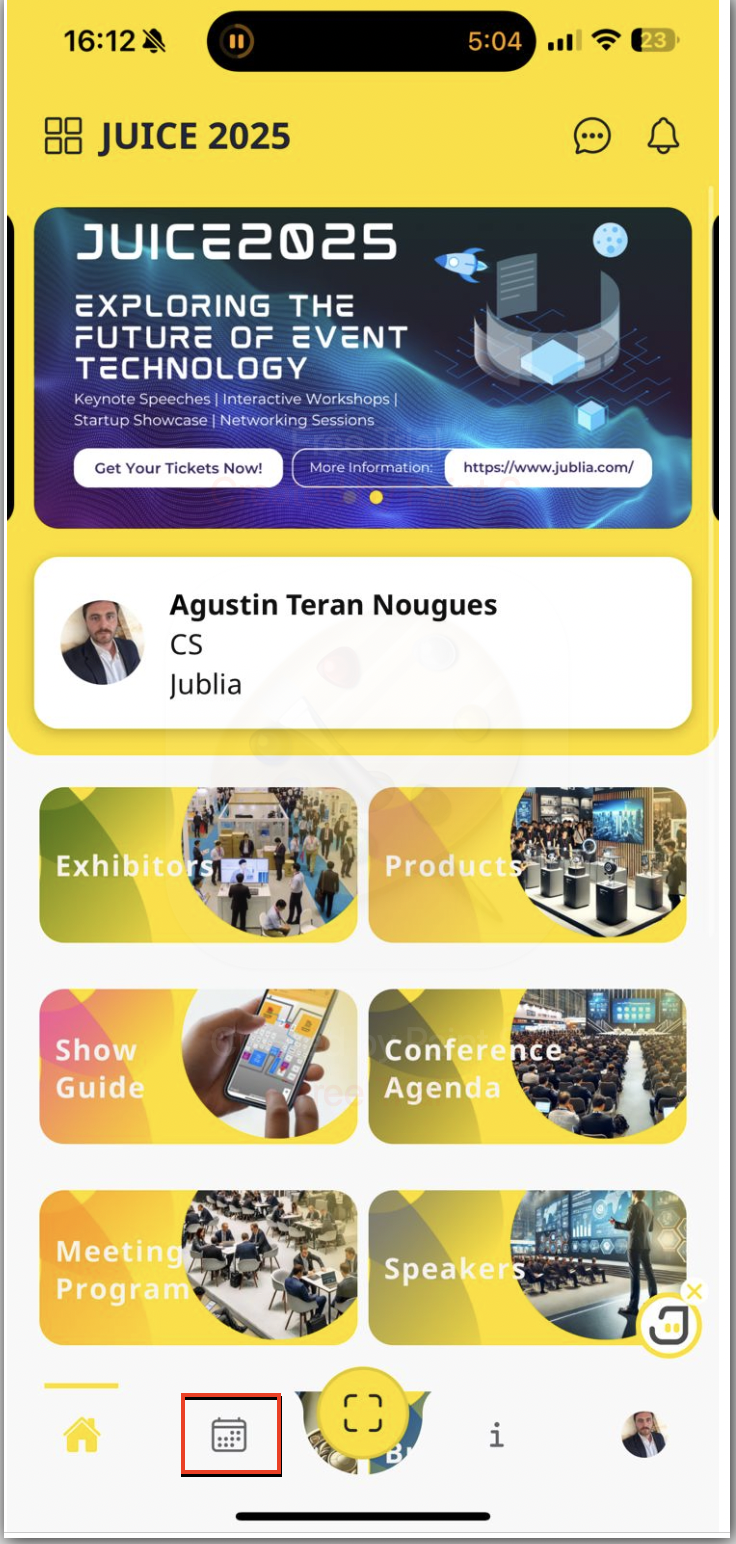
To access your planner click on the calendar icon:
Product Bookmark
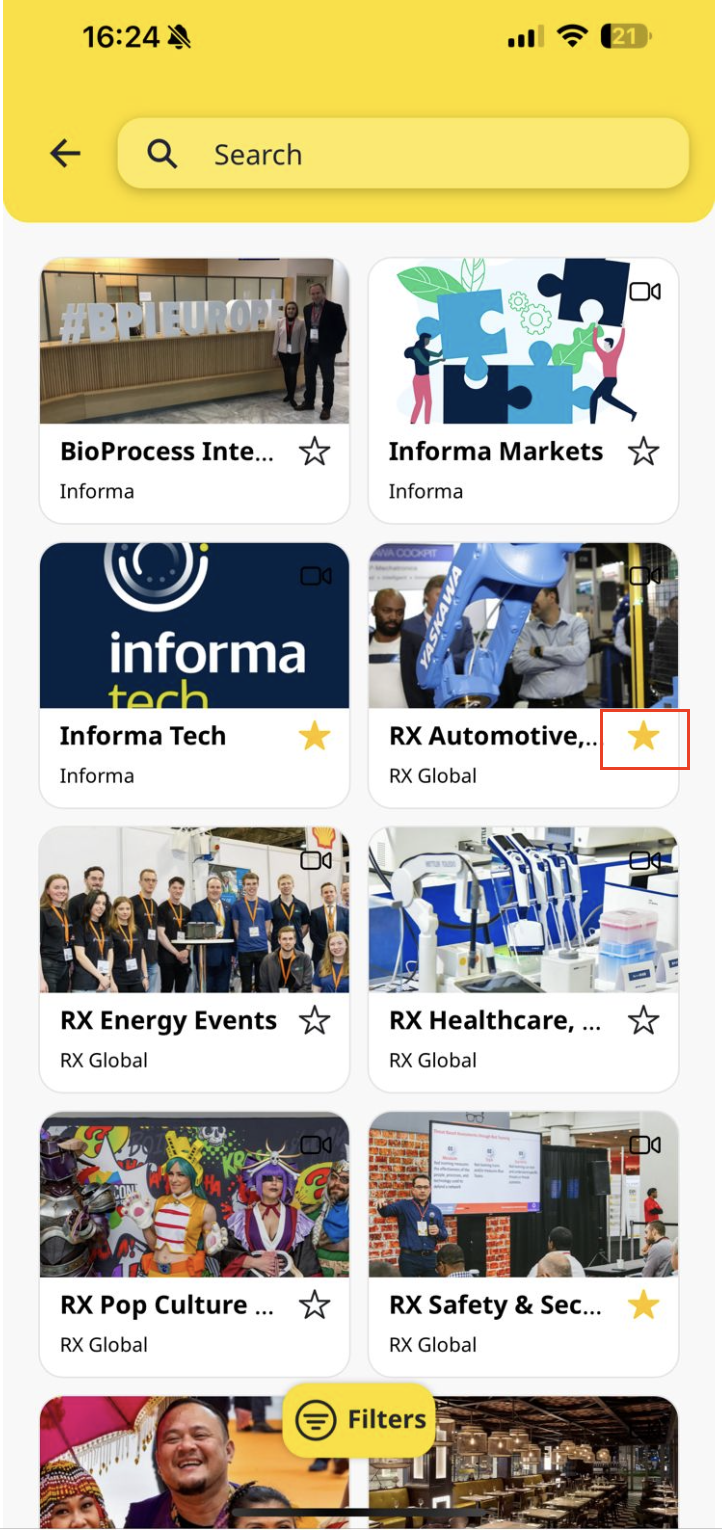
You can bookmark or favorite any products by tapping on the heart in the product listing:
Under My Schedule, filter your search by session or meetings: