Important: You must be registered for the event before attempting to log in.
Read this guide in
| 中文 | ภาษาไทย | 한국어 | tiếng Việt | 繁體中文 | Bahasa Indonesia | 日本語 | Español | Portuguese
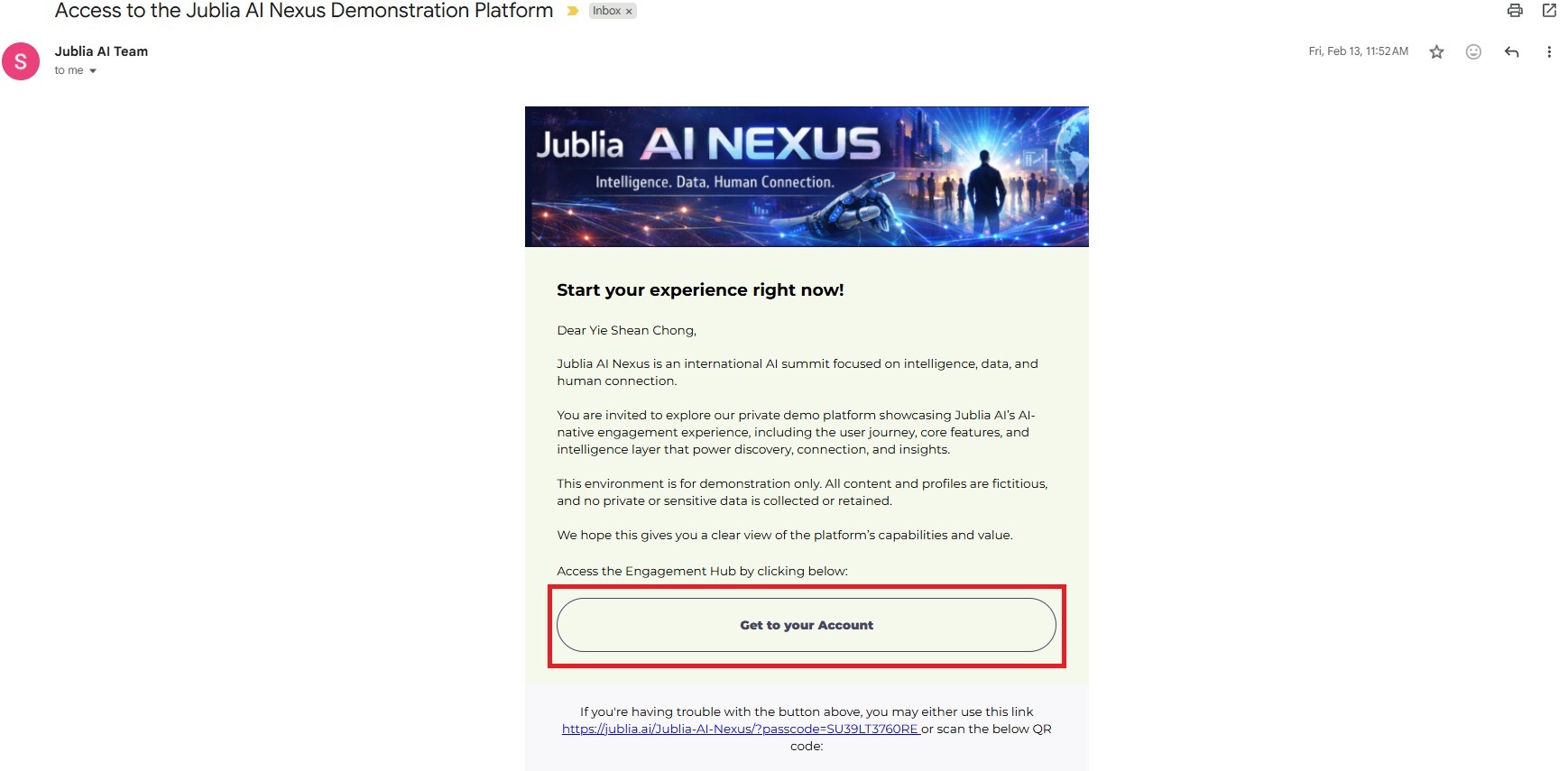
Open your registered email inbox and find your event invitation email.
Click “Get to your account”
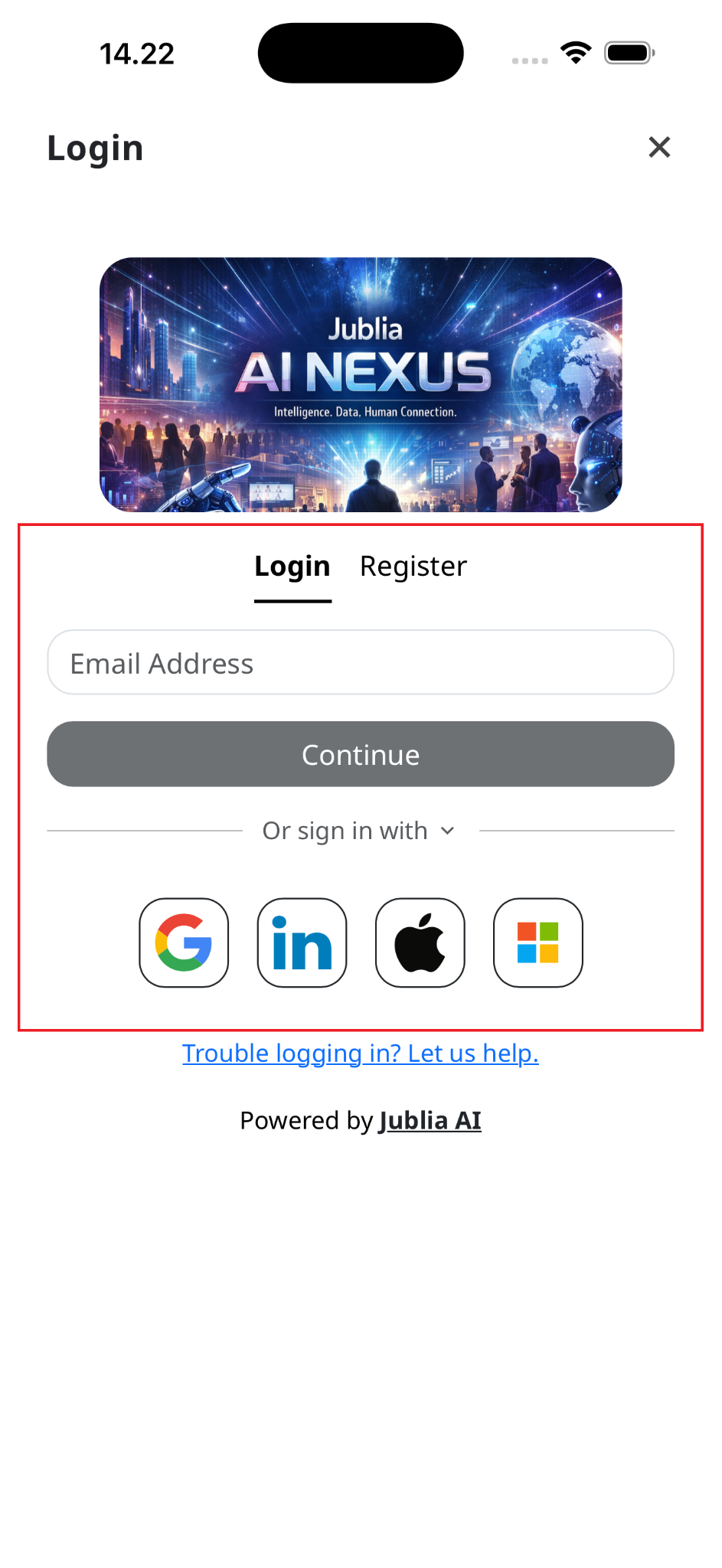
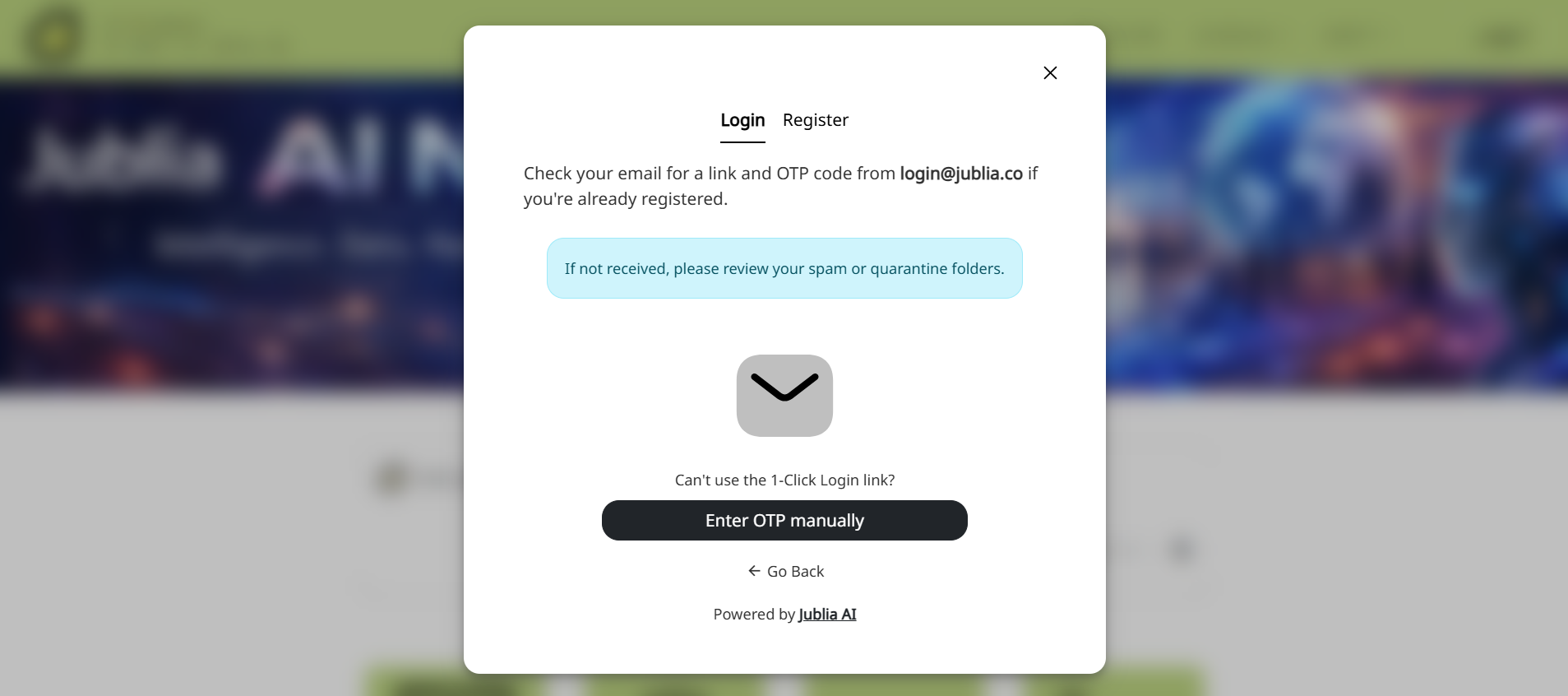
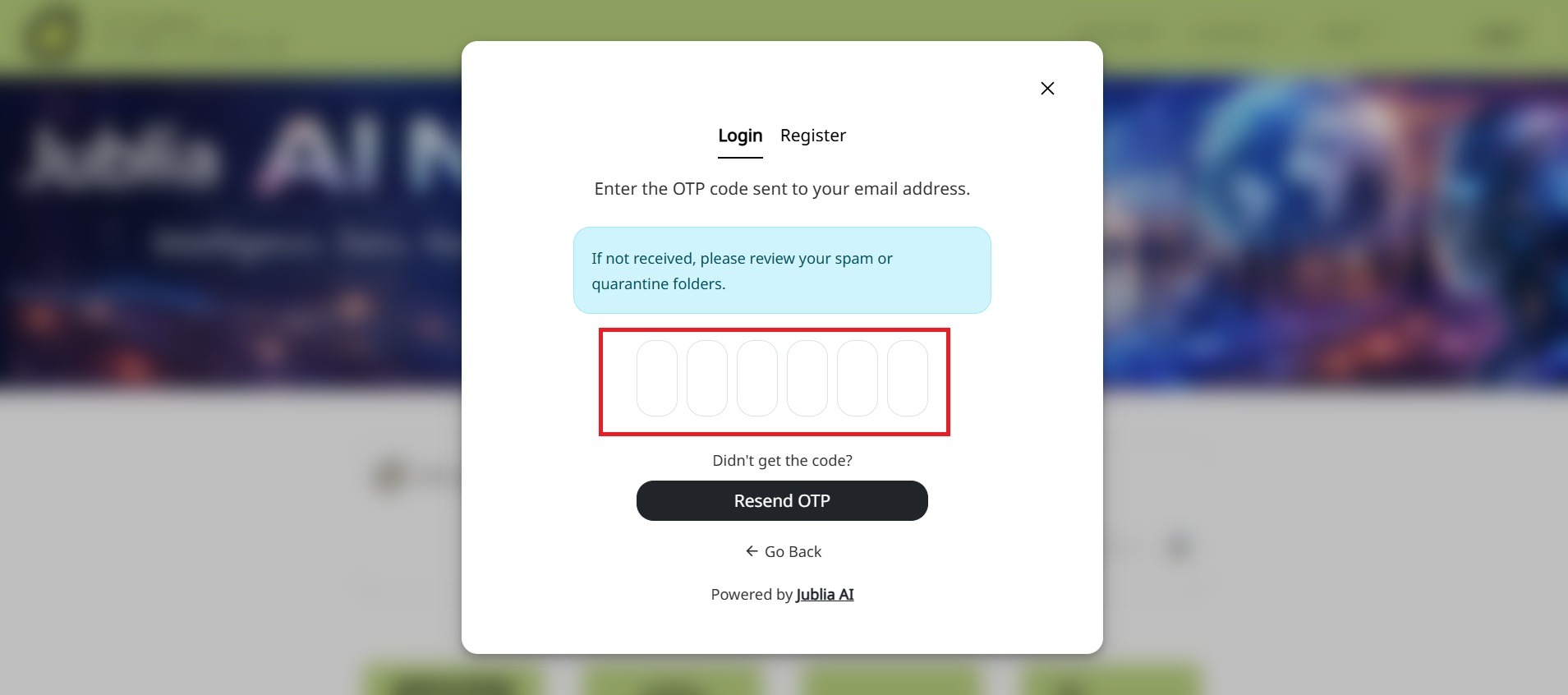
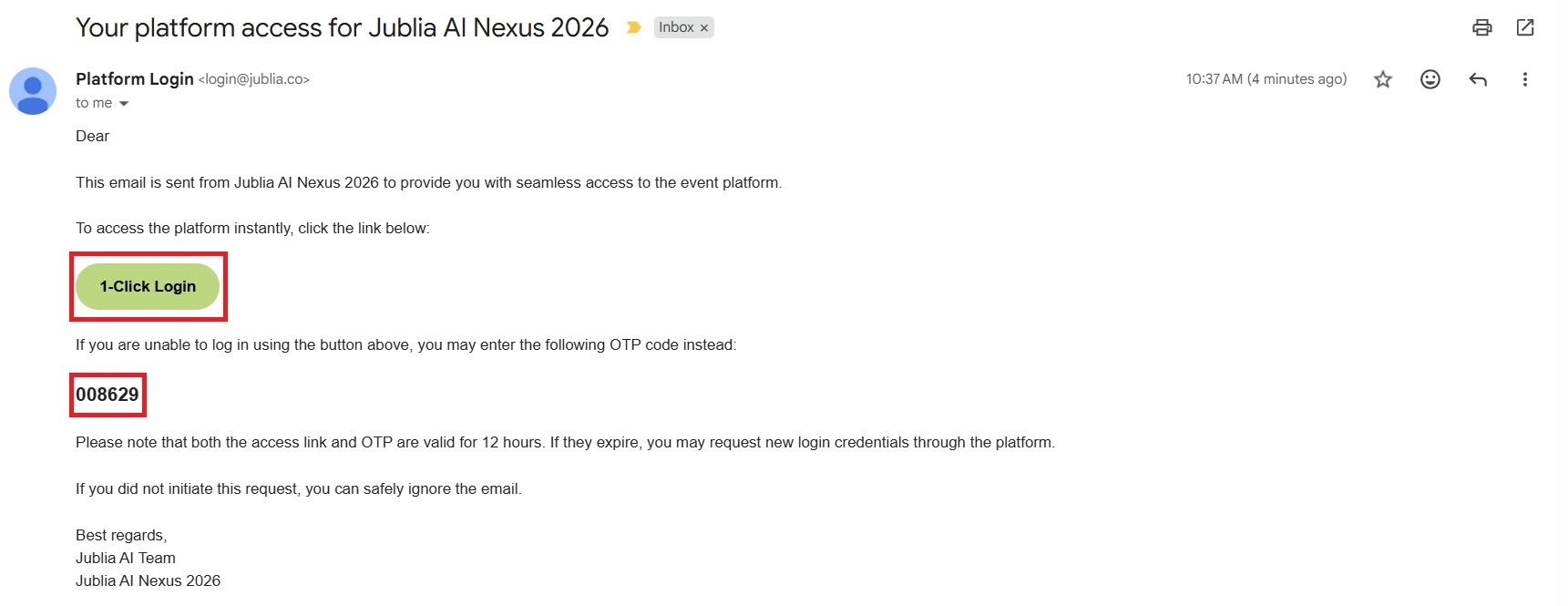
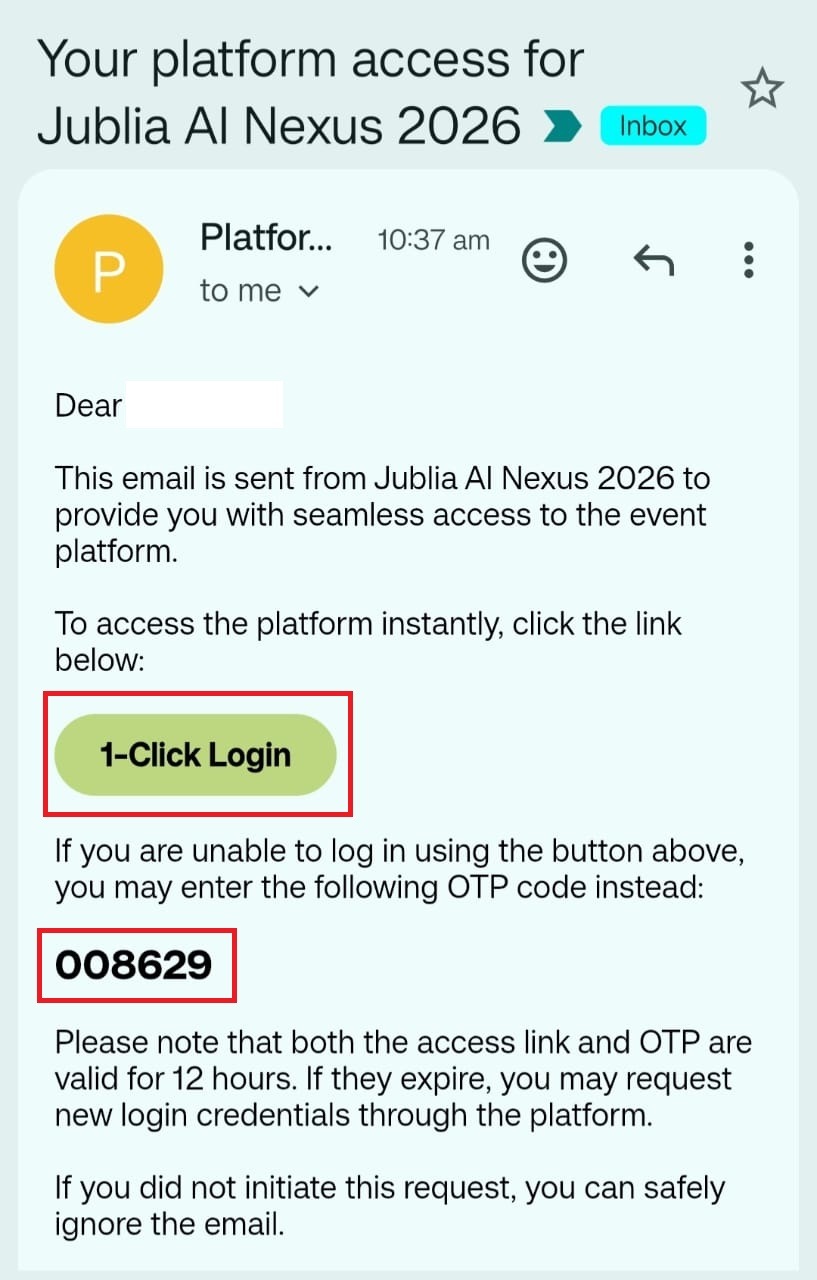
Sign in with Email (1-Click Login access or OTP): Choose Sign in with Email to request a 1-Click Login access or OTP that will be sent to your registered email and use it to access the platform. The 1-Click Login access and OTP is valid for 12 hours. Once it expires, kindly request it again through the platform.
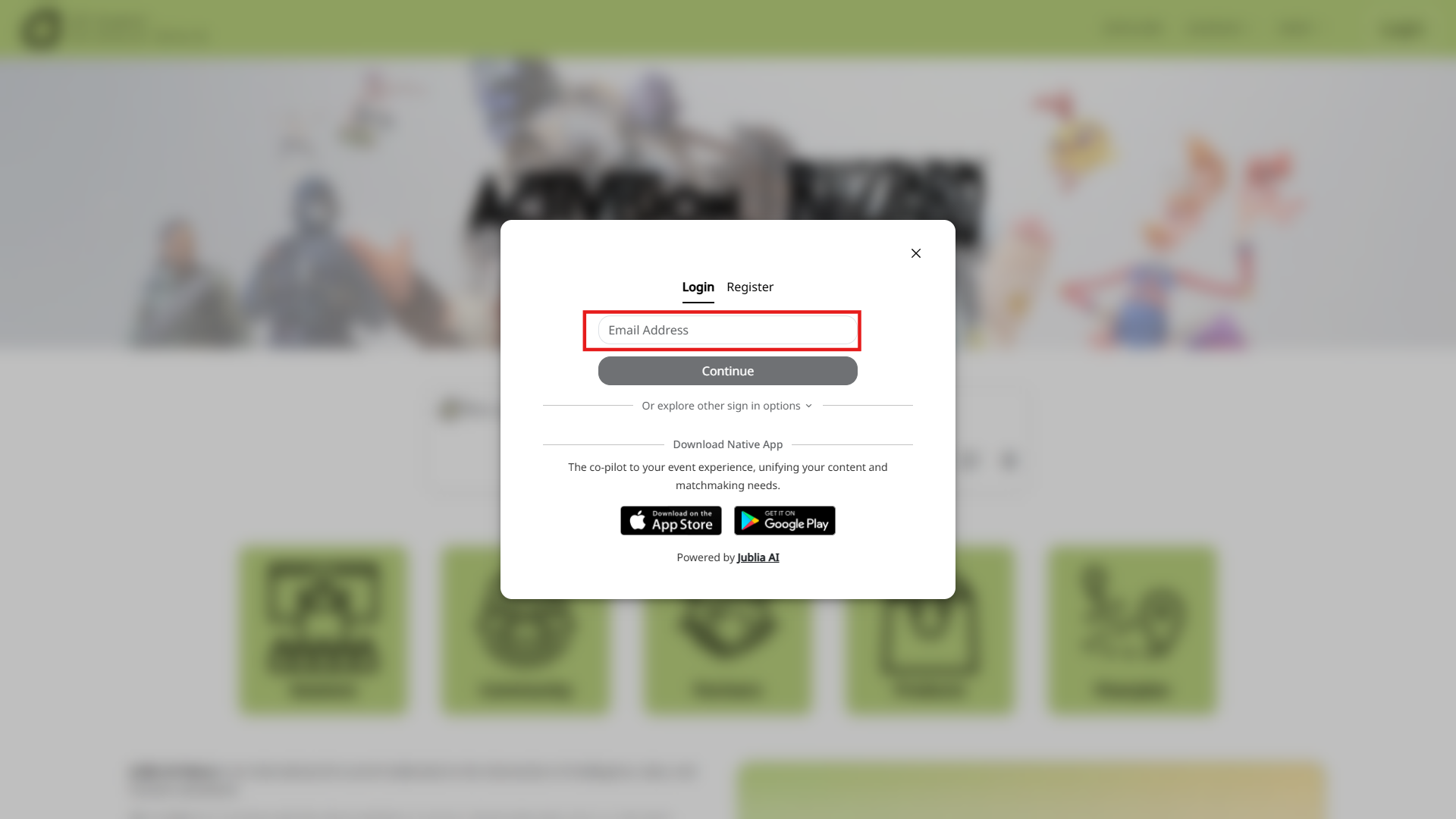
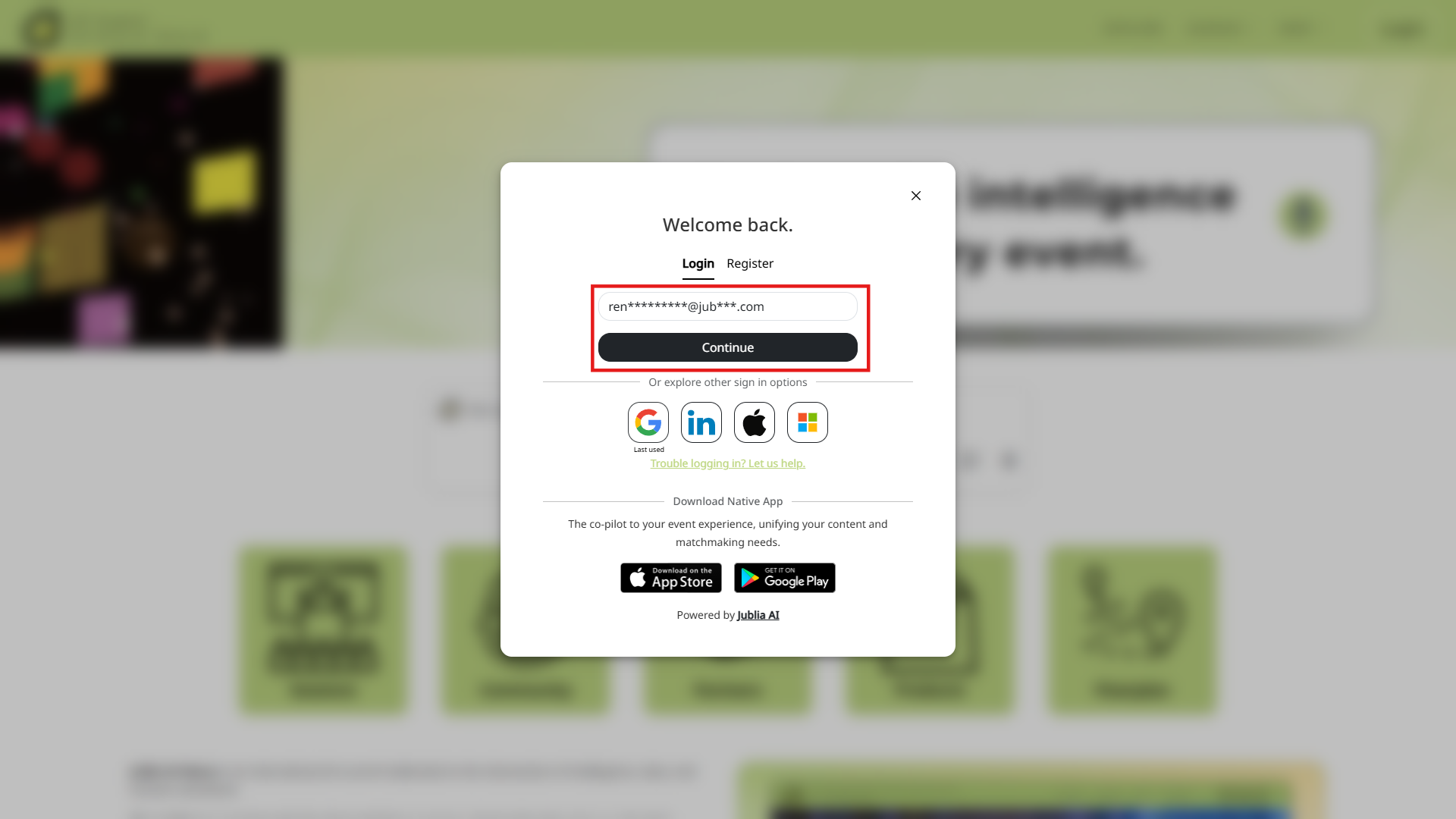
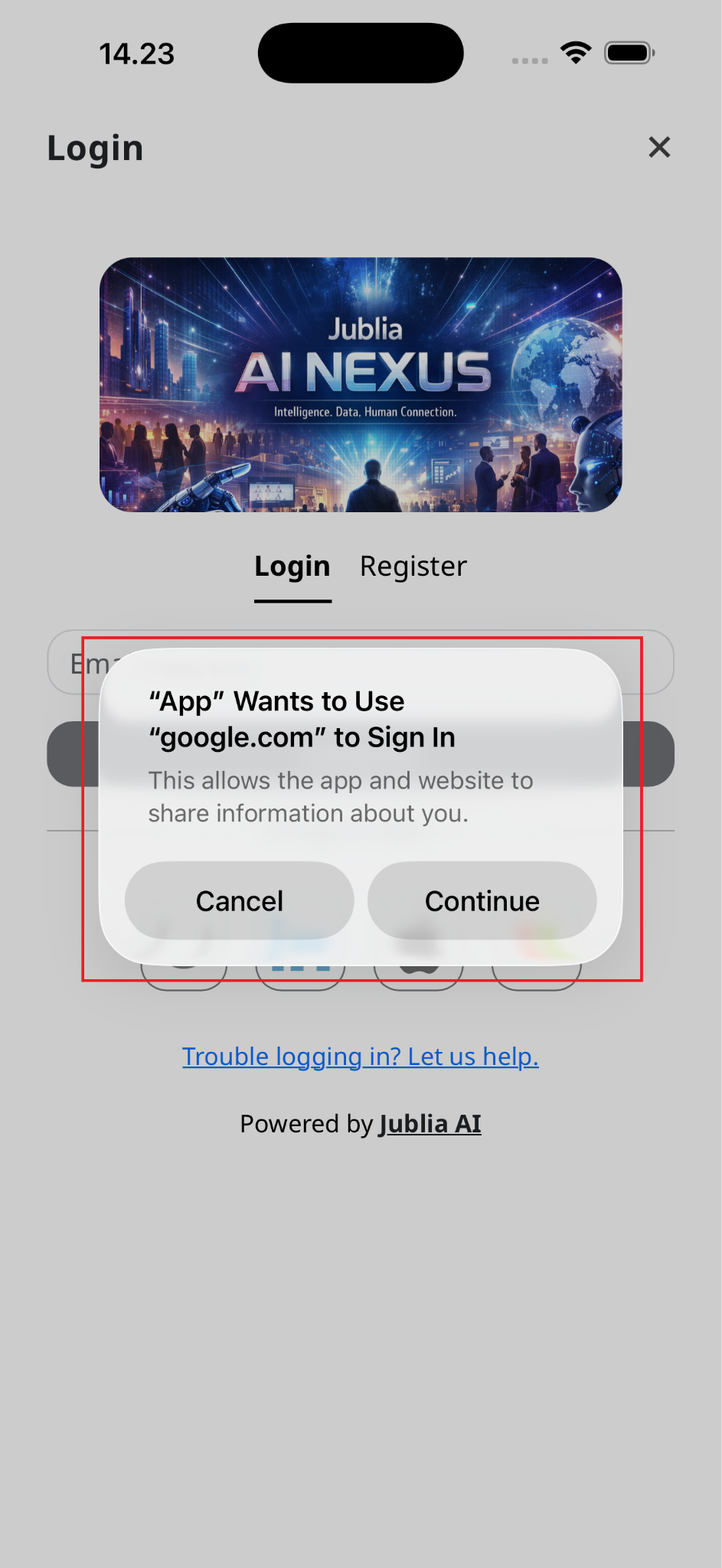
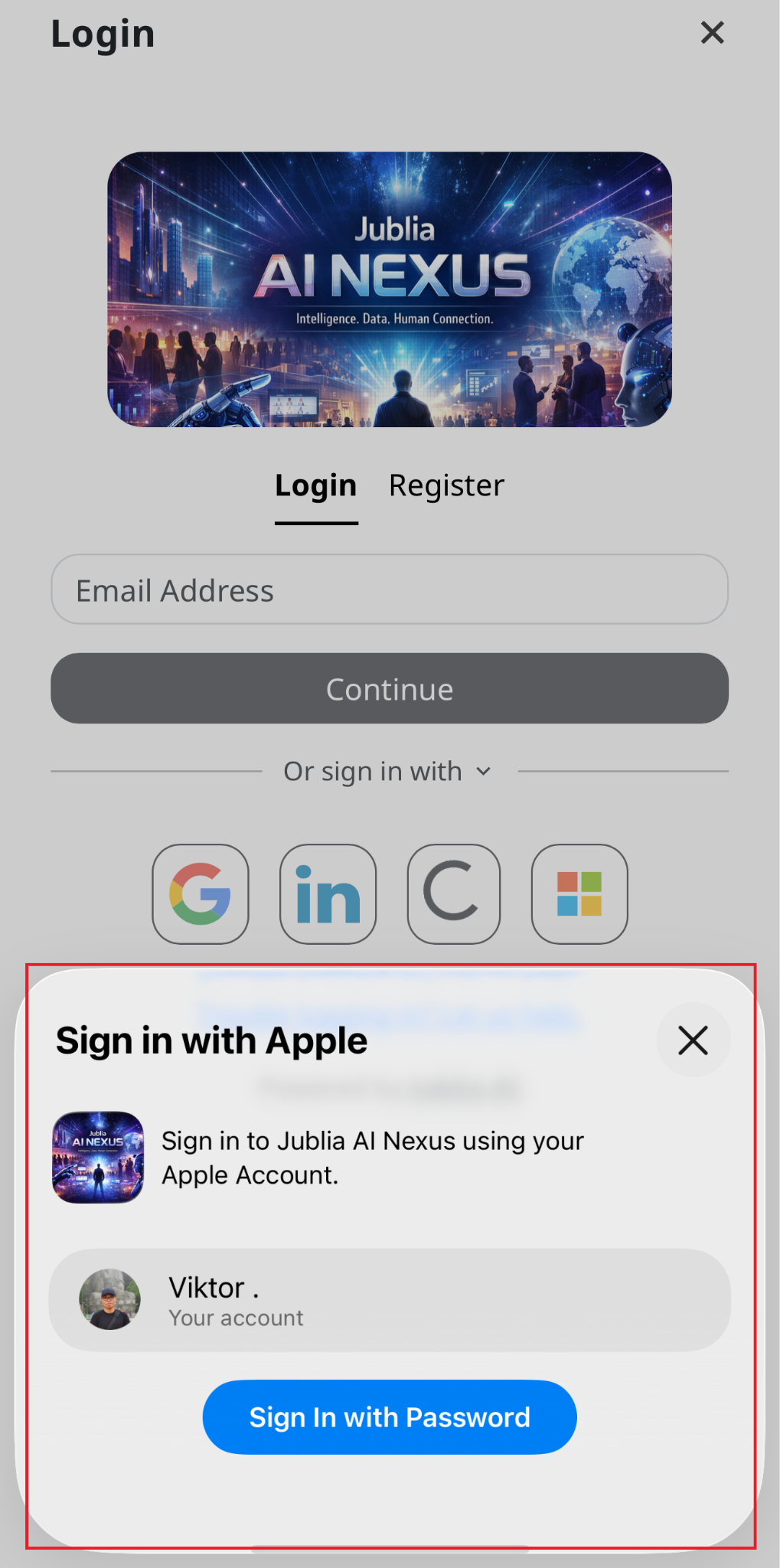
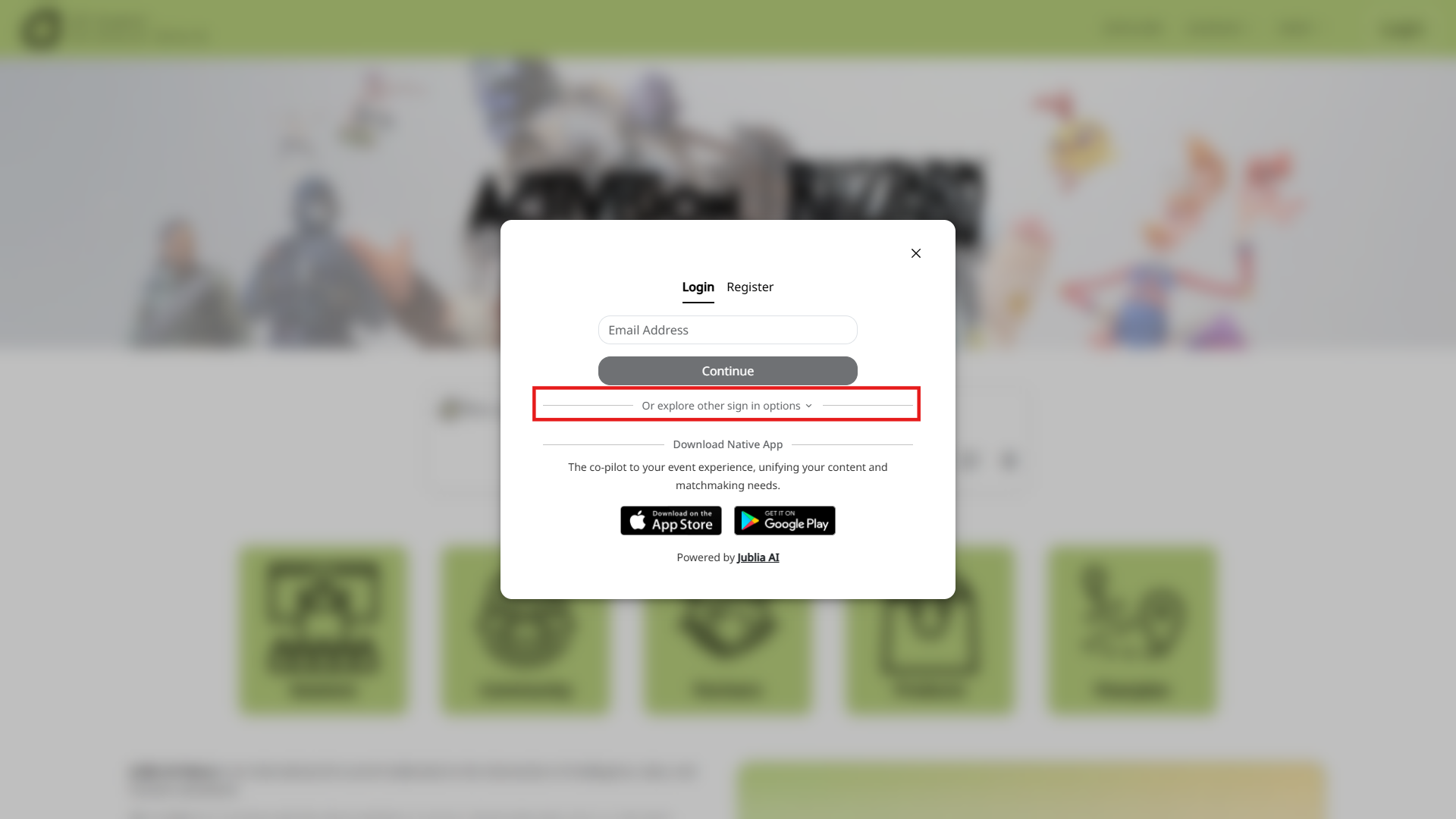
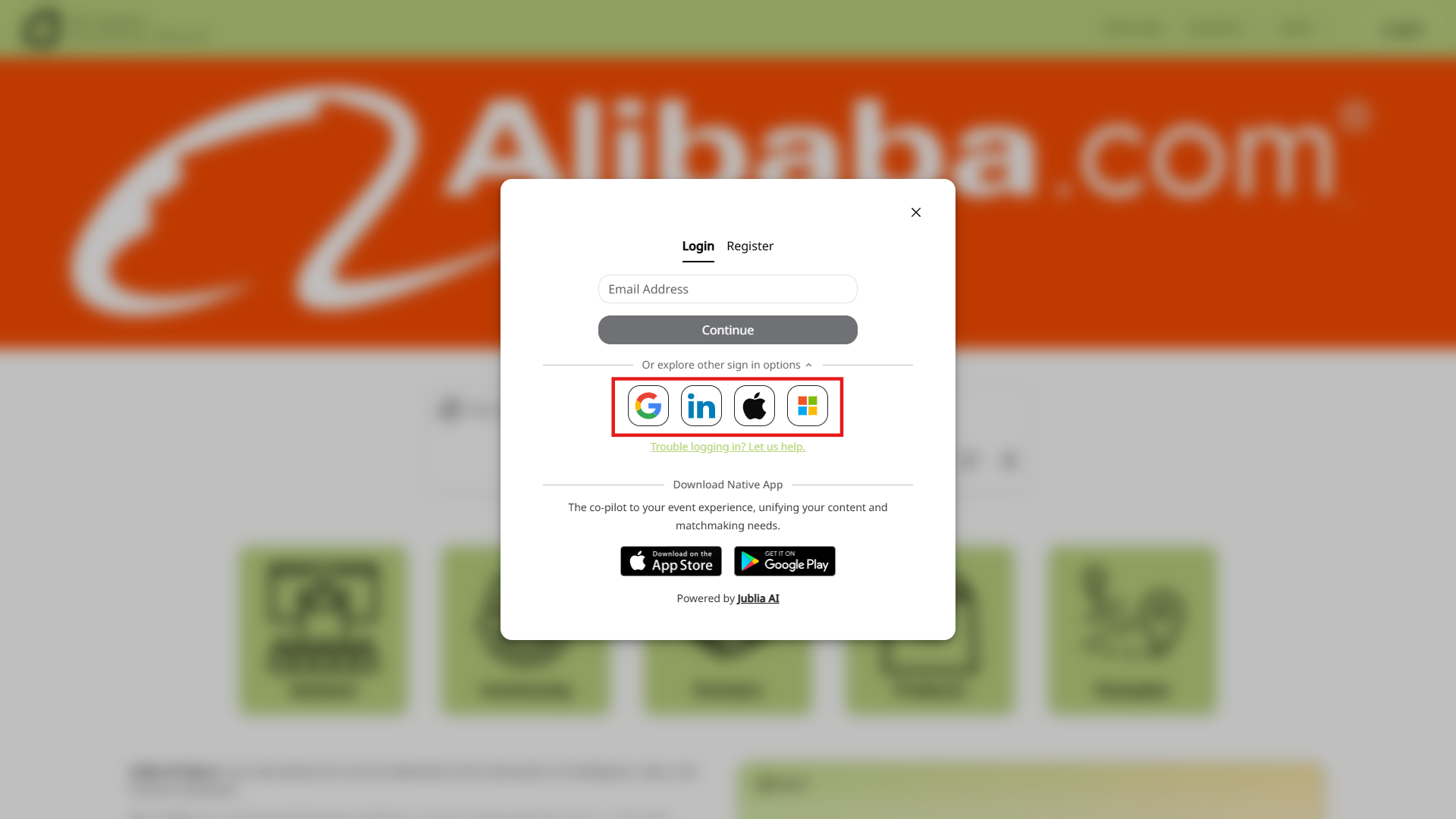
Social Media Login: To sign in using a social media account, click on "Or explore other sign in options." You can then select from Gmail, LinkedIn, Apple ID, or Microsoft. Follow the prompts to complete the login. If you are not already logged into the chosen social media platform on your current browser or device, you will be directed to log in there first. The first time you use this feature, you may need to grant confirmation for the third-party app to access your account.
Note: China users will only be able to see Email & Microsoft options.
Note:
If the email address associated with your social media is linked to multiple accounts, you will need to choose which account to use during login.
You can link and use multiple social media accounts for login. If you have multiple accounts registered under the same email address, you’ll be able to choose which account to use for the login. This provides added convenience and flexibility.
To remove a linked social media account from your profile, contact our support team at [email protected]
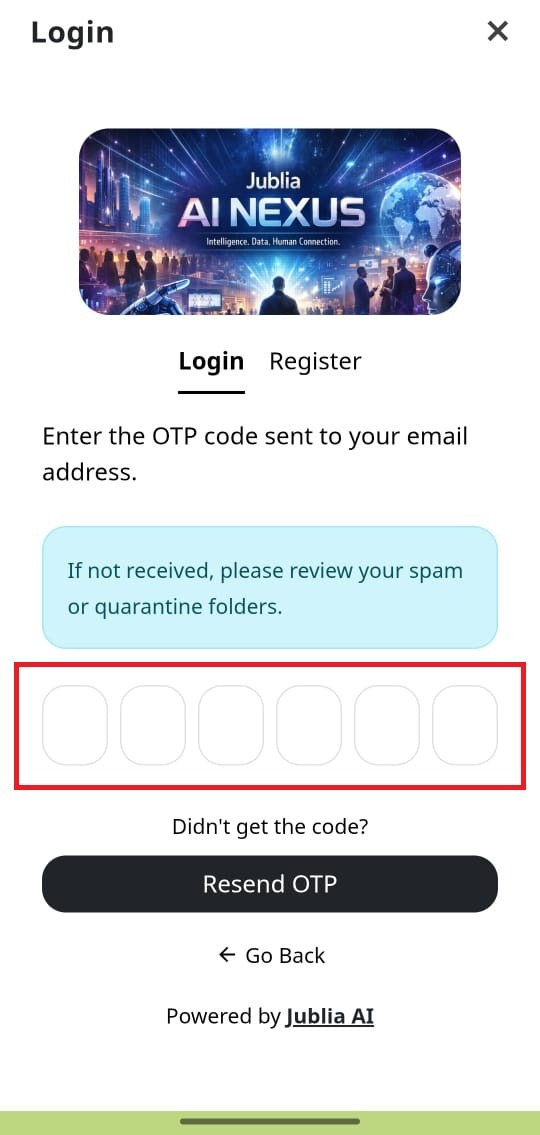
For signing in using OTP:
Users are allowed a maximum of 5 retry attempts when entering an OTP. This means you can try entering the code up to five times if you initially type it incorrectly.
Should you enter an incorrect OTP 5 times consecutively, the system will automatically require you to request a new OTP.
Additionally, to prevent brute-force attacks, your account will be subjected to a temporary block of 5 minutes from making further OTP requests after these 5 failed attempts.
The system maintains a rate limit of 60 seconds per request for all login email requests (e.g., requesting an OTP or a magic link). This means you must wait at least one minute between successive requests to prevent spamming or system overload.
Open your registered email inbox and find your event invitation email.
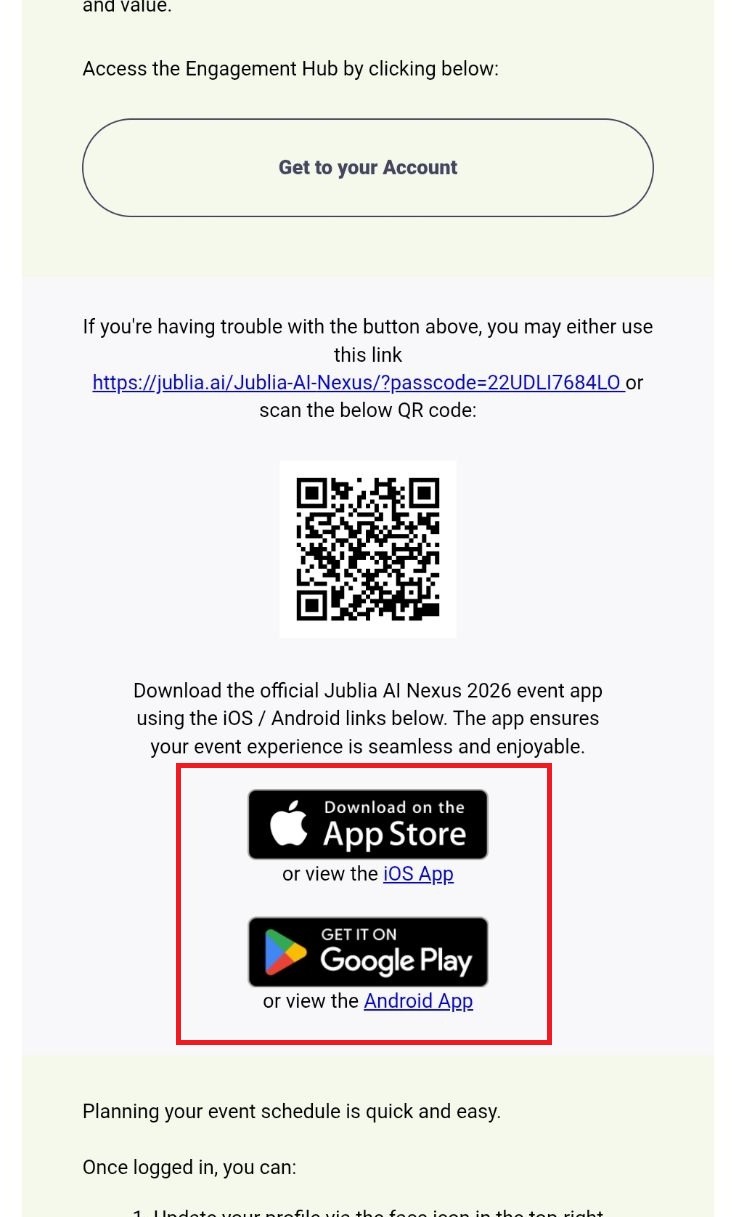
Download the native app application
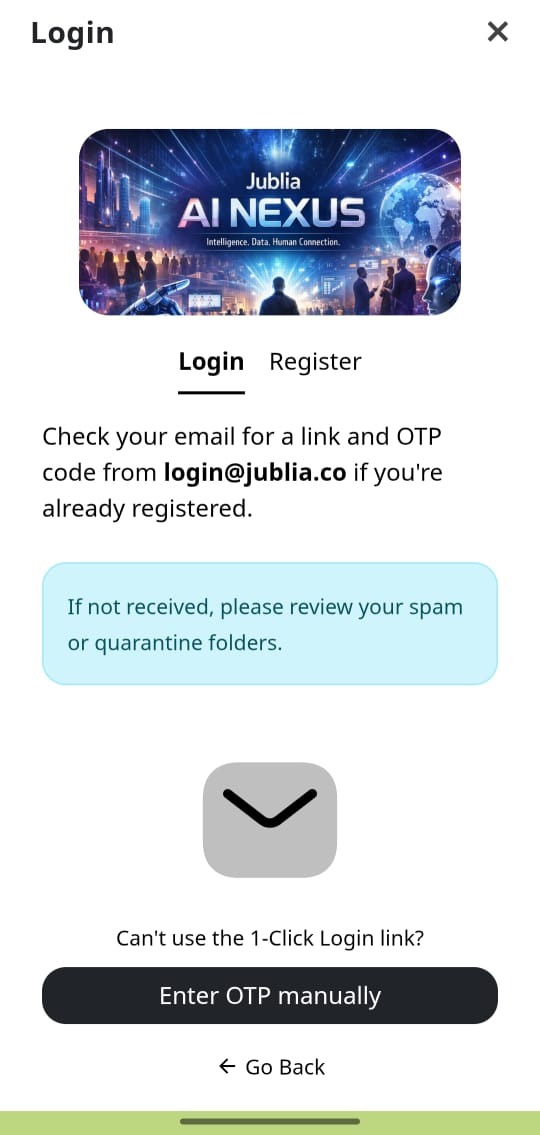
Sign in with Email (1-Click Login access or OTP): Choose Sign in with Email to request a 1-Click Login access or OTP that will be sent to your registered email and use it to access the platform. The 1-Click Login access and OTP is valid for 12 hours. Once it expires, kindly request it again through the platform.
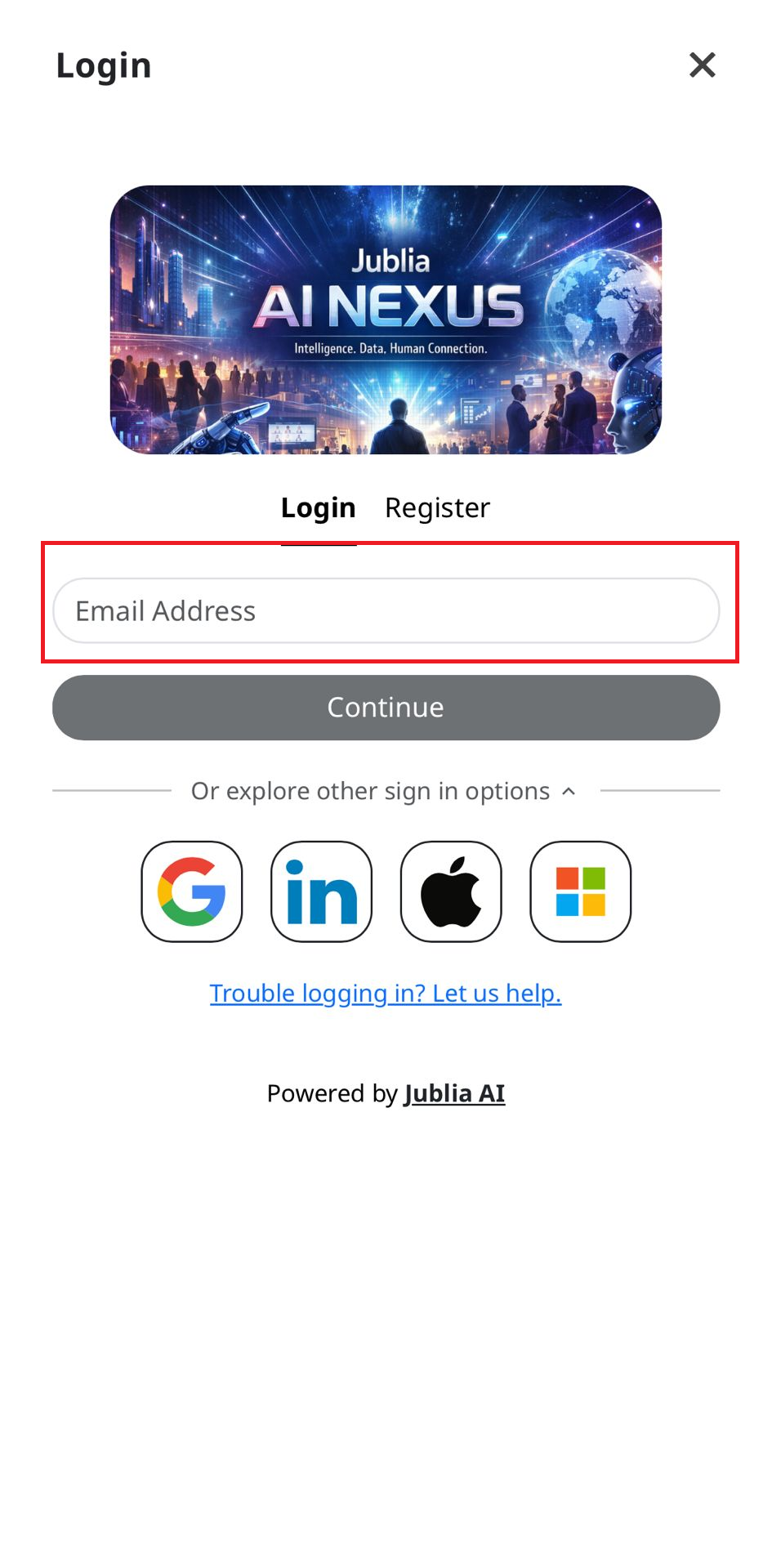
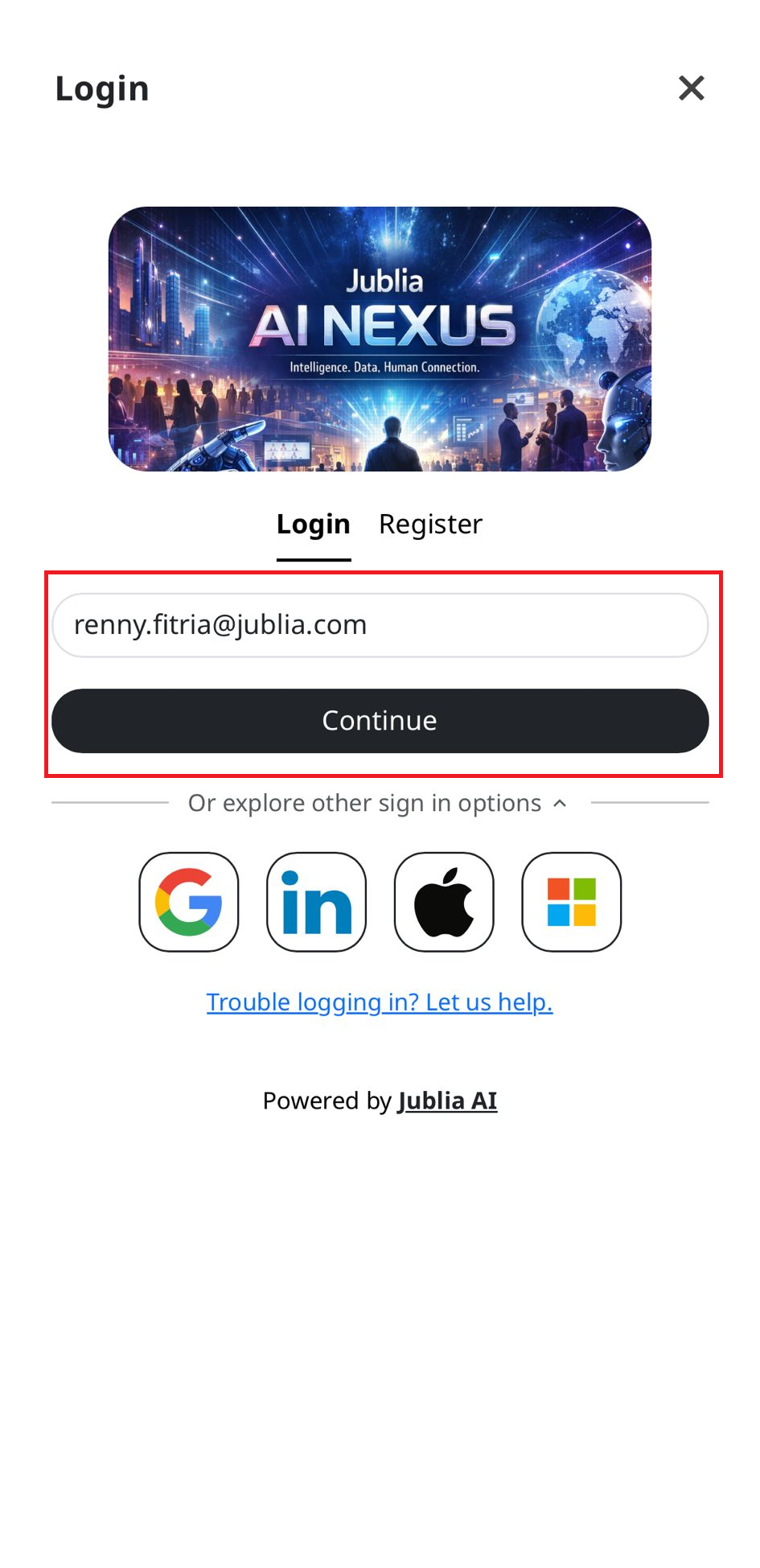
Social Media Login: To sign in using a social media account, click on "Or explore other sign in options." Choose Gmail, LinkedIn, Apple ID (for iOS users), or Microsoft and follow the prompts to log in. The login process is now handled directly within the app (no browser redirection). If you haven't logged into the selected social media platform on your current device, you may be prompted to log in and confirm access.
Please note that account selection may still be required if multiple accounts are linked to the same social media.