Read this guide in
| 中文 | ภาษาไทย | 한국어 | tiếng Việt | 繁體中文 | Bahasa Indonesia | 日本語 | Español | Portuguese |
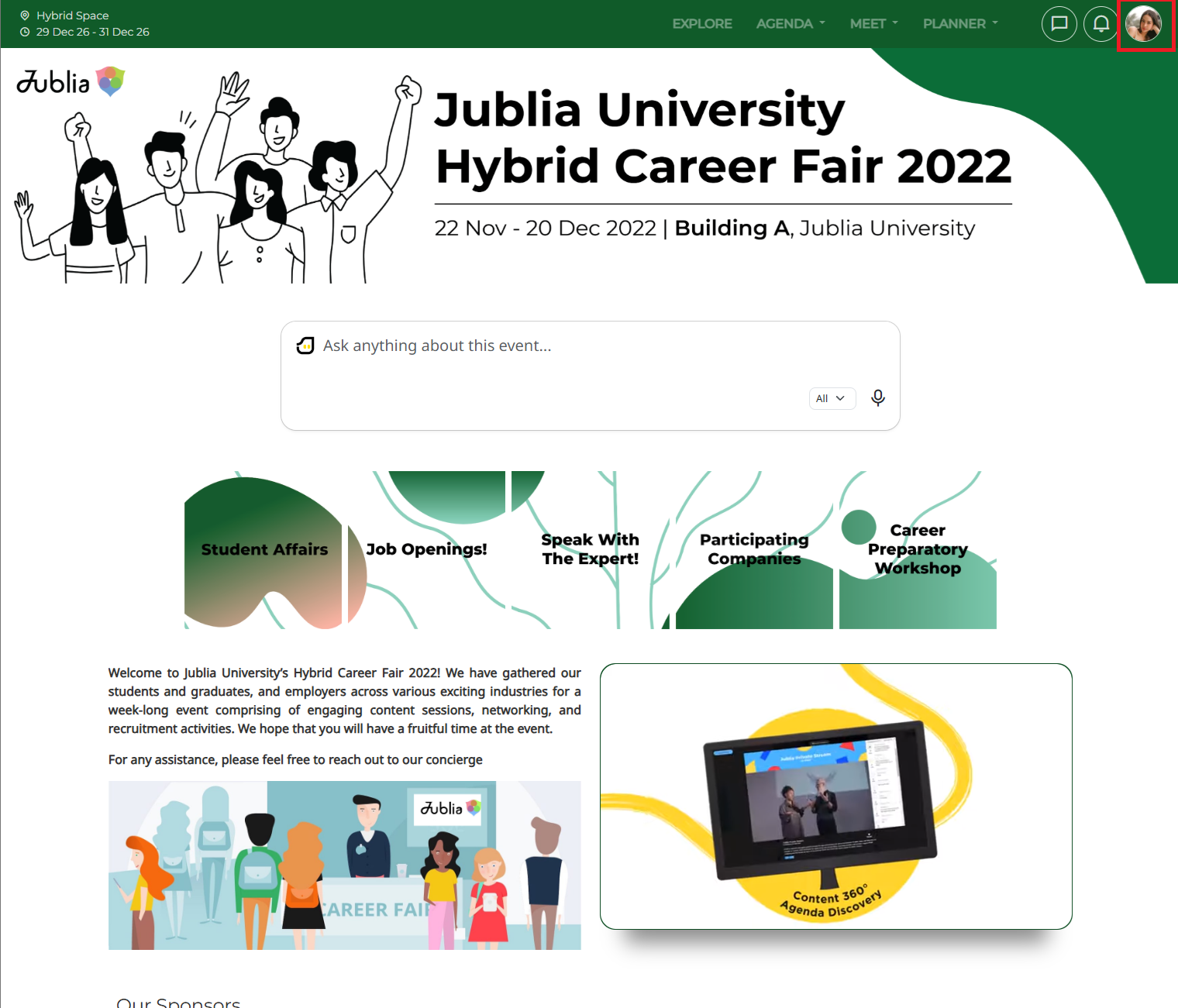
Click your [Profile Icon] in the top right corner. On the Mobile View, tap your [Profile Icon] in the bottom middle of the screen
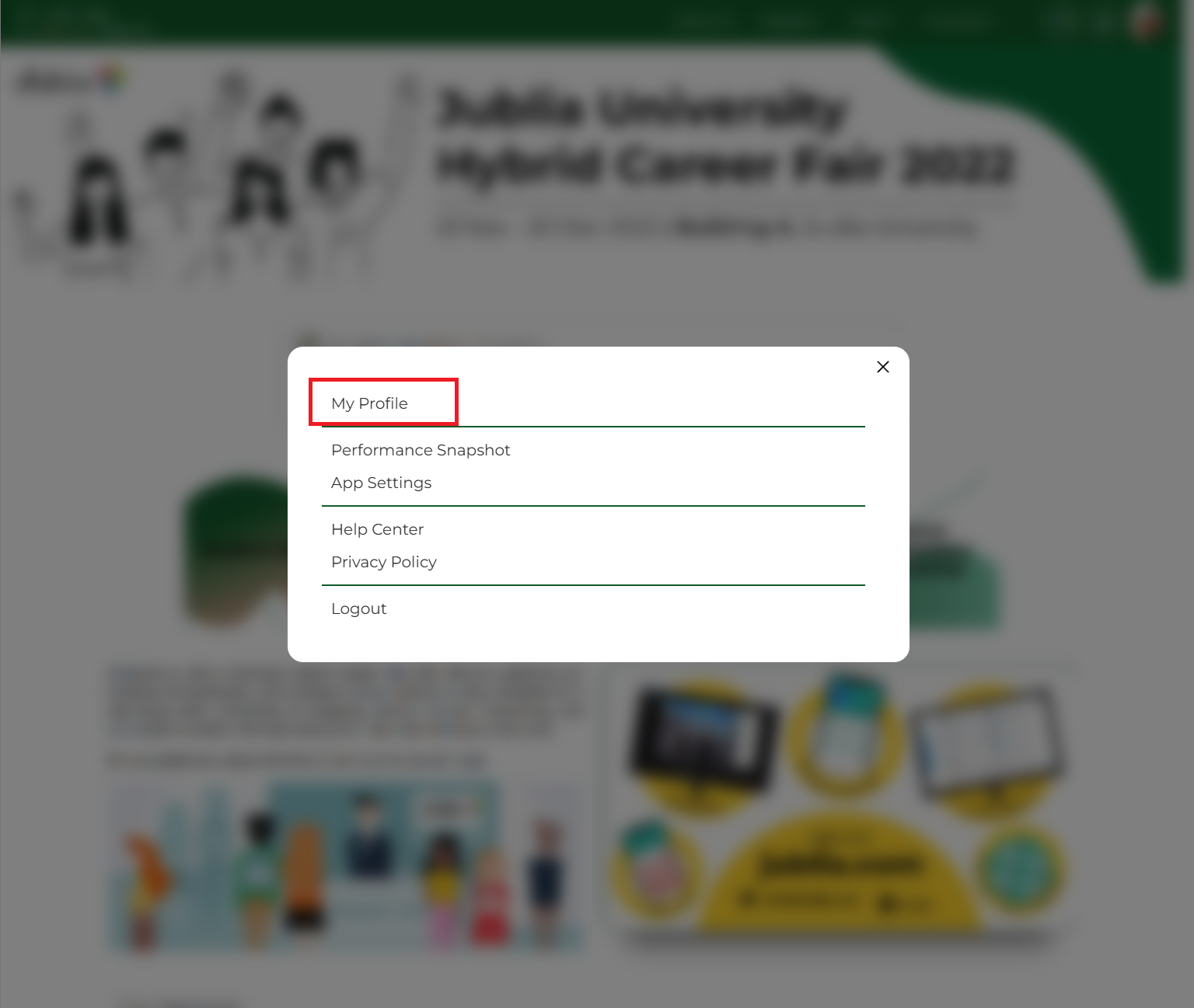
Select [My Profile] from the dropdown menu.
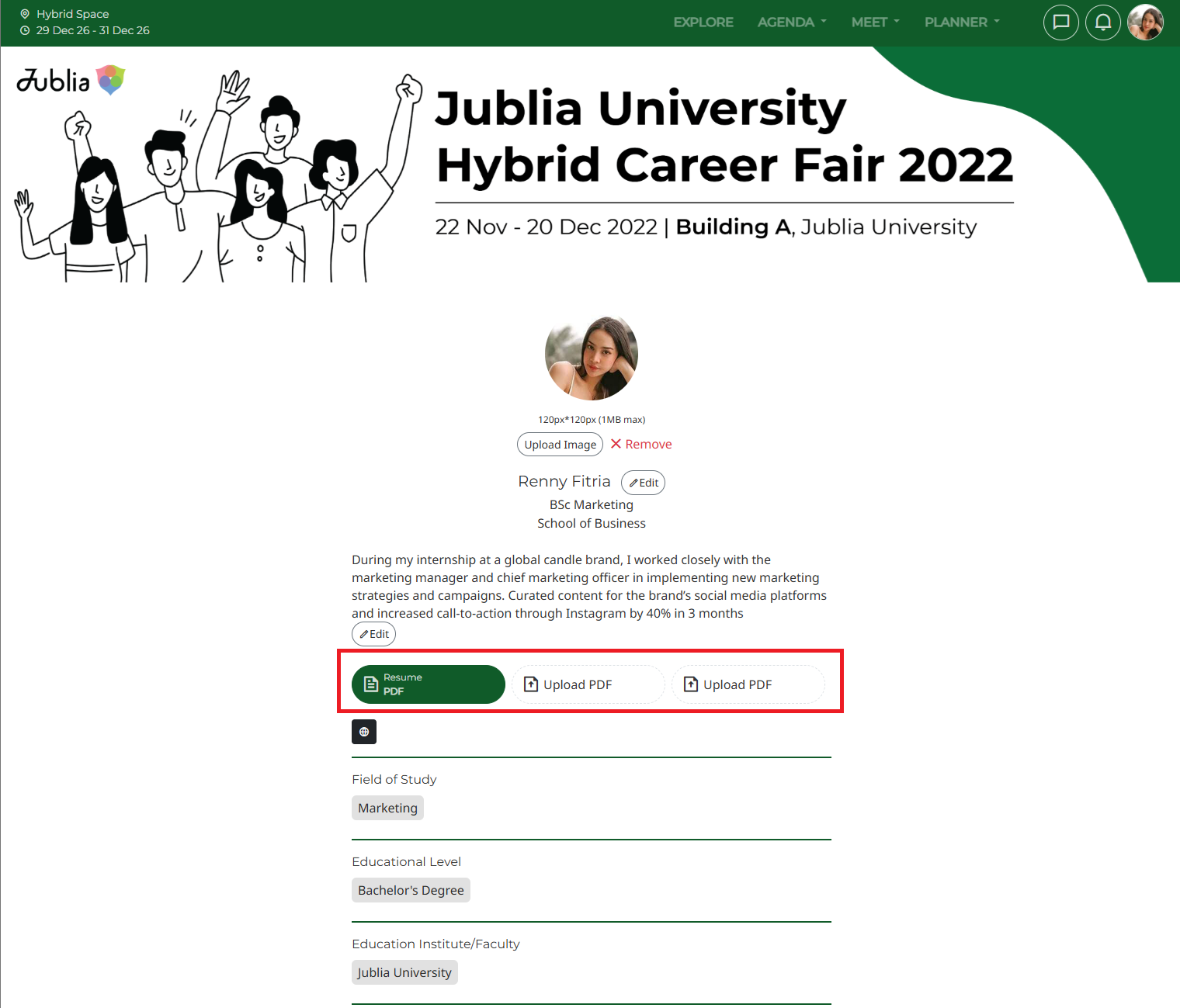
Your profile editing page will open.
Scroll to the document section and click the [Upload PDF] button.
A file selection window will open.
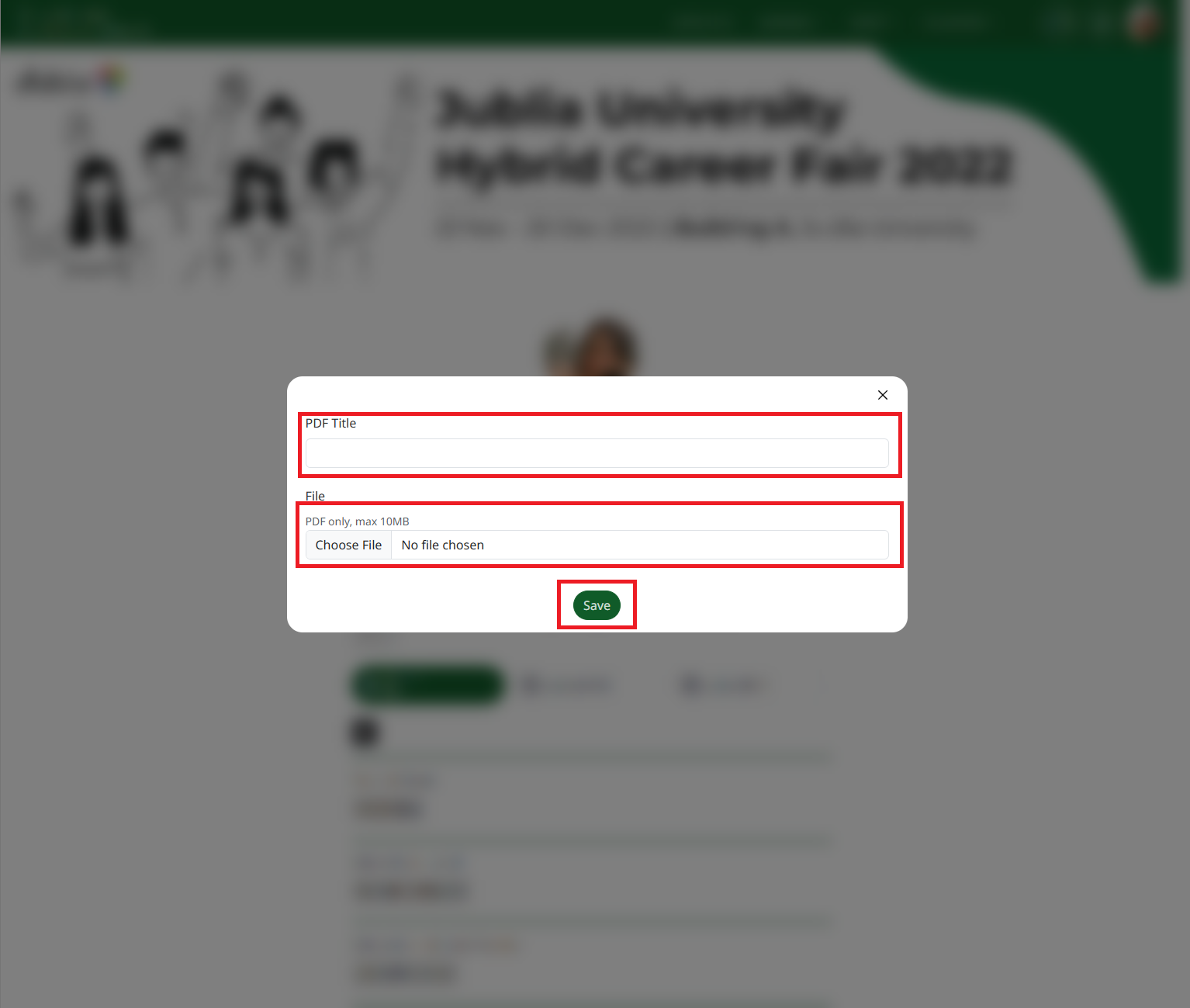
Choose your resume, CV, degree certificates, or transcripts to upload.
Once you've selected the file, you can give it a clear title (e.g., "John Smith - Resume") for easy reference.
Click [Save] to upload your document. You'll see it displayed on your profile page.
Only PDF files are accepted. Please avoid uploading other file types.
Make sure your resume or CV is under 10 MB for a smooth upload.
Complement your resume with a well-written profile description highlighting your skills and experience.
Click on Add PDF as shown below to upload your resume or CV. You could also add your degree certificate(s) or transcripts.