Read this guide in
| 中文 | ภาษาไทย | 한국어 | tiếng Việt | 繁體中文 | Bahasa Indonesia | 日本語 | Español | Portuguese |
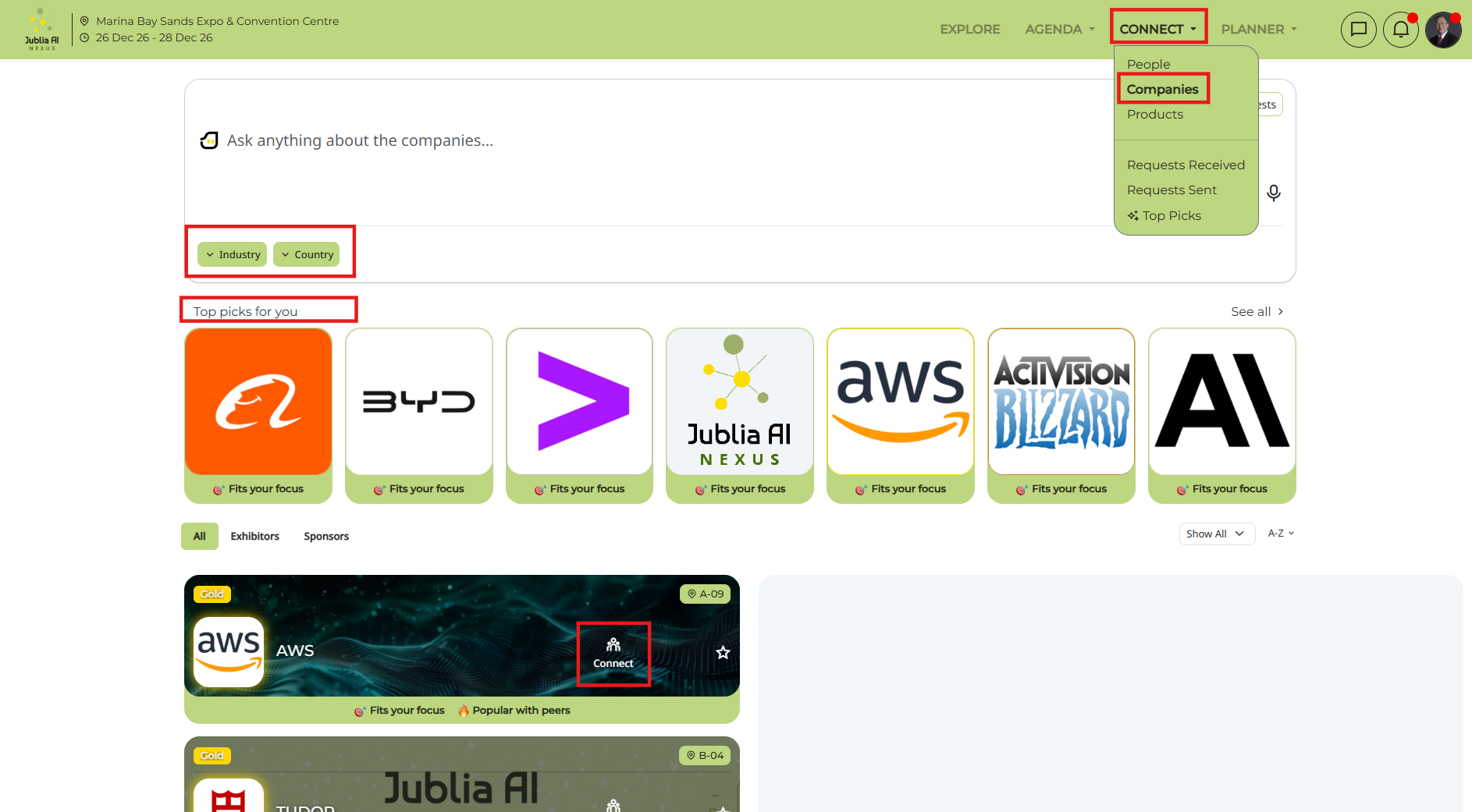
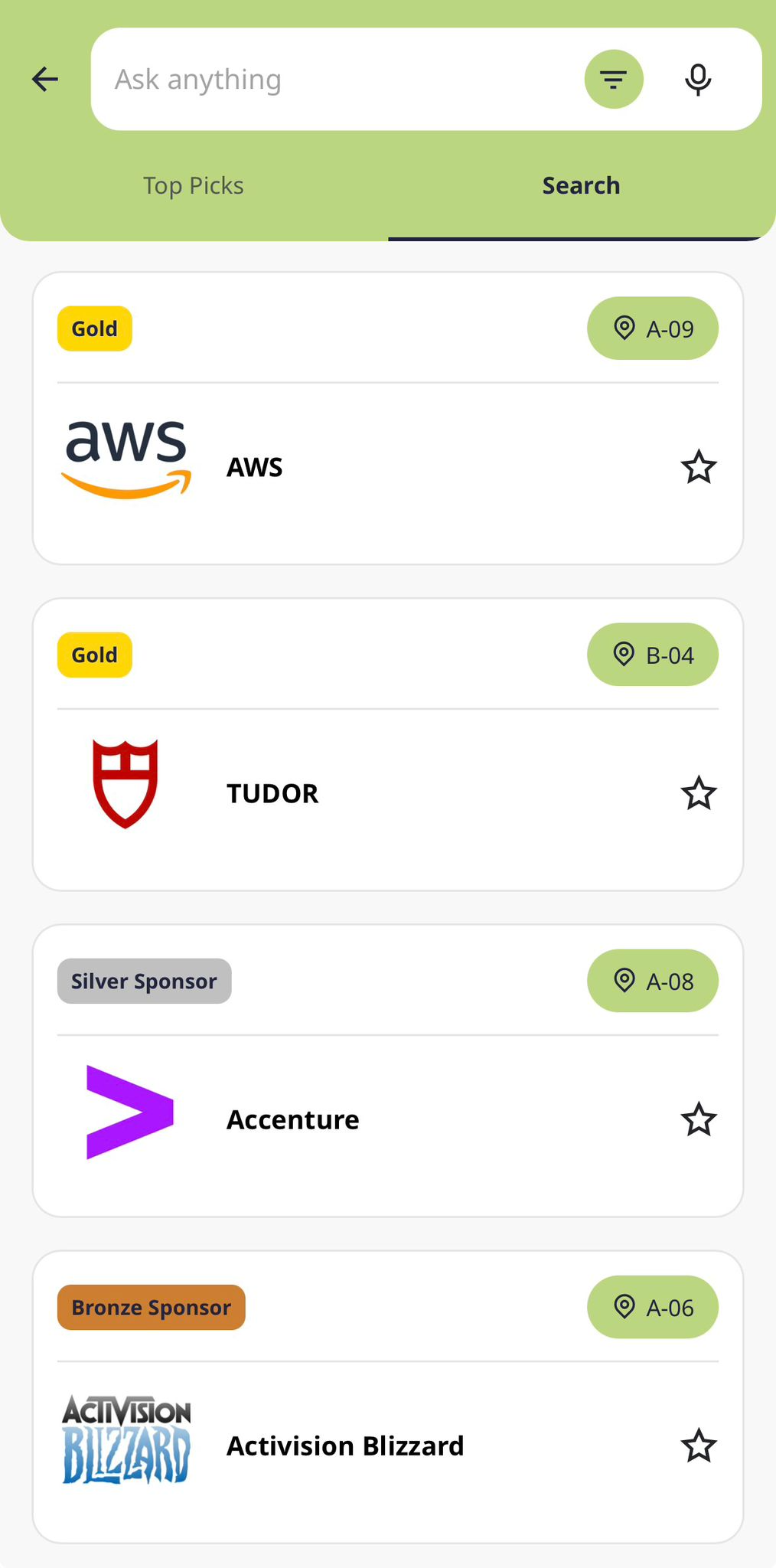
Click on the Connect menu on the navigation bar and select the Companies tab. Here, you can use the prompt bar, apply specific filters, or explore your Top Picks to easily identify relevant companies before browsing the full directory.
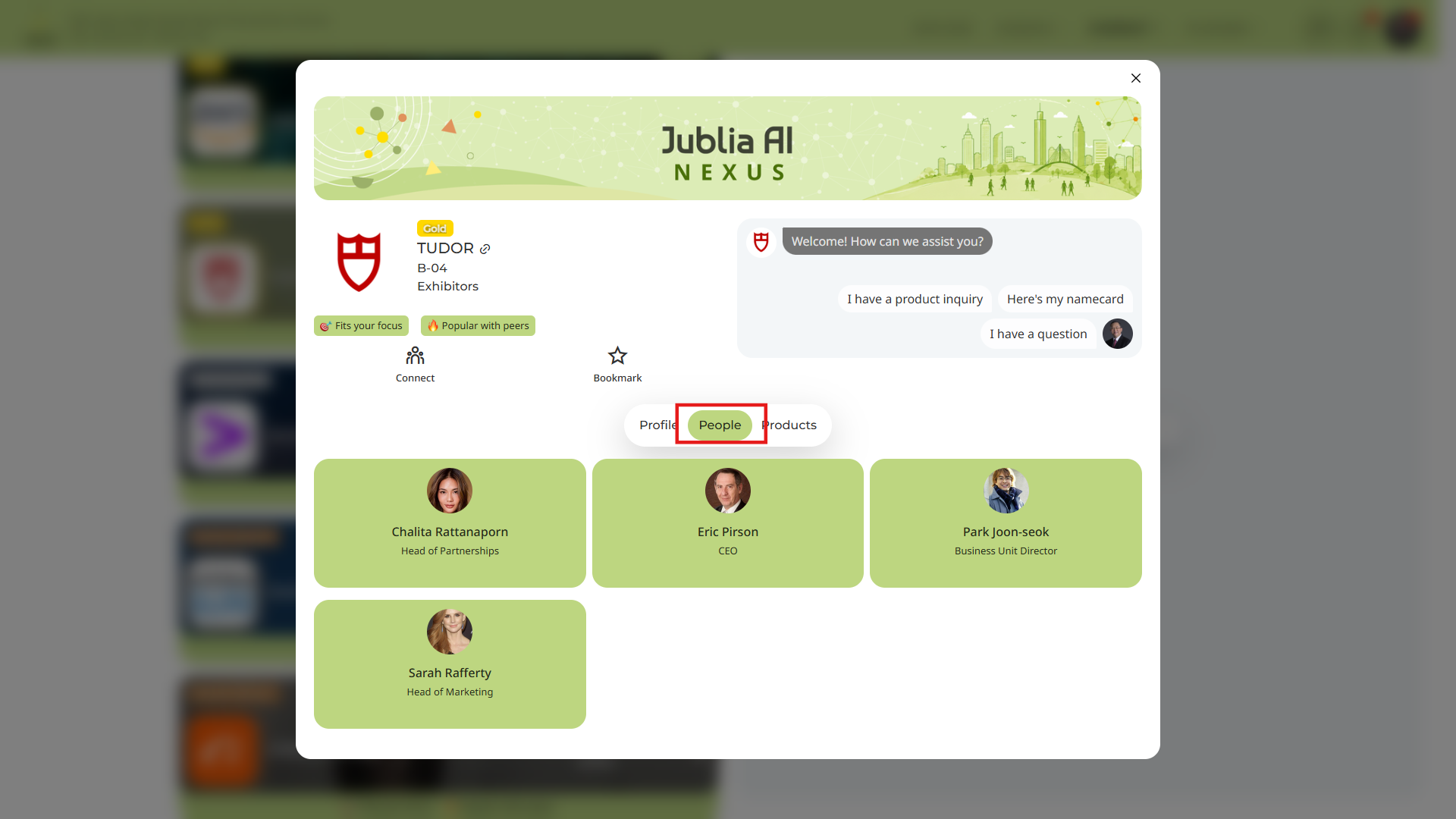
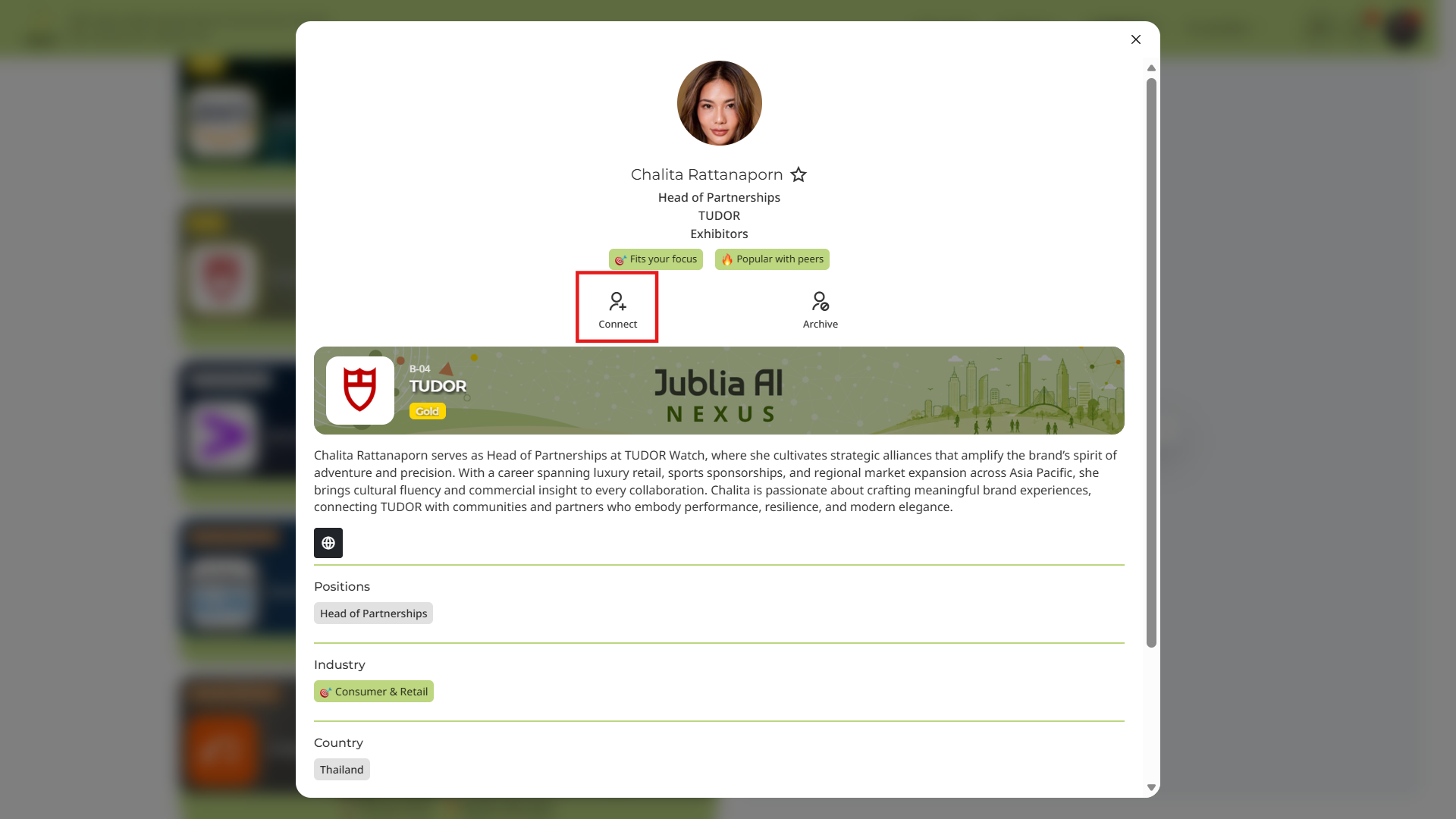
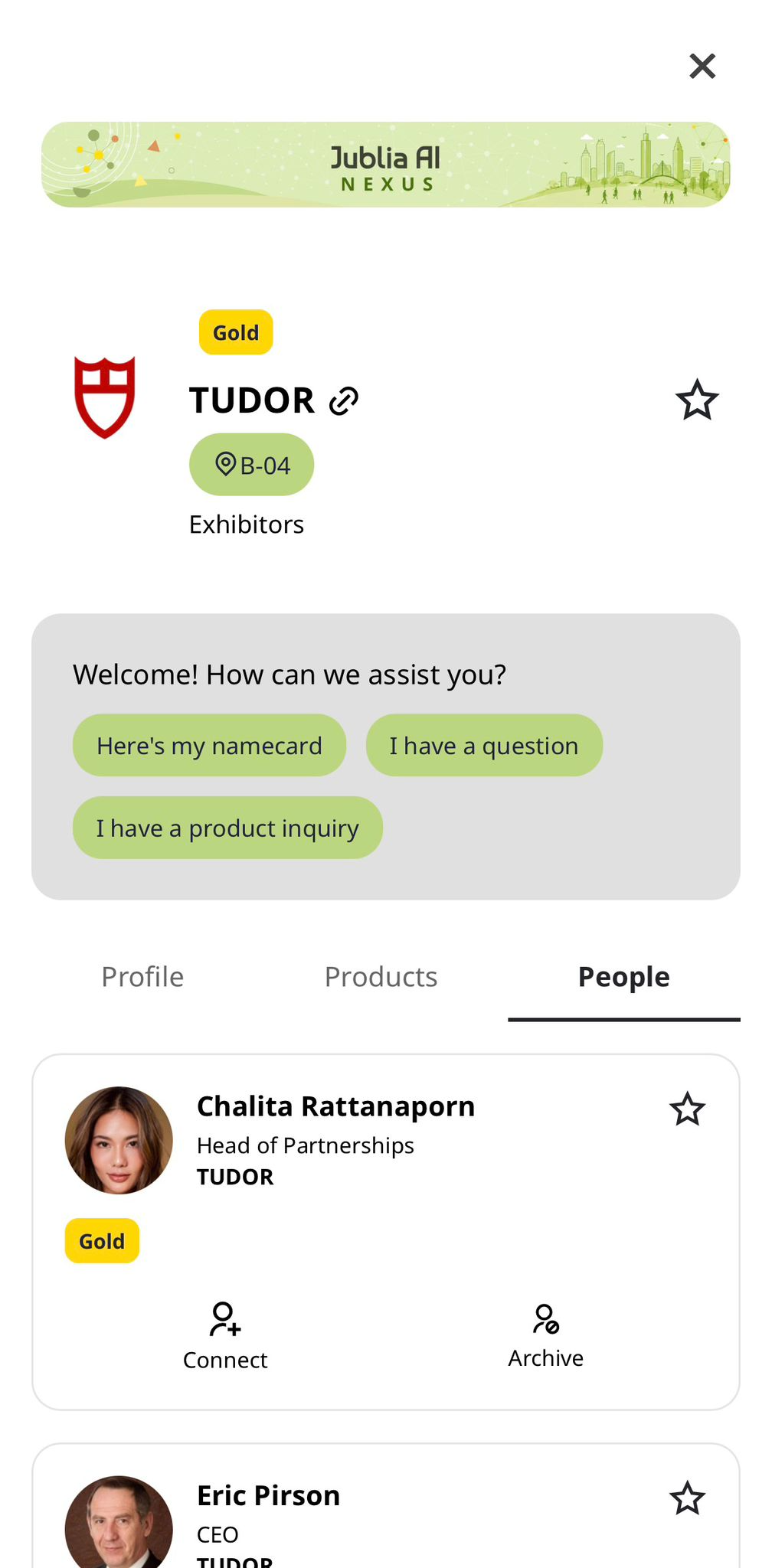
Review the list of representatives tags to the company under people and click on the specific person's profile you wish to meet.
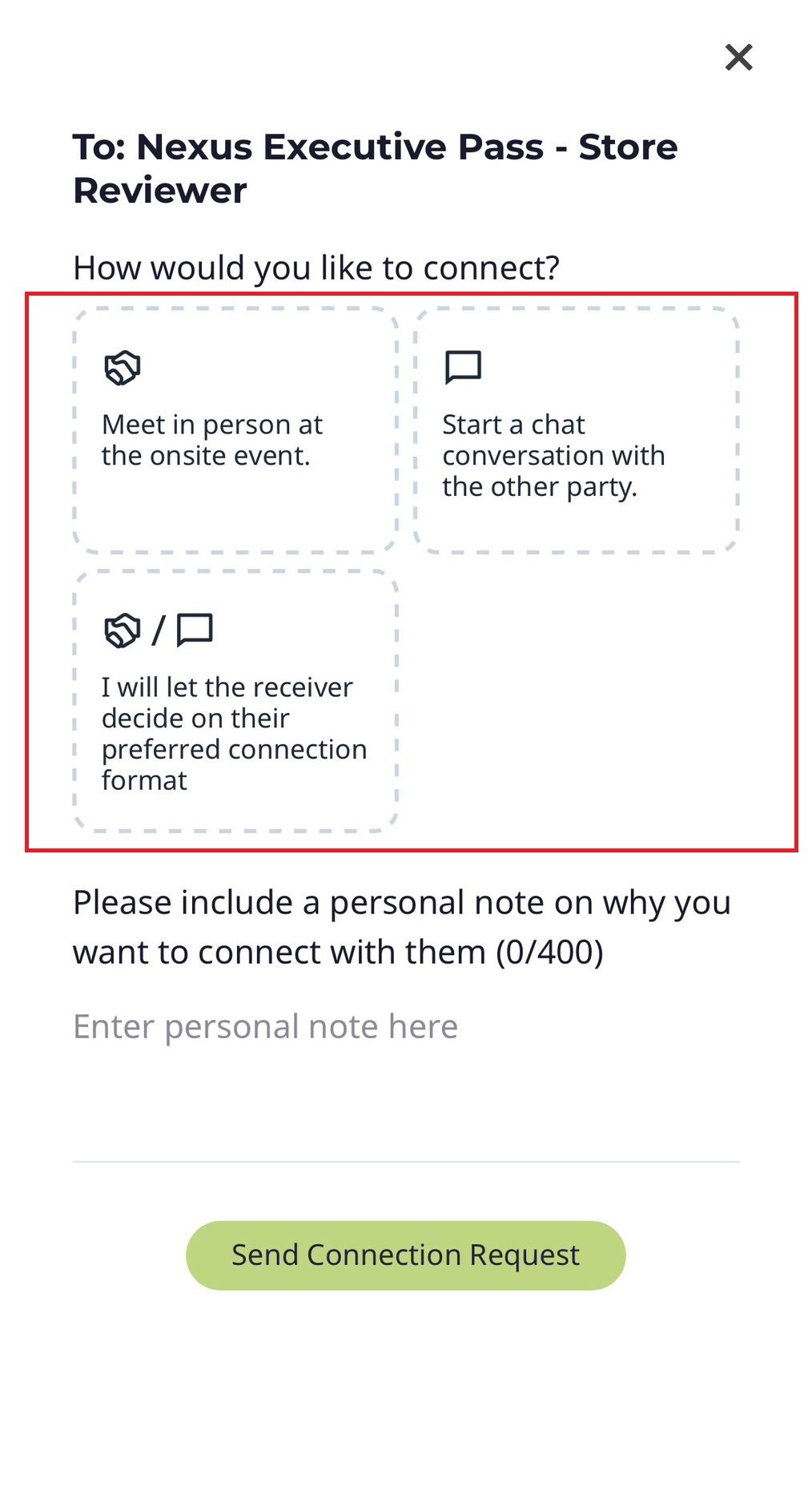
Choose between Onsite Meeting (in-person) or Chat Meeting (if applicable), include a short message regarding your agenda, and click Send meeting request.
Click on the Exhibitor listing menu and select the Company
Review the list of representatives tags to the company under people and click on the specific person's profile you wish to meet.
Choose between Onsite Meeting (in-person) or Chat Meeting (if applicable), include a short message regarding your agenda, and click Send meeting request.