Read this guide in
| 中文 | ภาษาไทย | 한국어 | tiếng Việt | 繁體中文 | Bahasa Indonesia | 日本語 | Español | Portuguese |
Step 1: Access the Meet page
Click on Meet on the navigation bar
Click on the Companies tab
Search for a company you are interested in, and click on Meet on the company profile card
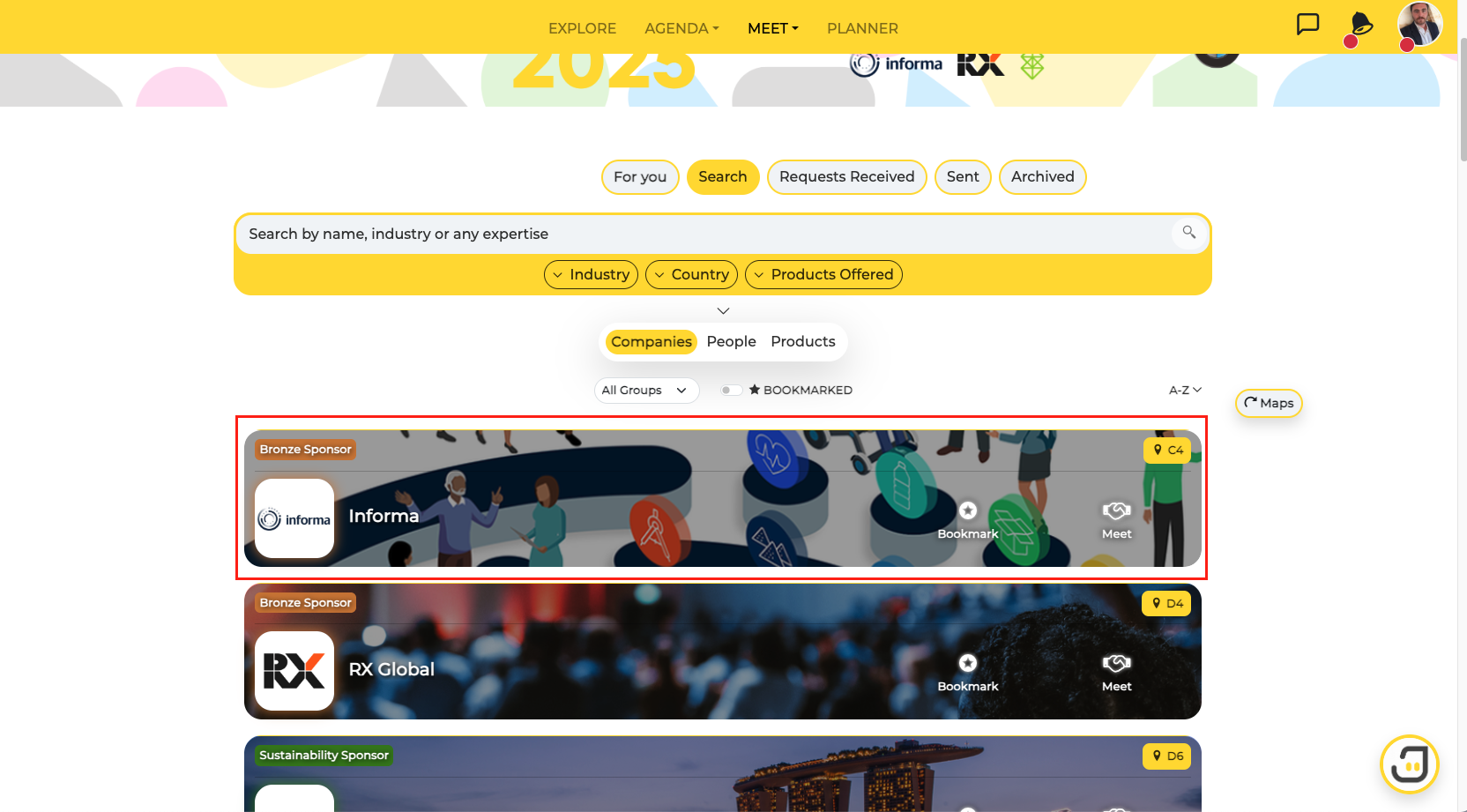
Step 2: View People Associated with the Company
Click on the person's profile you are interested in meeting with
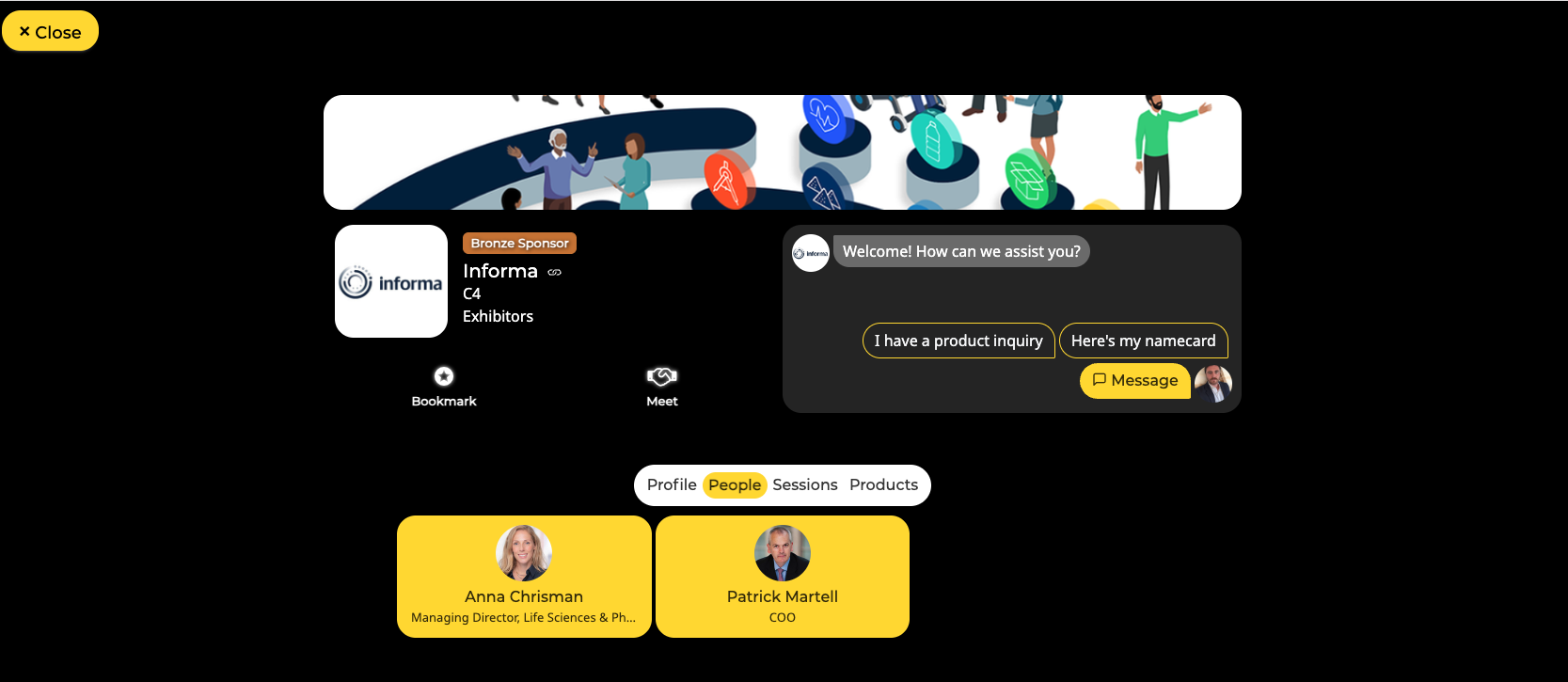
Step 3: Select Meeting Format
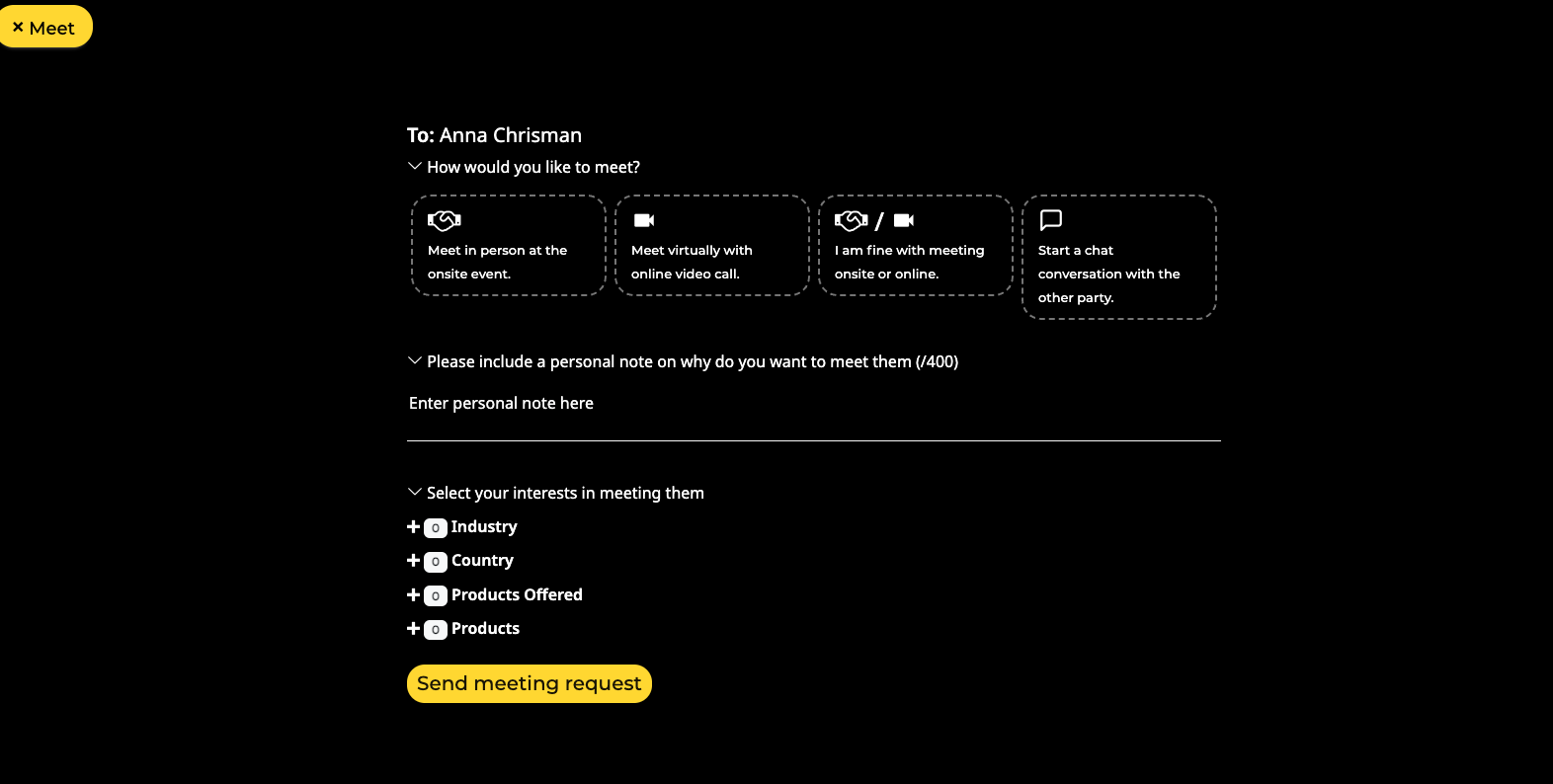
Choose how you would like to meet with the person and state your meeting agenda in the short message. Meeting will only be confirmed after the other party accepts.
The following icons will appear on the other party's profile depending on the meeting format and if the request has been accepted by them.
1. Virtual meeting: You have scheduled an online video meeting.
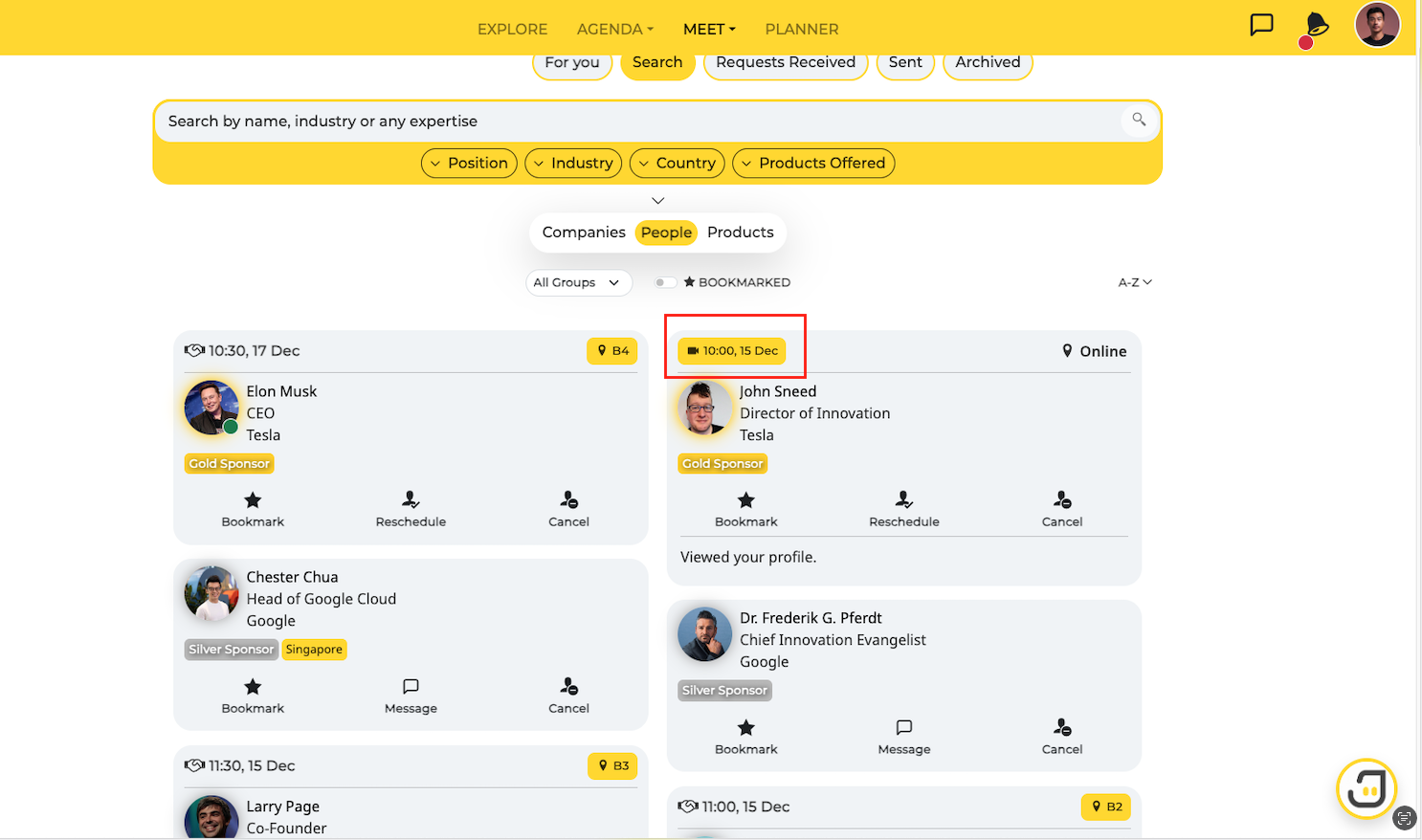
2. Onsite Meeting: You have scheduled an in-person meeting at the event.
3. Chat Meeting: You can only connect via the chat feature.