Read this guide in
| 中文 | ภาษาไทย | 한국어 | tiếng Việt | 繁體中文 | Bahasa Indonesia | 日本語 | Español | Portuguese | Chinese
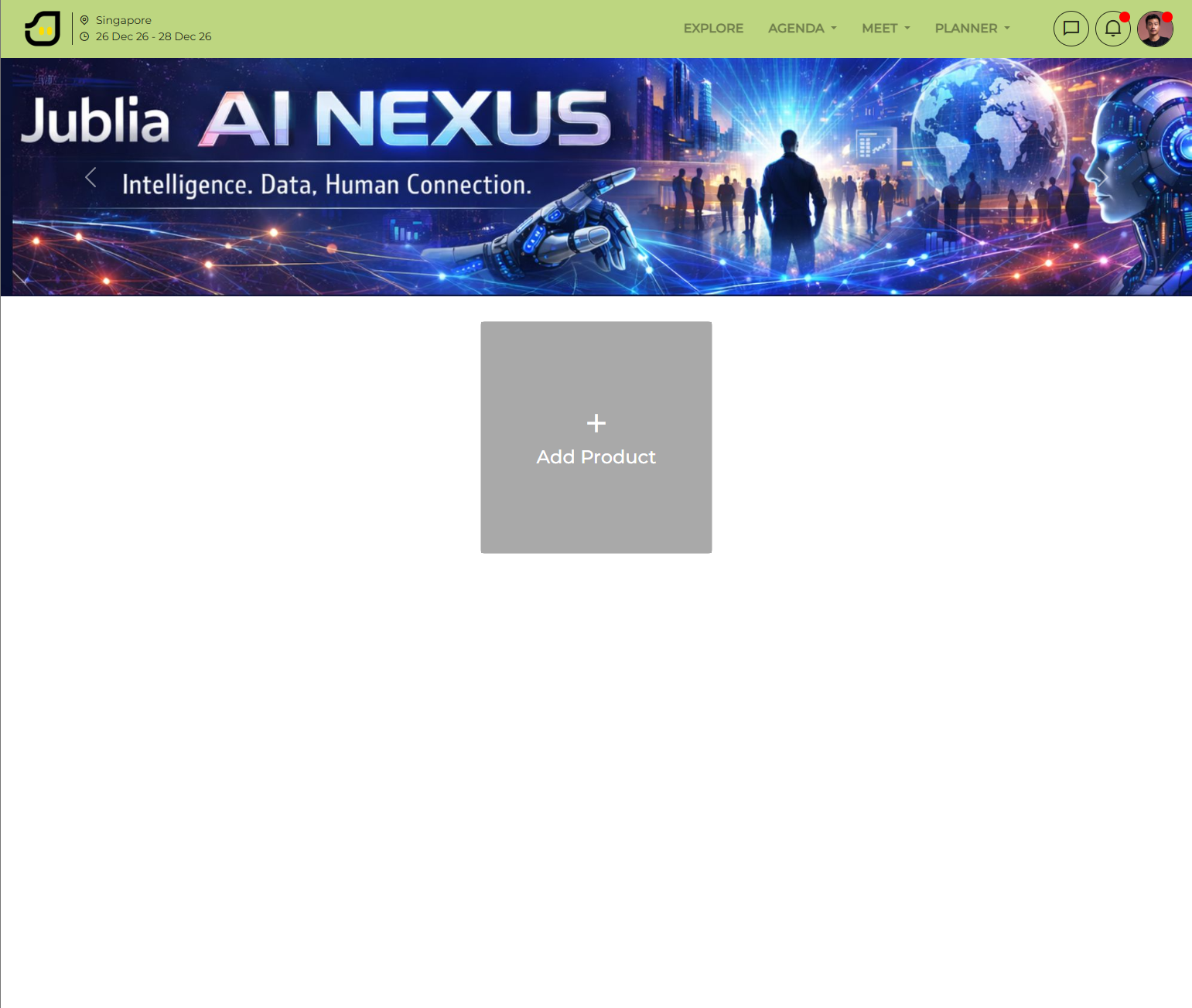
Click on your profile icon in the top right corner of the screen and select My Products. As a result, your product management dashboard will open.
Click the Add Product button. As a result, the product creation form will appear on your screen.
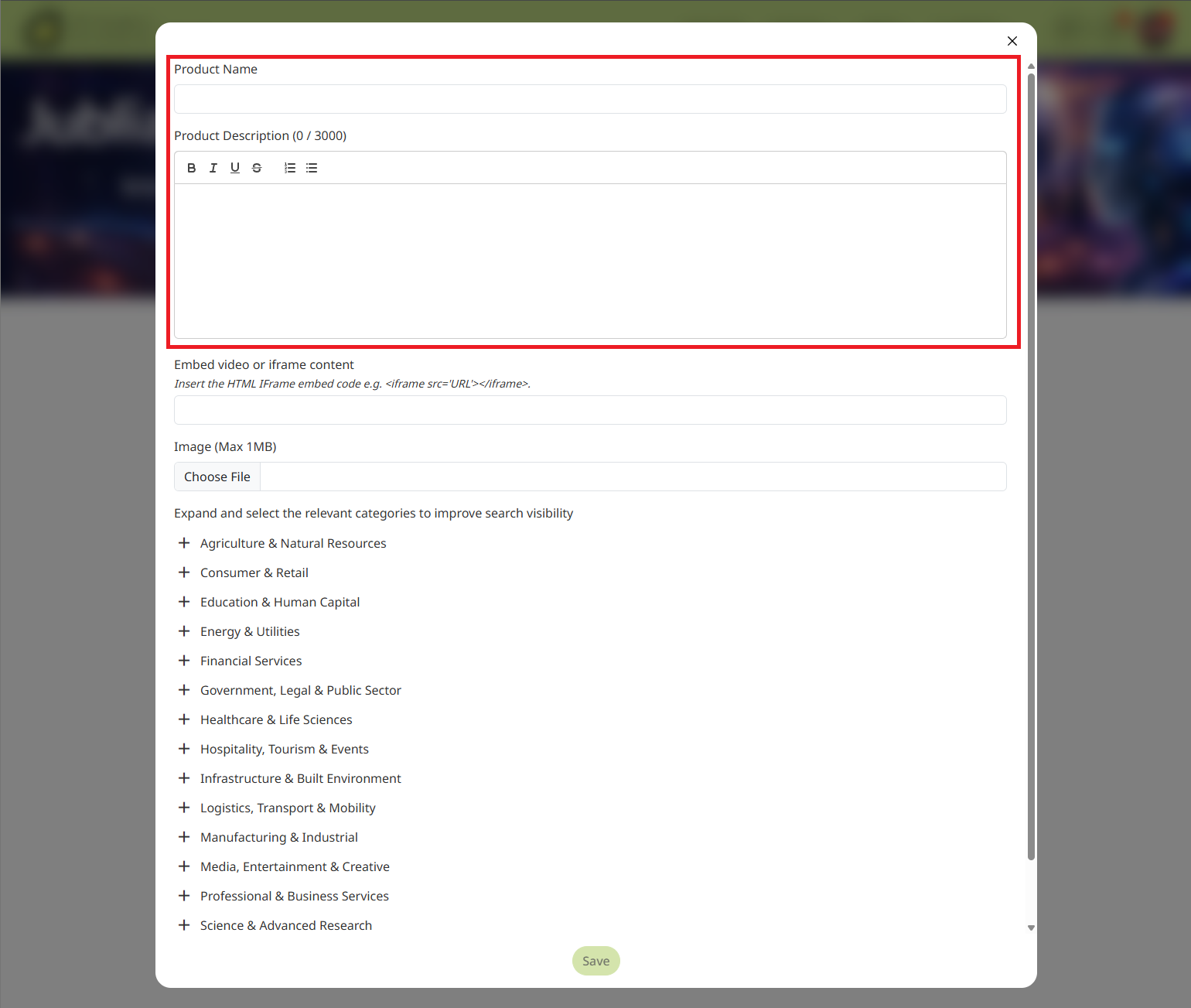
Enter the product name and a compelling description. You can also enhance your product listing by uploading high-quality images and adding videos to showcase your product effectively. As a result, your product will be visually ready to attract buyers.
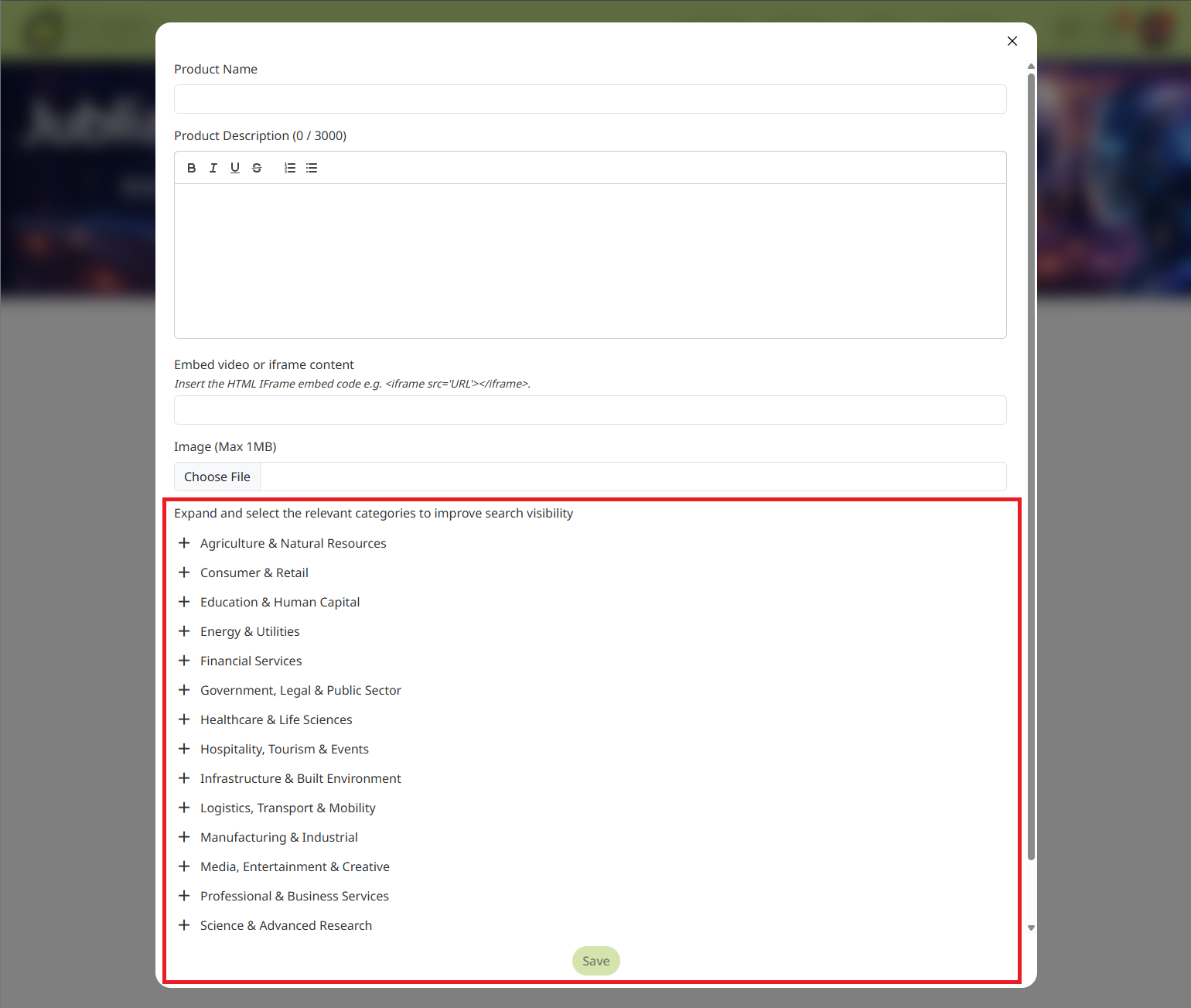
Expand the Categories section, select the category that best represents your product, and save your changes. As a result, your product will be published and easily discoverable by attendees searching the platform.
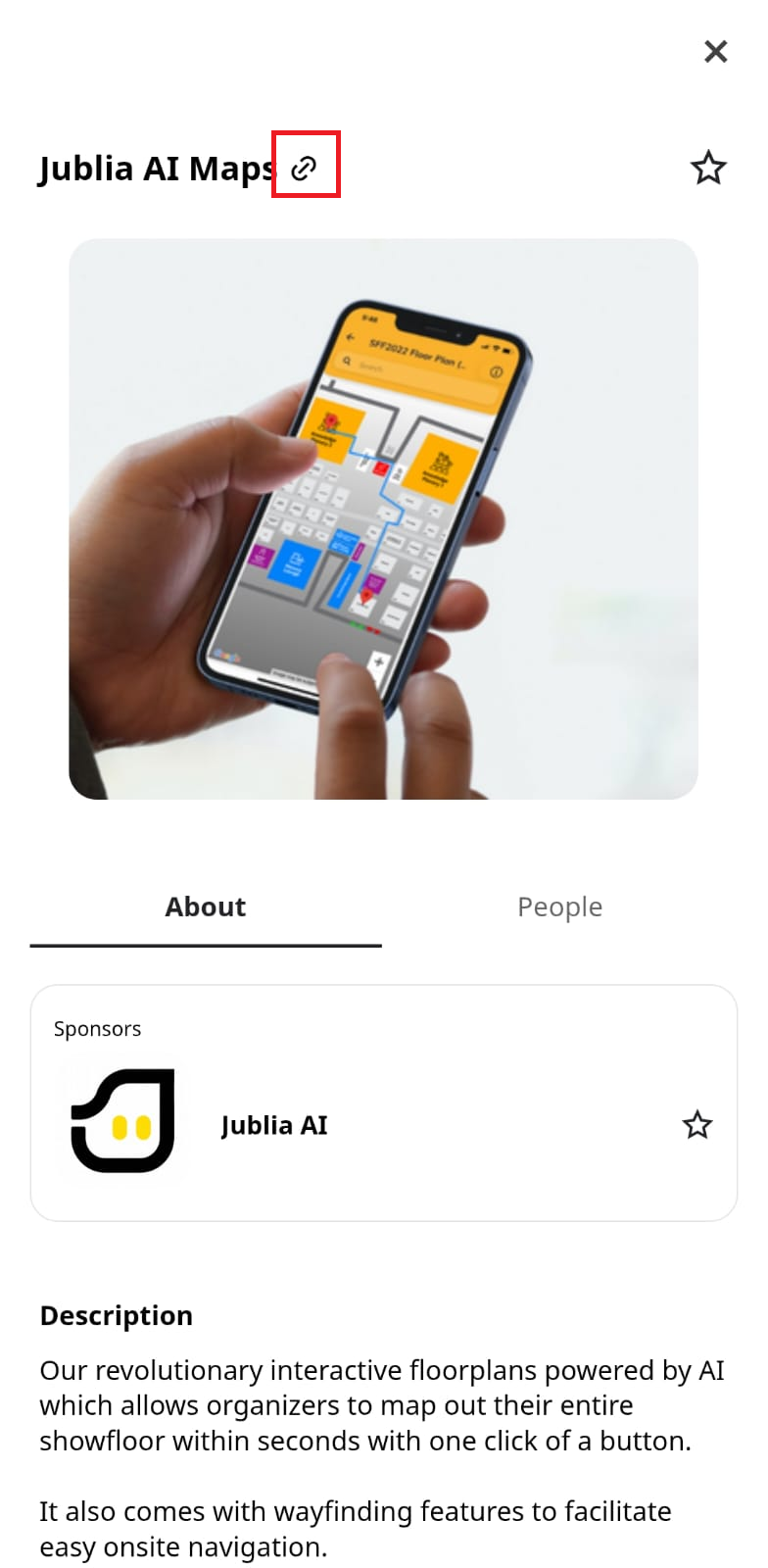
Once your product is updated, you can navigate to the respective product pages to share your direct URLs.
Click Meet > Search > Products and copy the URL.
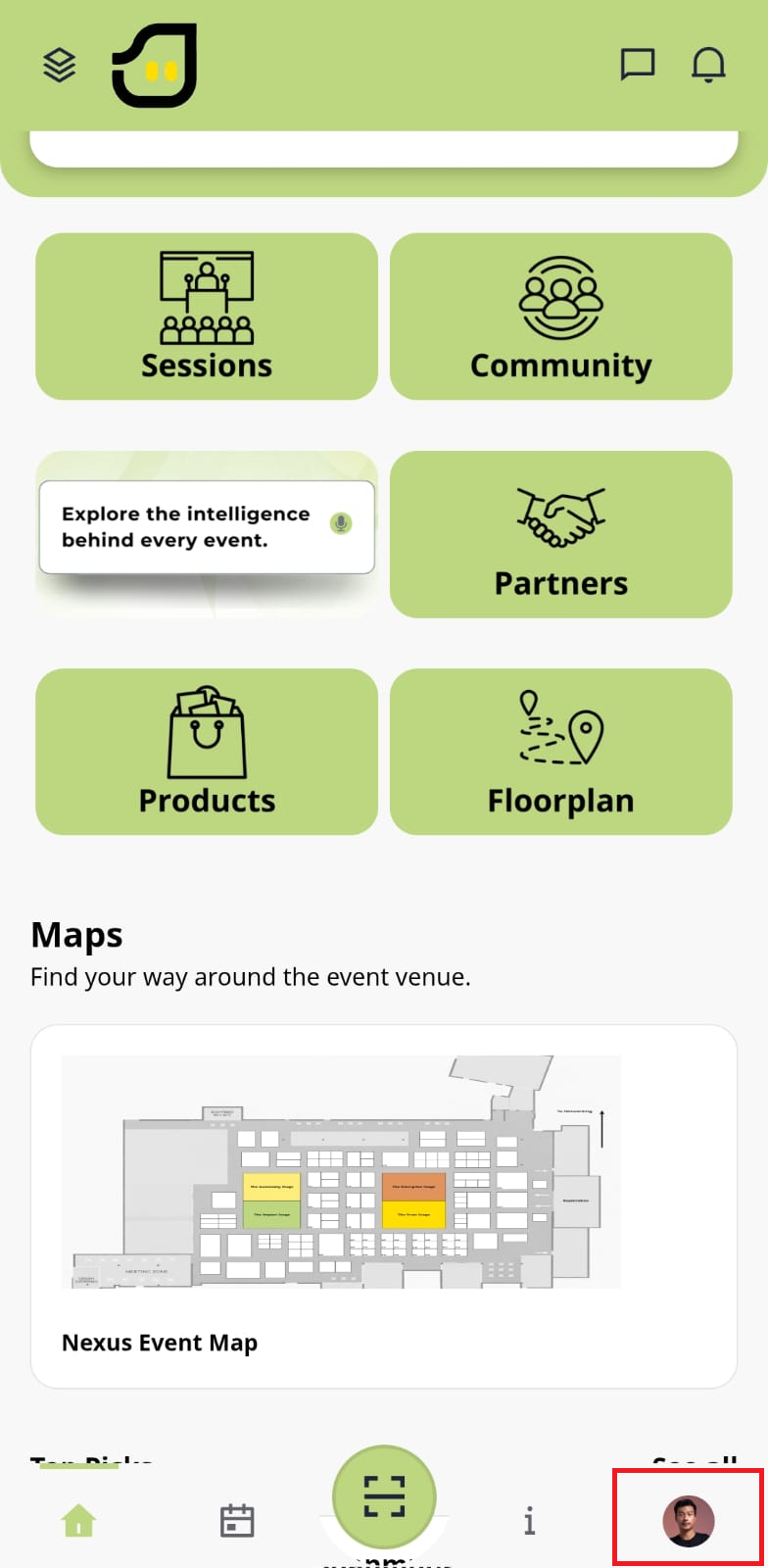
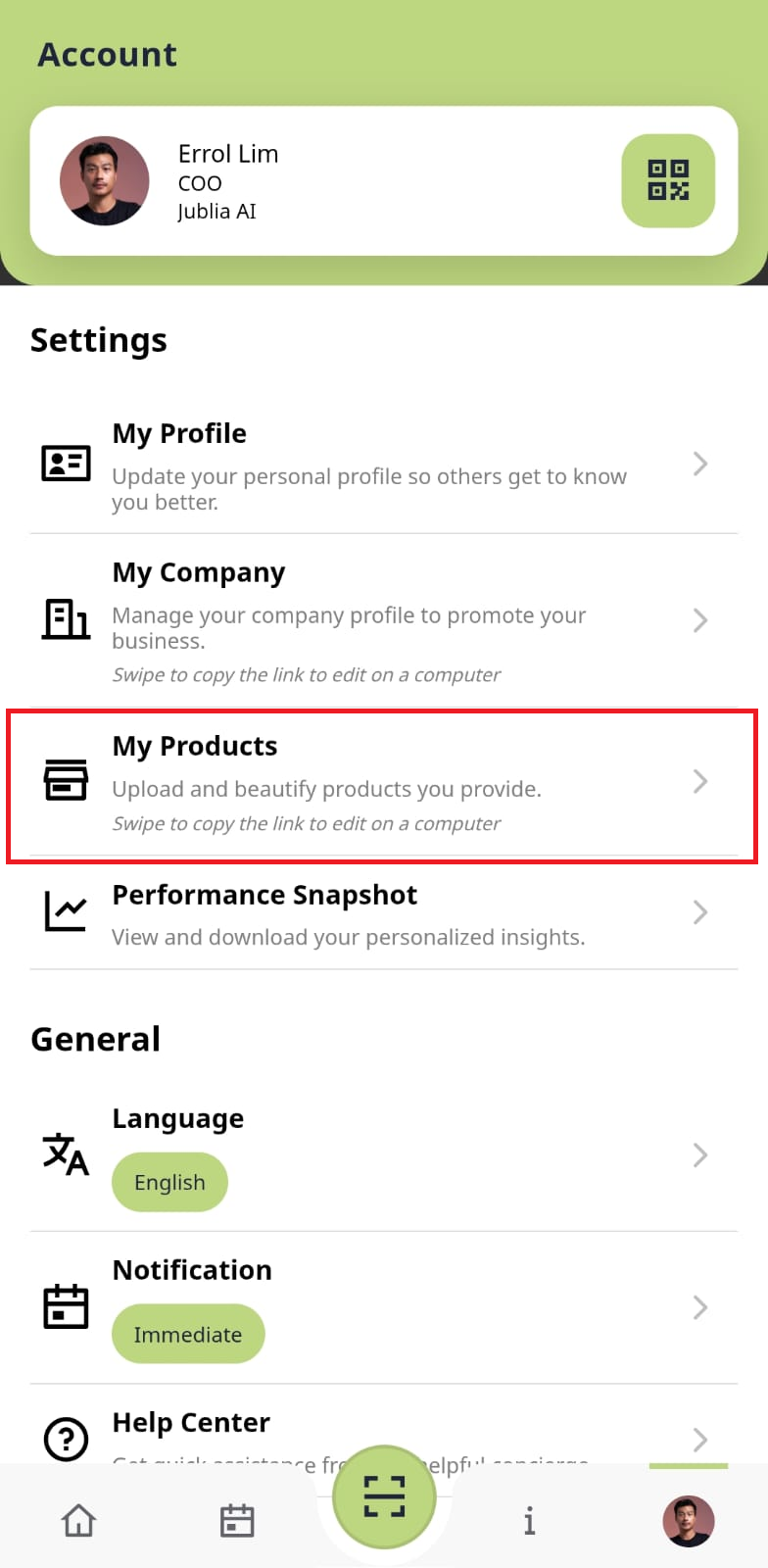
Click on your profile icon in the bottom right corner of the app and select My Products. As a result, your product management screen will open.
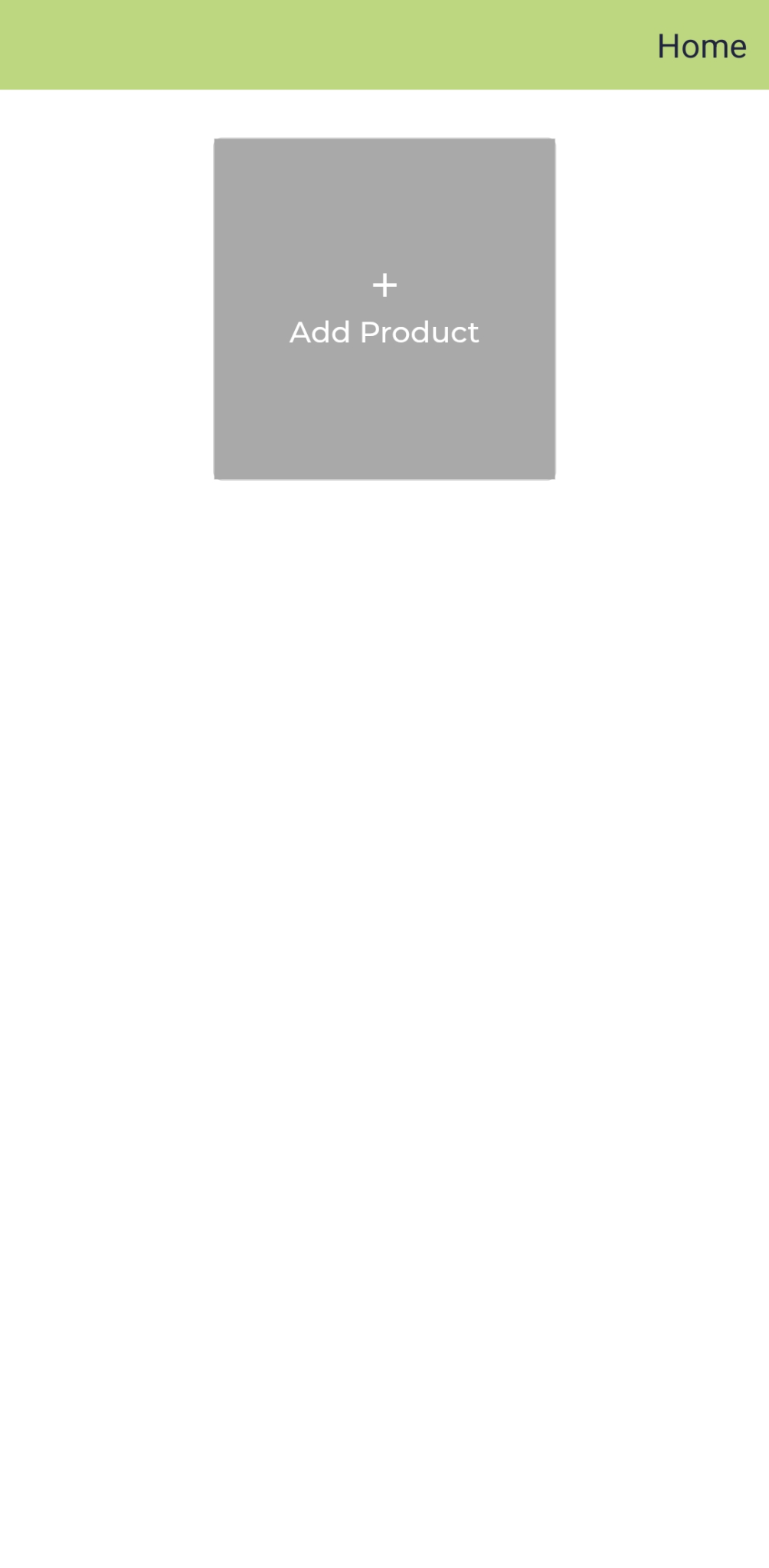
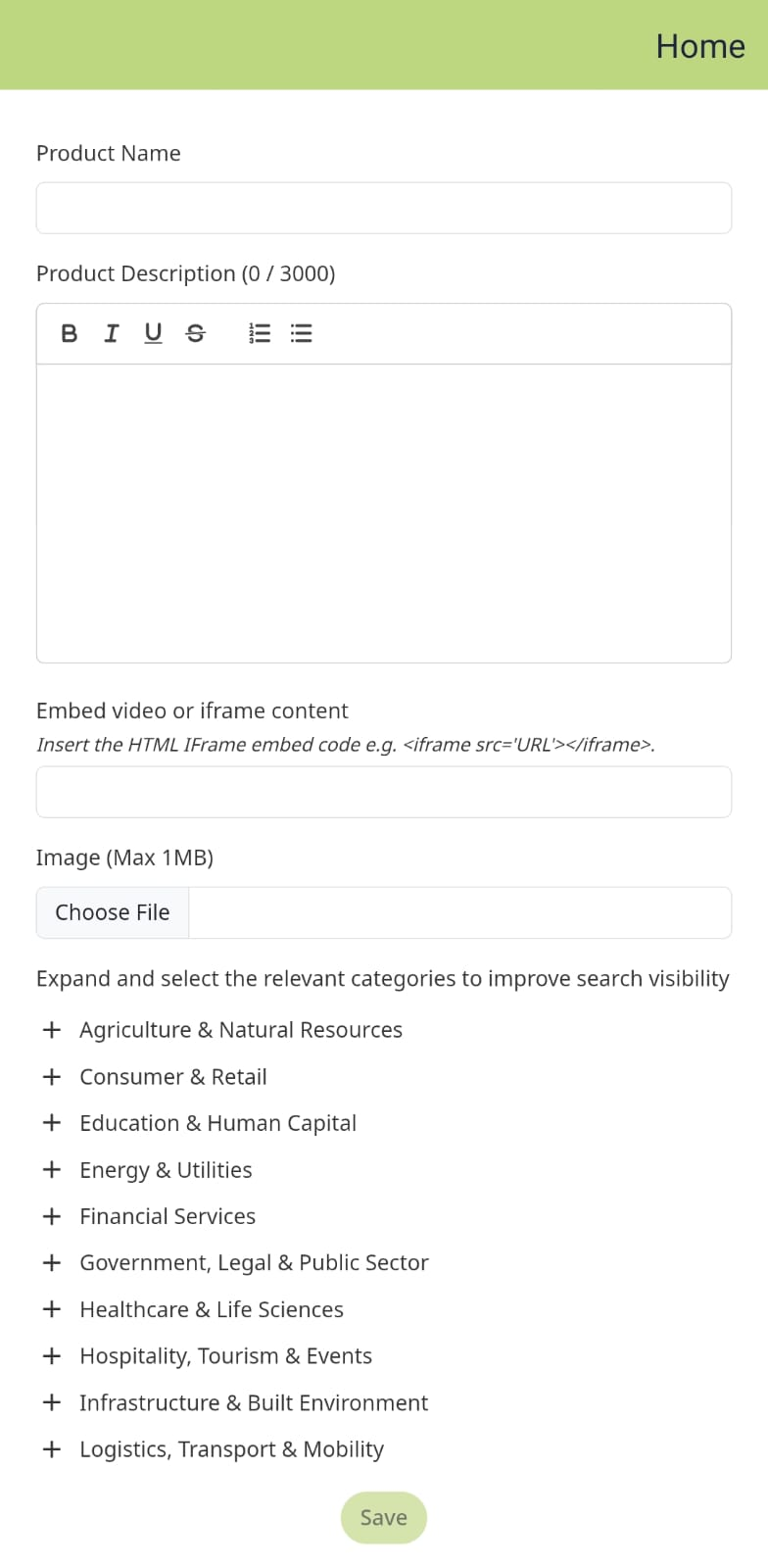
Click the Add Product button. As a result, the product entry form will load on your device.
Type the product name and description, and attach relevant videos and images to showcase your product effectively.
Expand the Categories section, choose the most accurate category for your item, and save. As a result, your product will be visually appealing and fully searchable on the Native App.
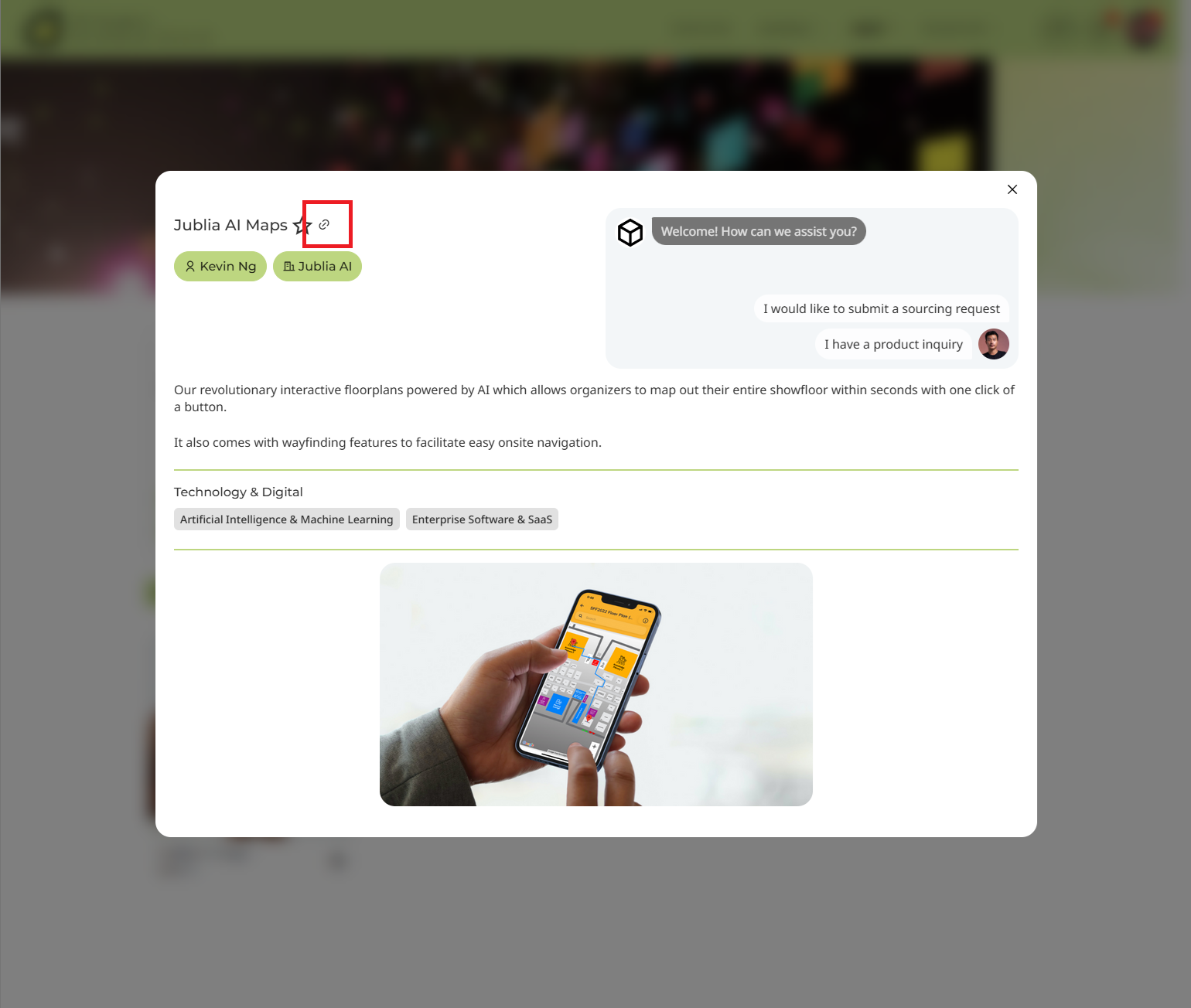
Once your product is updated, you can navigate to the respective product pages to share your direct URLs.
(Click on Meet > Search > Products)