Read this guide in
| 中文 | ภาษาไทย | 한국어 | tiếng Việt | 繁體中文 | Bahasa Indonesia | 日本語 | Español | Portuguese
Jublia AI is enhanced AI assistant that integrated across the entire event platform:
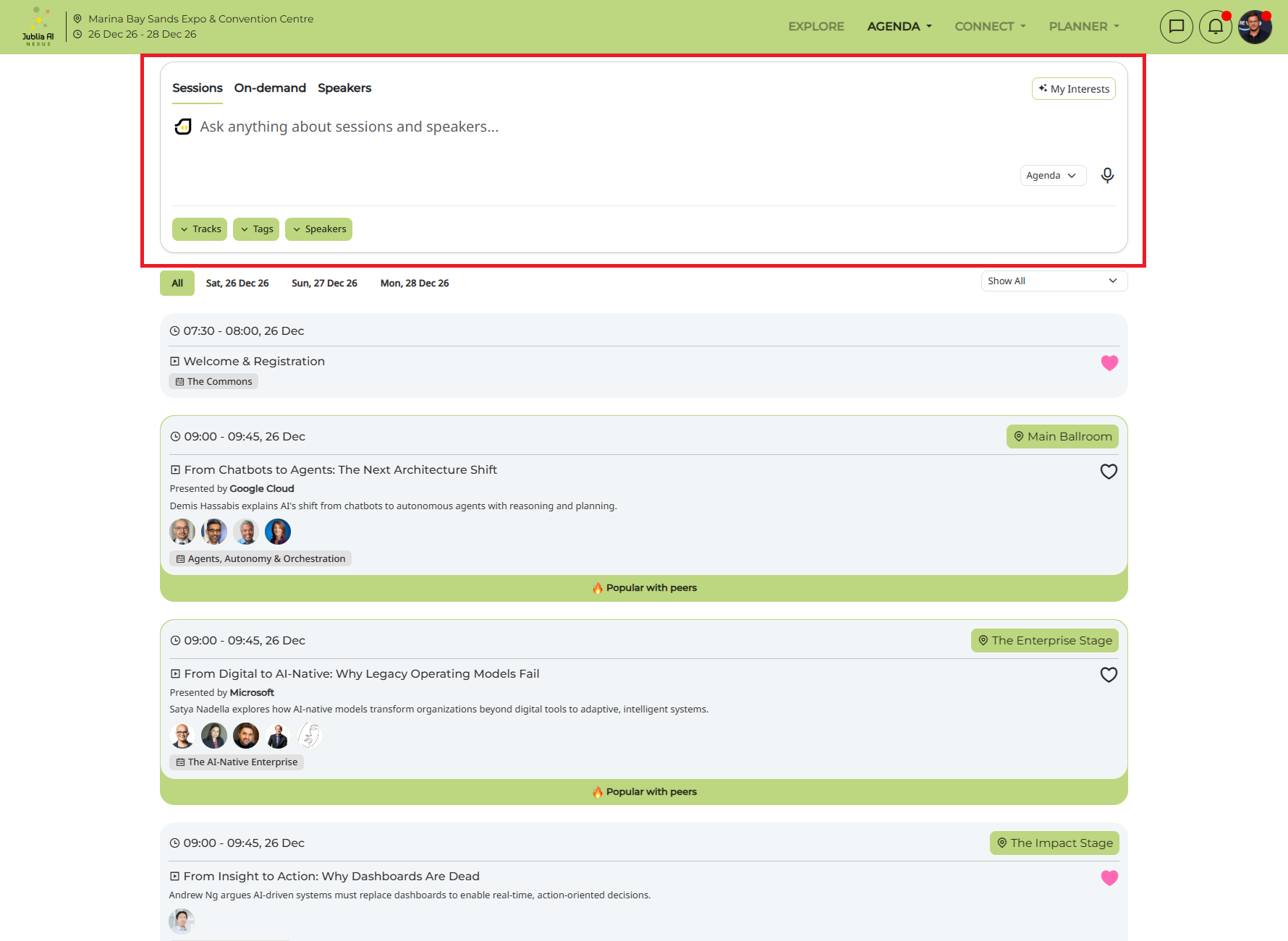
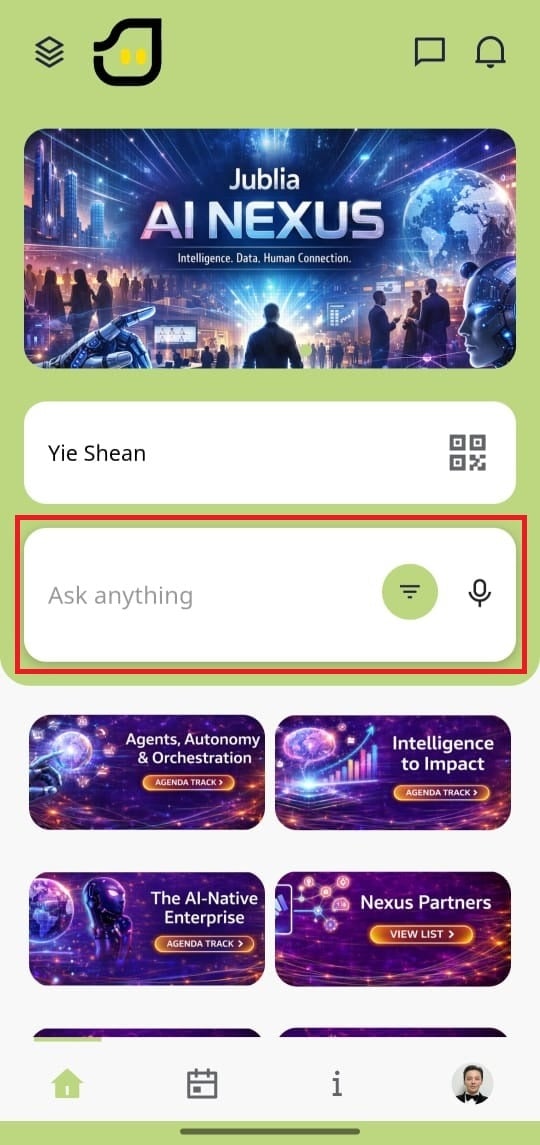
Ask anything prompt bar: Delivers more accurate and contextually relevant search results across entity types (People, Companies, Products, Sessions, Speakers). It supports both typing and speech to text.
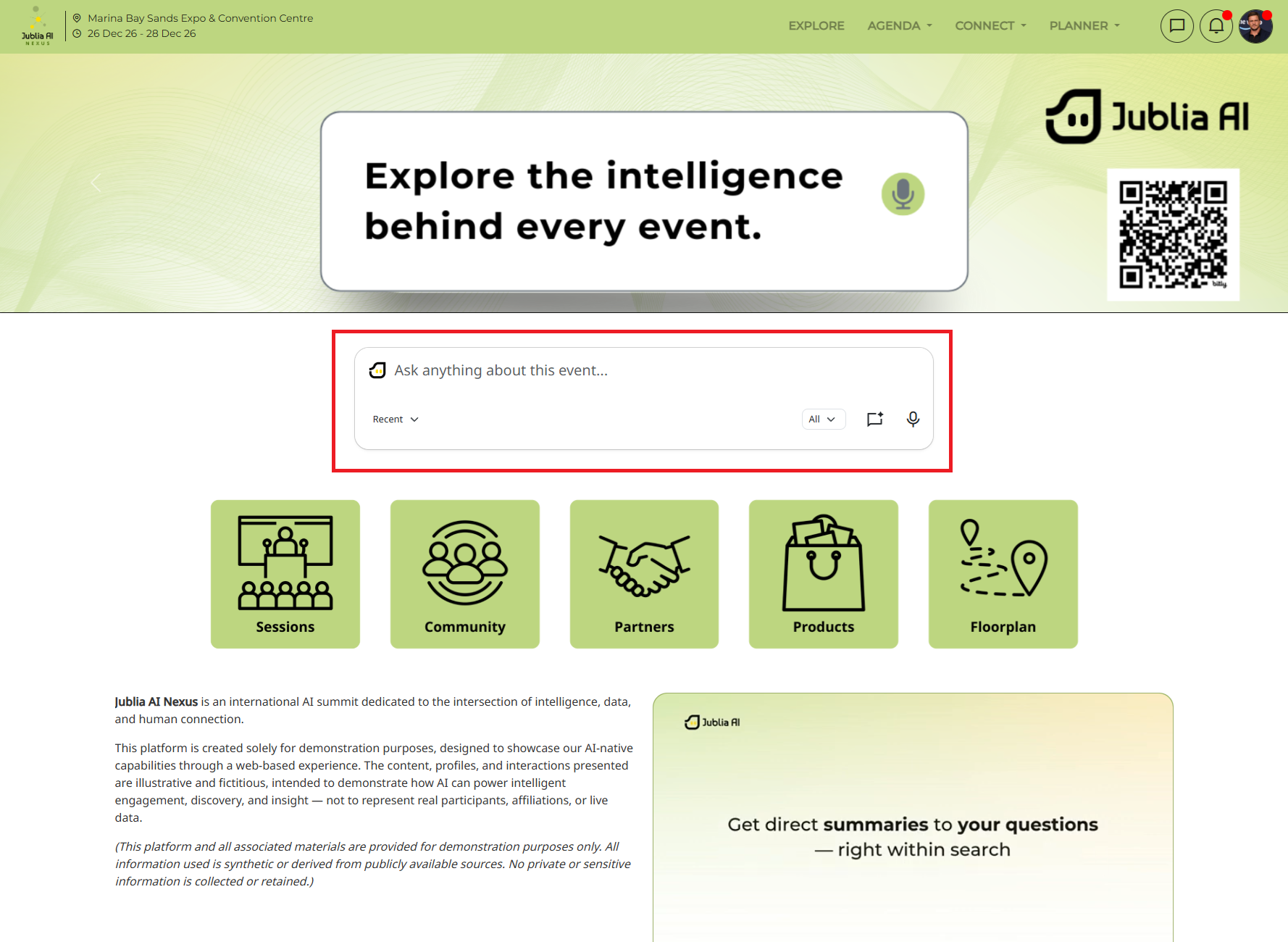
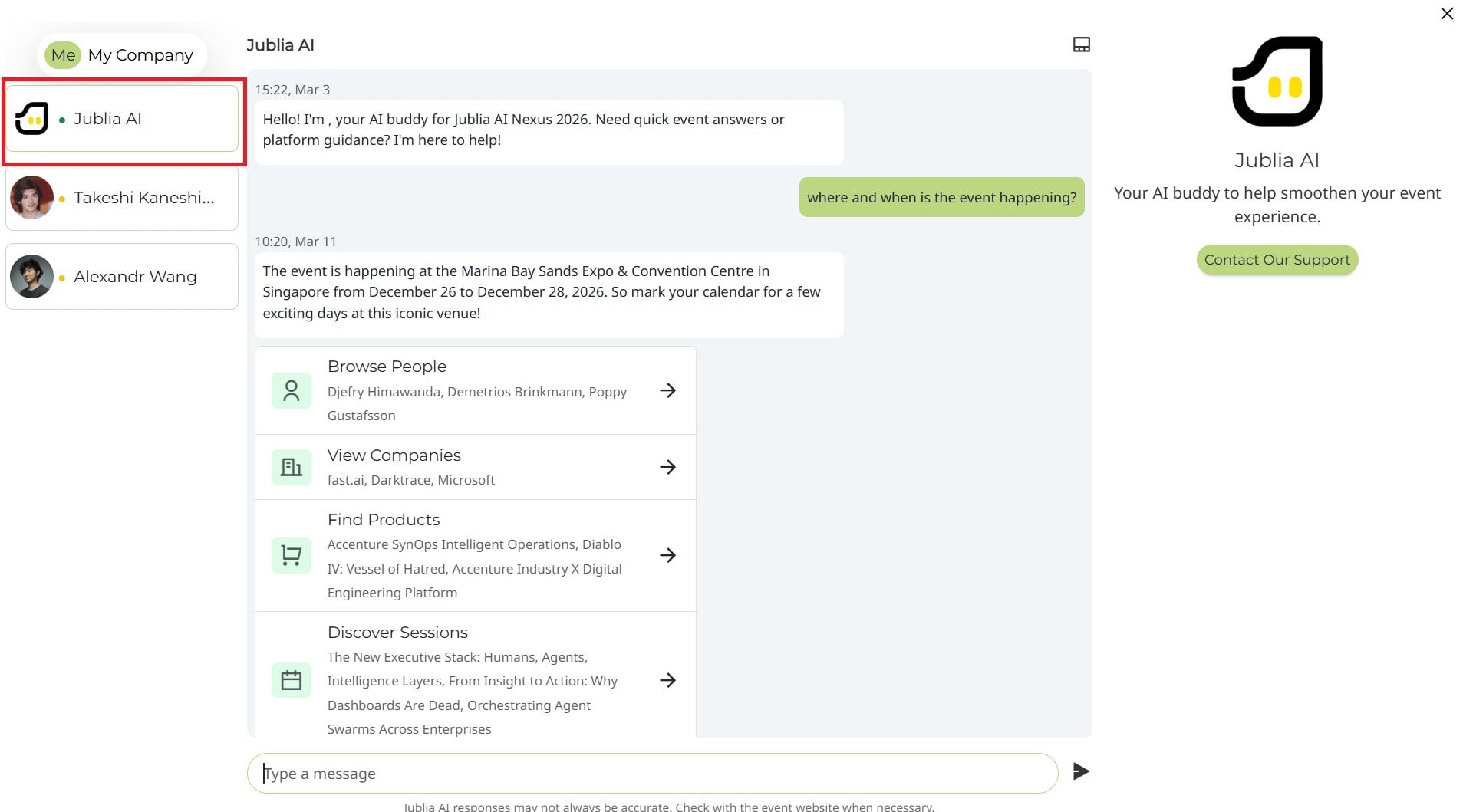
Intelligent routing: AI intelligently determines the optimal flow, prioritizing showing direct answers or providing redirection options based on the attendee intent.
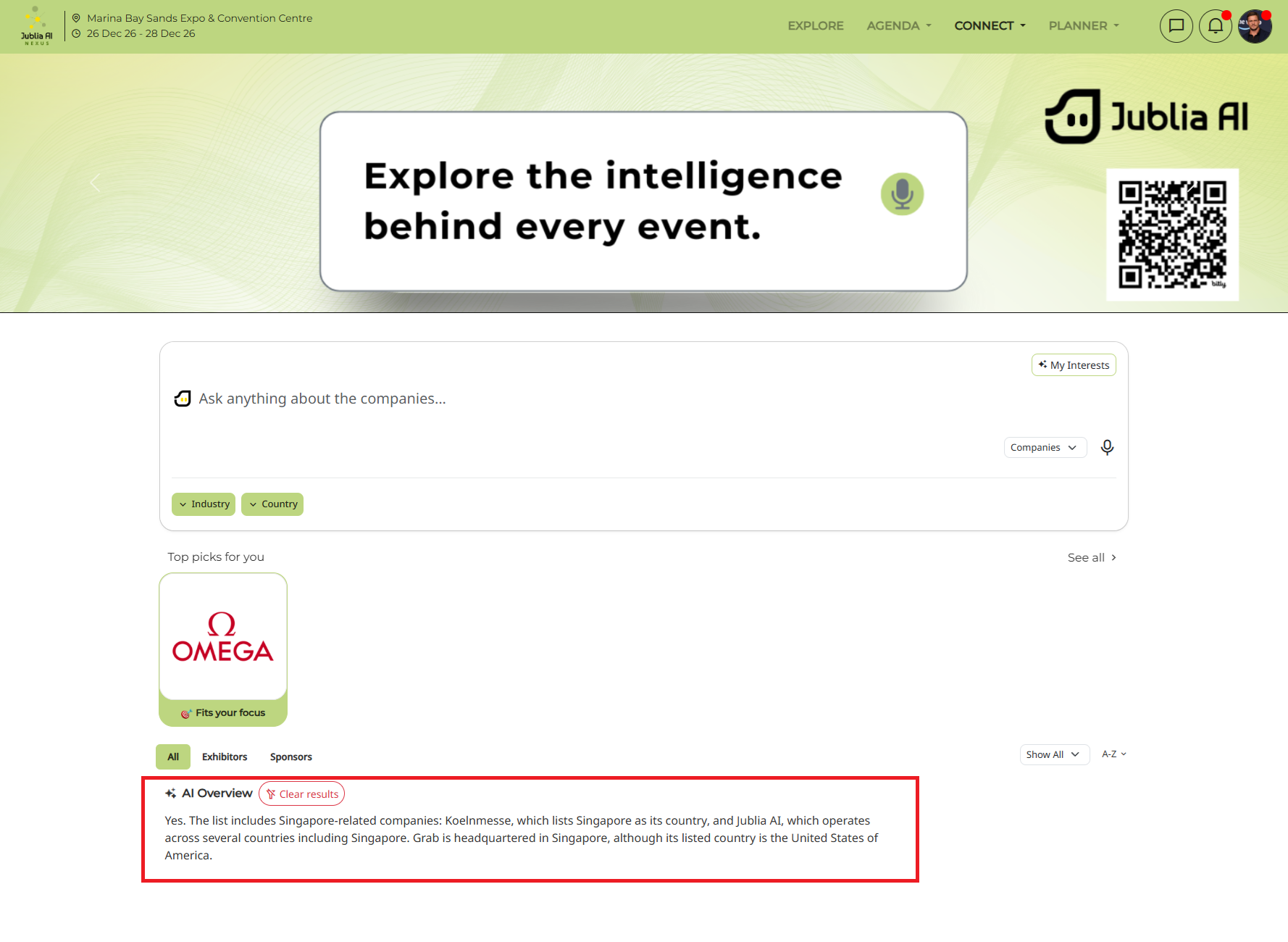
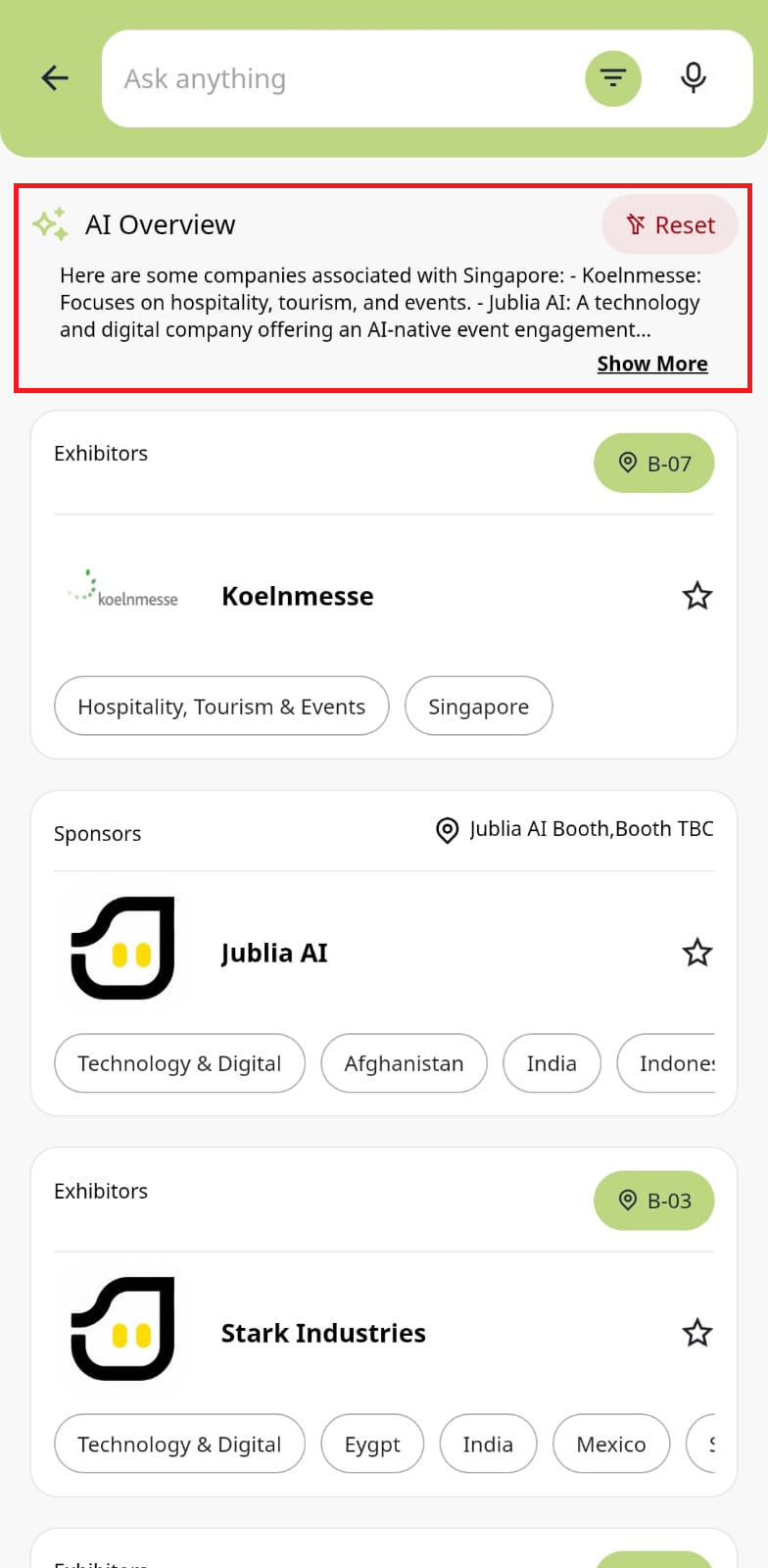
AI Overview: When you use the Ask anything feature and are redirected to a listings page (such as Connect or Agenda), an AI Overview will appear at the top of the results. This feature provides a synthesized summary of the search results, highlighting key takeaways and explaining the relevance of the recommendations to help you navigate your options more efficiently.
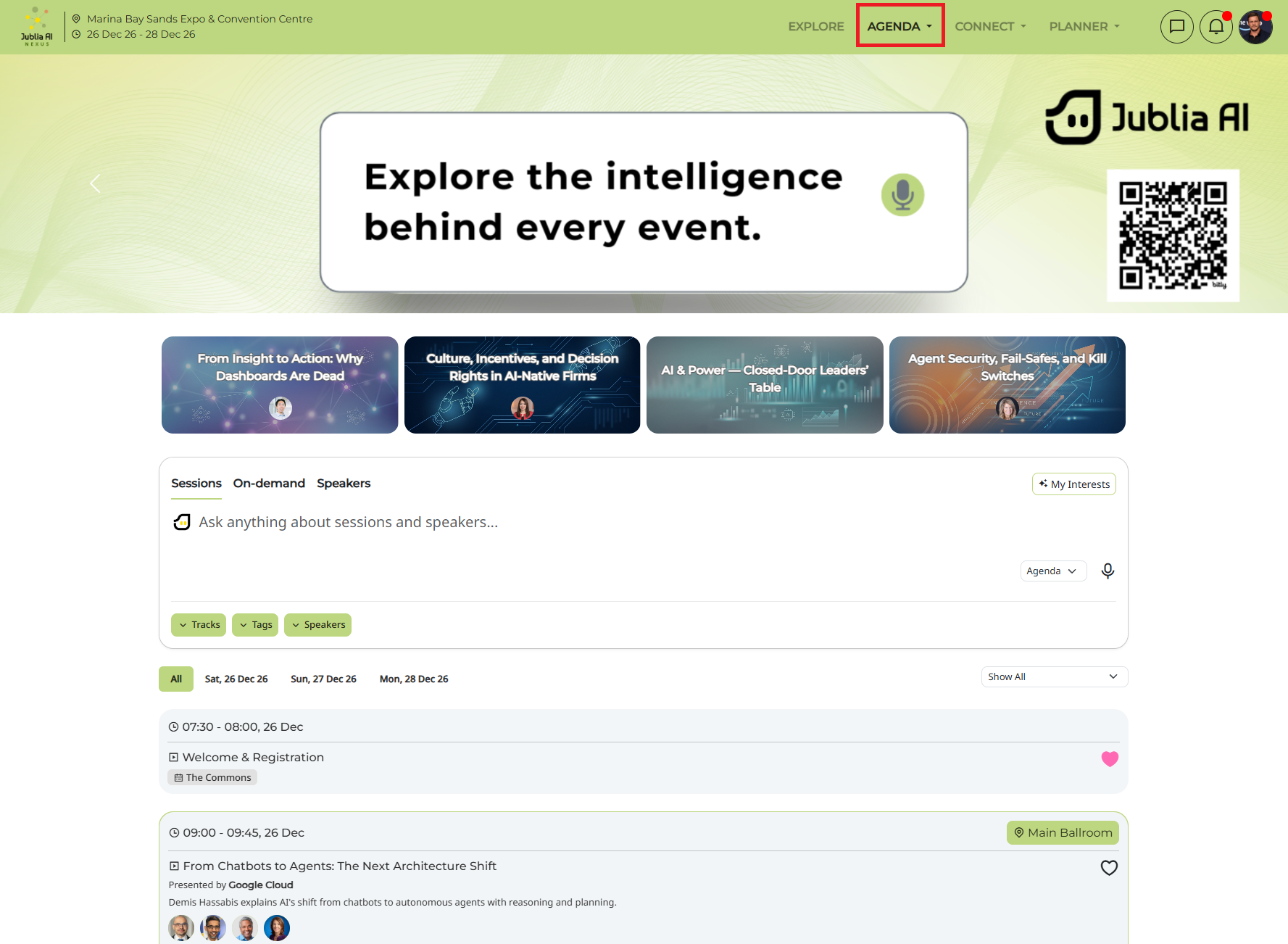
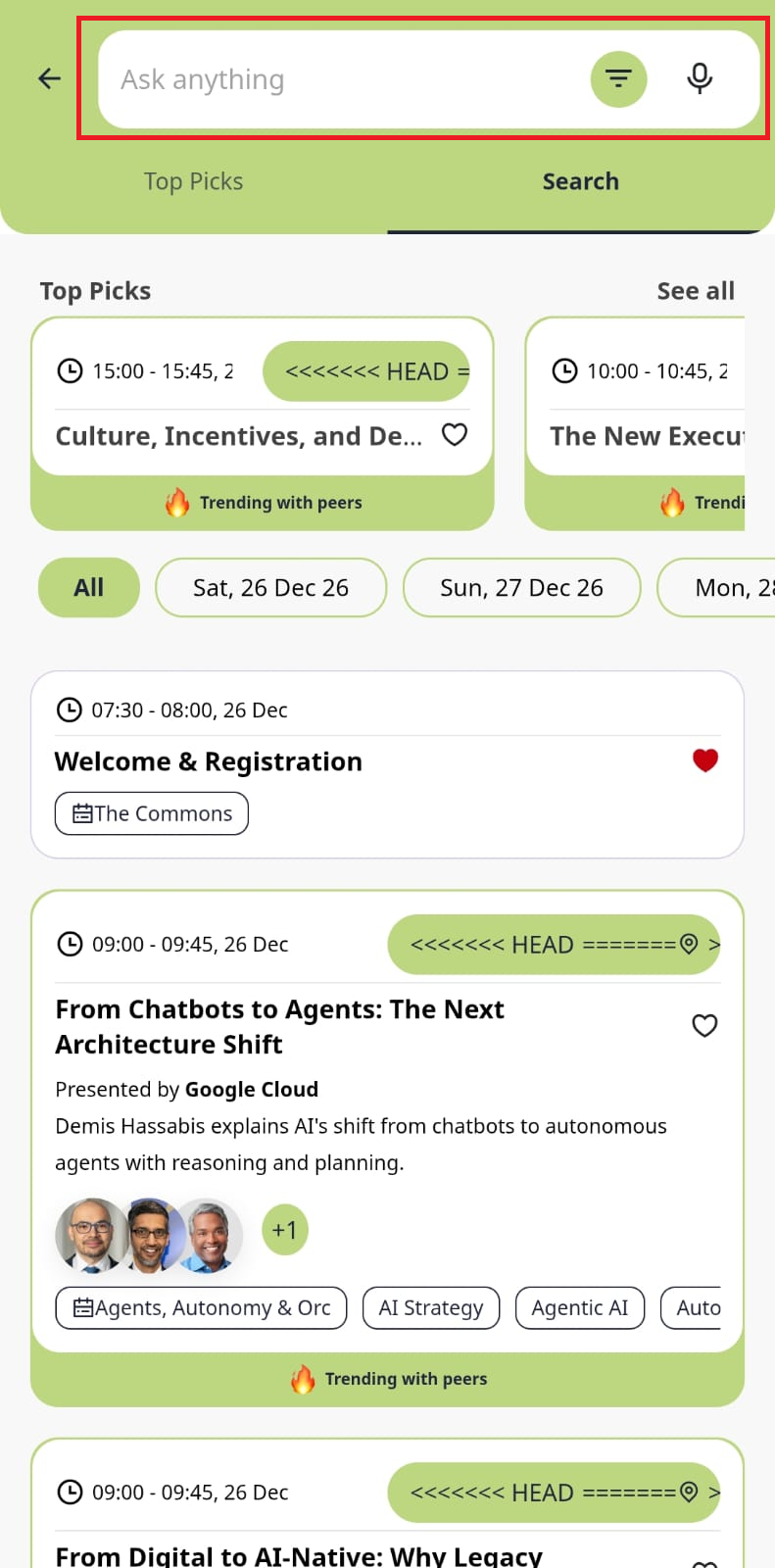
Ask anything about sessions and speakers on the Agenda page and get recommendations from Jublia AI.
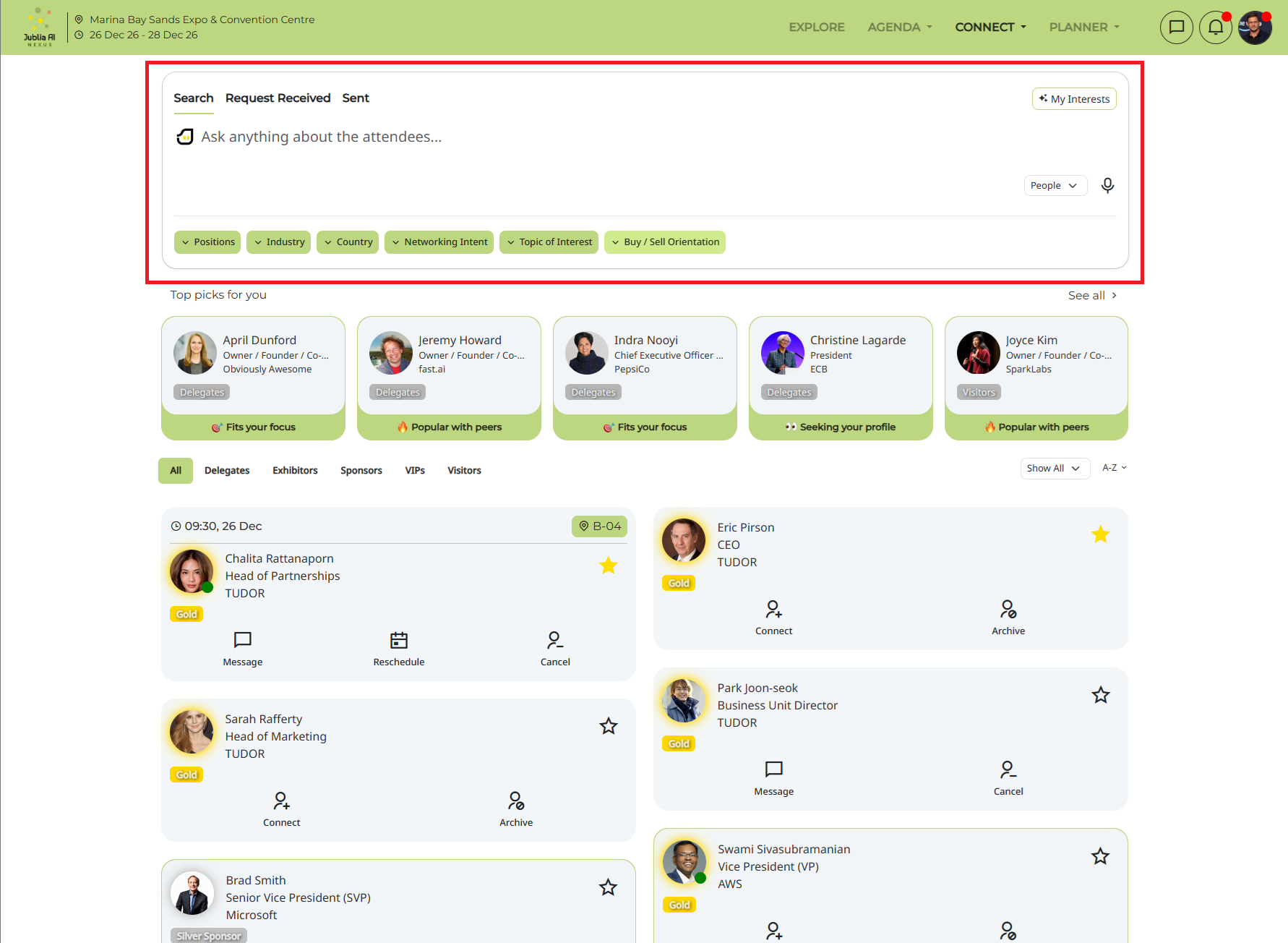
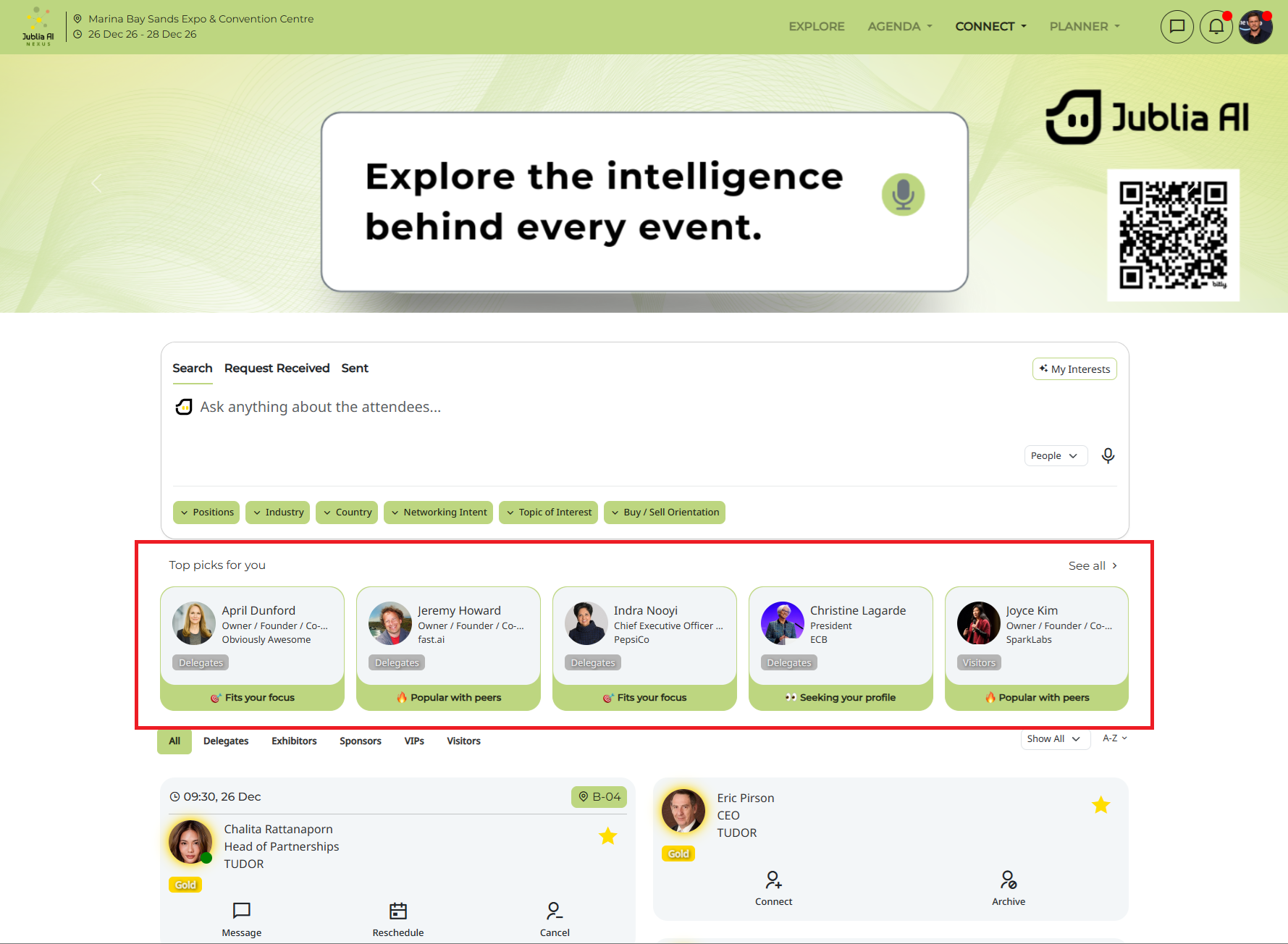
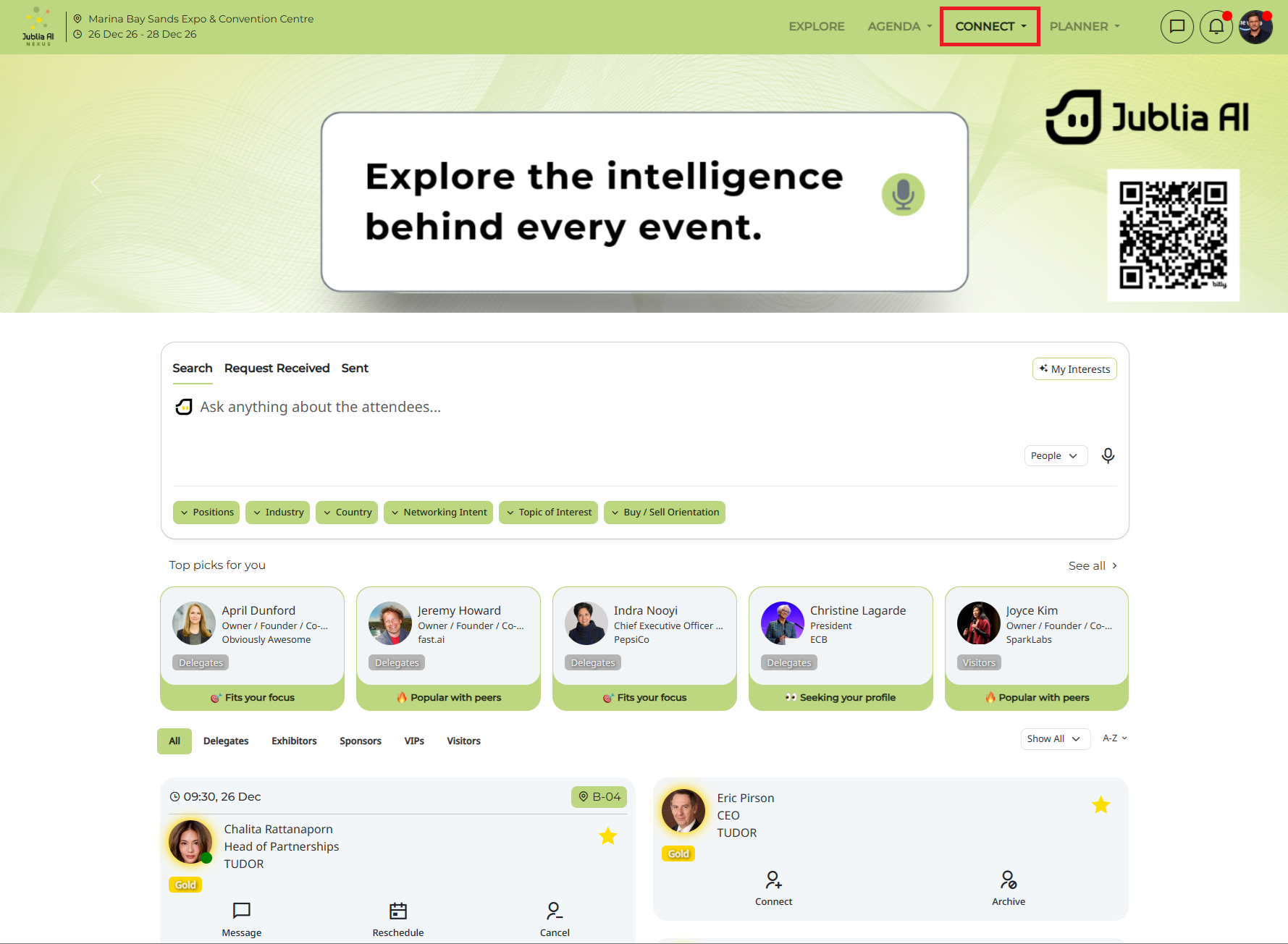
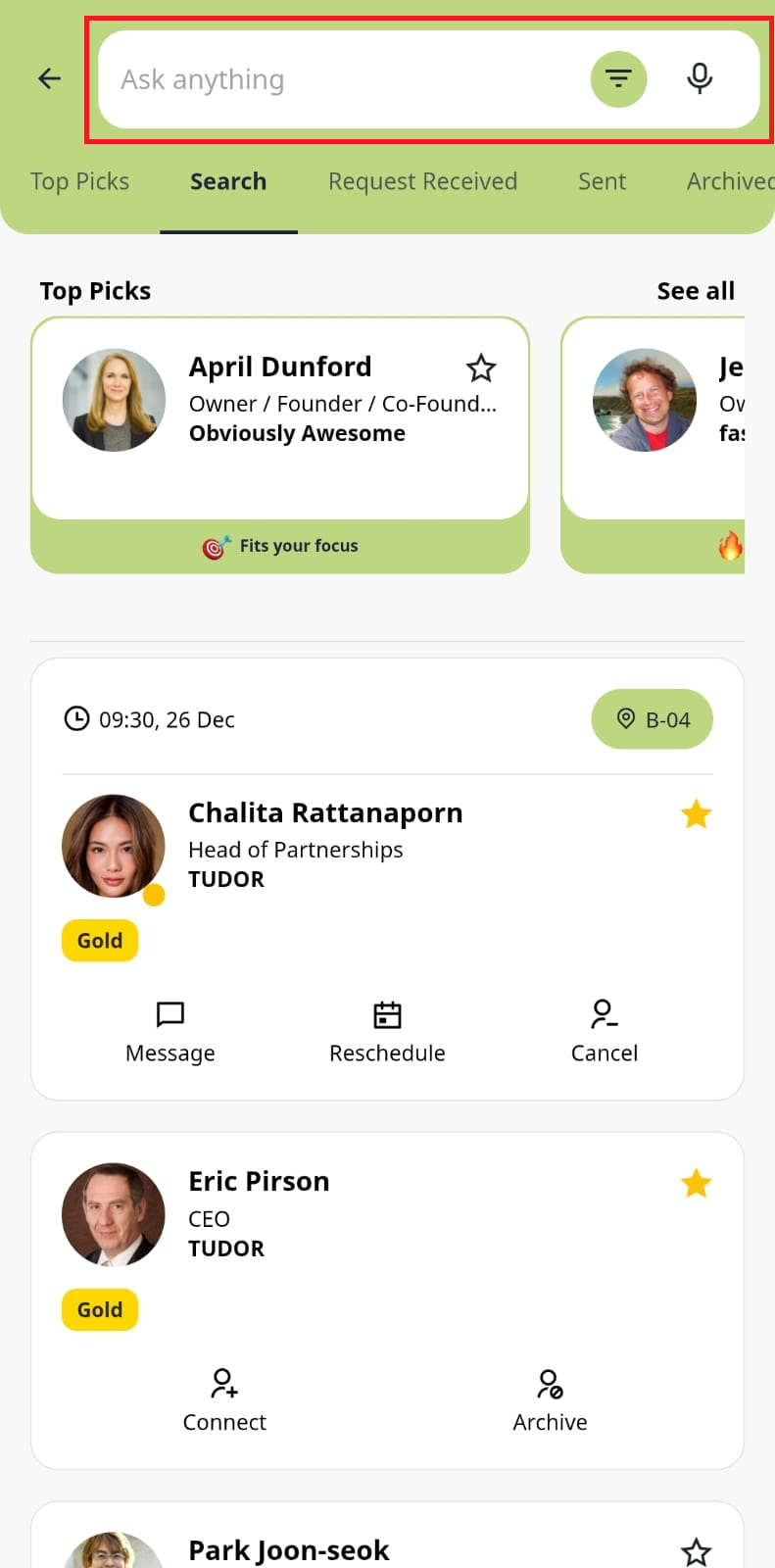
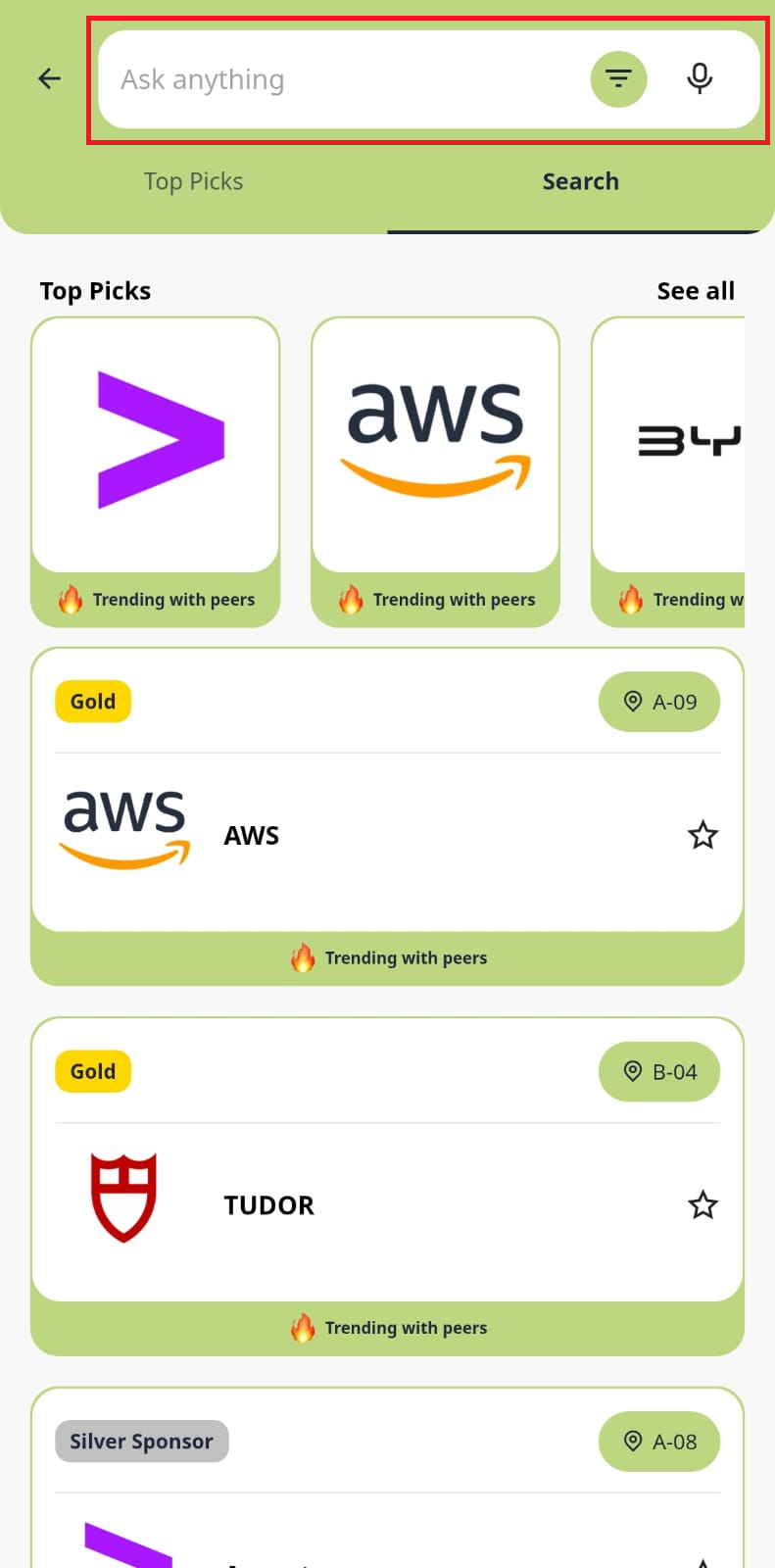
Find people, companies and products that match with your interests and get recommendations from Jublia AI.
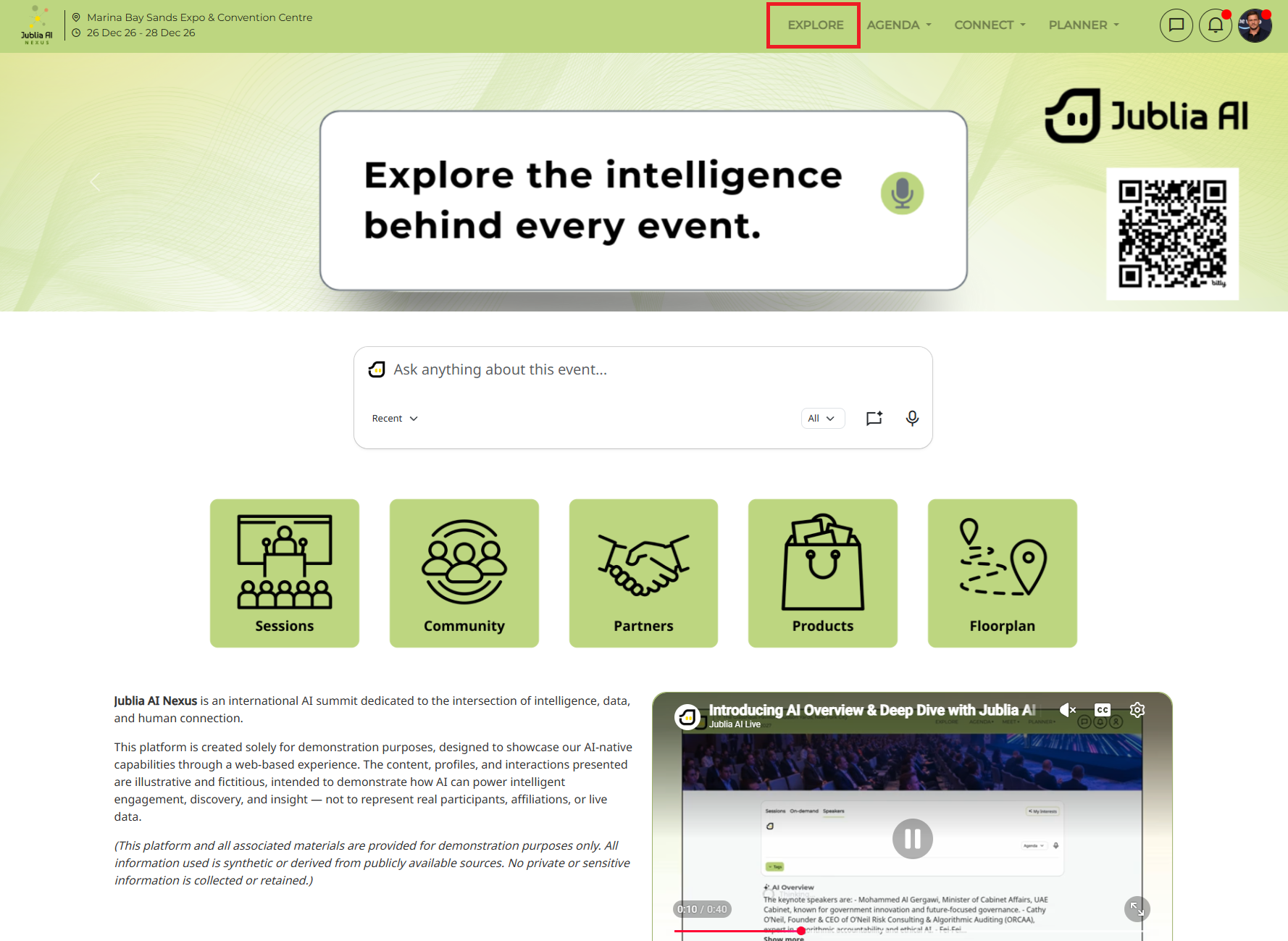
Explore page use as your strategic starting point in the web app. This includes essential information, a look at the agenda, and a highlight of featured activities. Being well-informed allows you to wisely select the sessions and activities that best match your interests and goals.
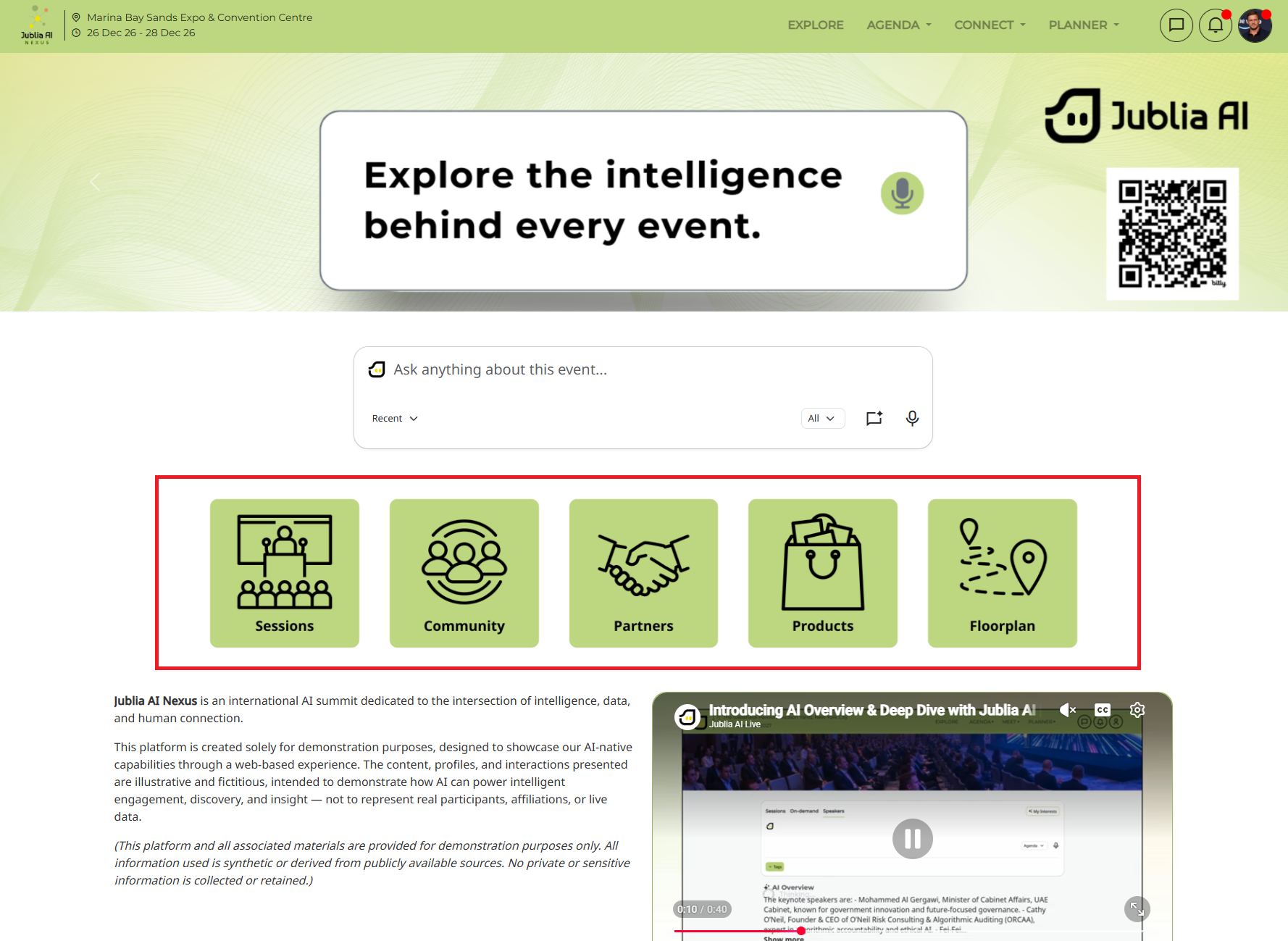
The Quick Links feature is a navigation shortcut directly to the specific page. Click on a specific menu image (such as Sessions or Floor Plan) and land directly on the functional page.
Our Jublia AI generates a personalized list of potential connections who are prospects for you. The AI analyzes your professional profile, interests, and goals to curate a list of individuals with whom you are likely to have mutually beneficial and fruitful conversations. These Top Picks are prominently featured directly on the main listing pages across all entities (People, Companies, and Products), ensuring you can instantly view your best matches without navigating to a separate tab.
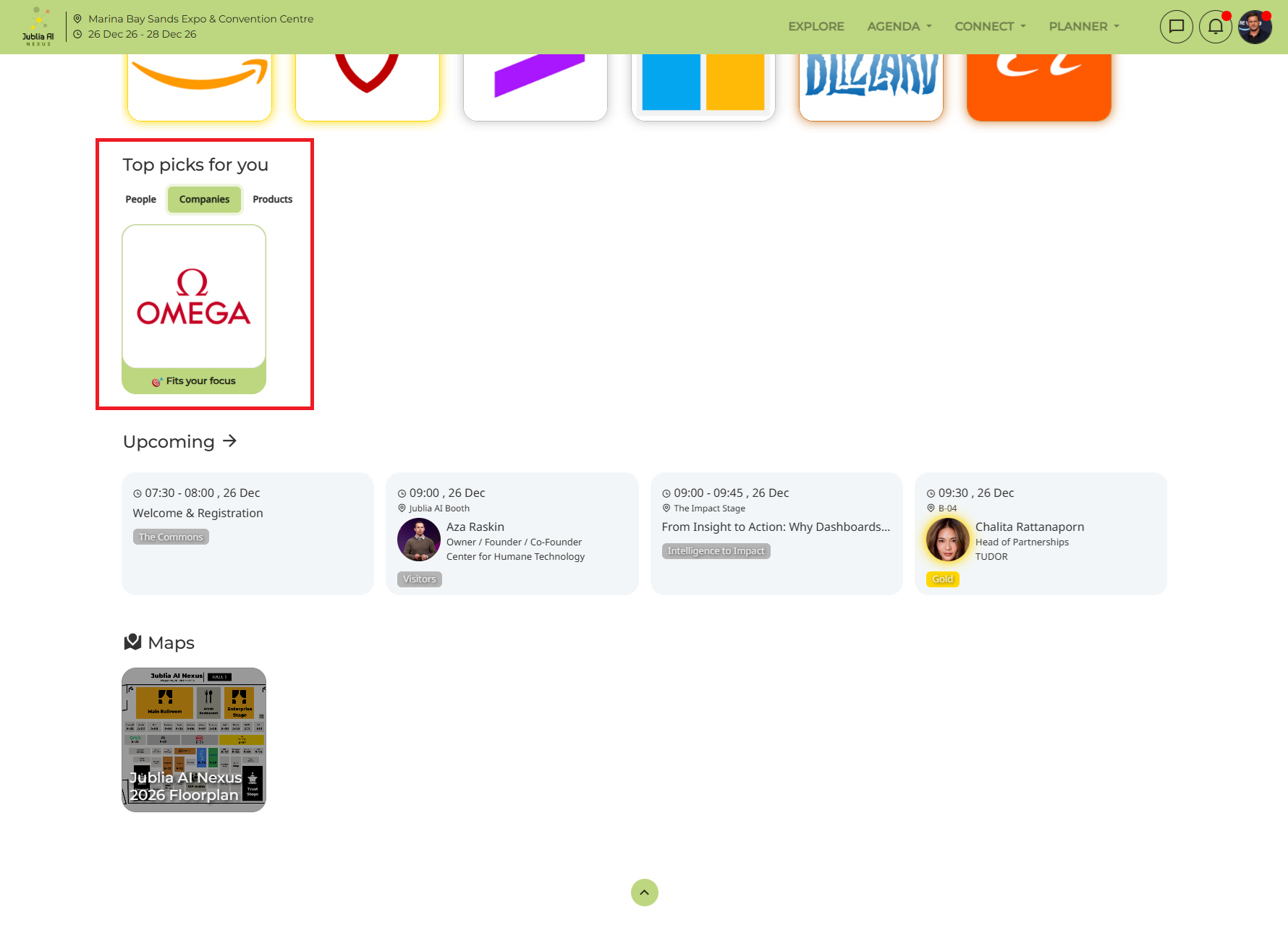
Check out the event's agenda, which lists various scheduled webinars and sessions. By bookmarking the ones you're interested in, you ensure yourself access to valuable learning and networking opportunities. For further details on the Agenda, click here.
The Connect page serves as the central networking hub on our platform. It's where you can efficiently connect with companies, people, and products.
Key Features:
Discovery: Easily browse listings for companies, find people, and explore various product listings.
Connection: Initiate networking by sending meeting requests.
Management: Accept or decline meeting requests.
Personalization: Customize your preferences to receive tailored recommendations. Our intelligent system analyzes your activity to provide personalized suggestions, significantly enhancing your overall networking experience.
For more details, please click here.
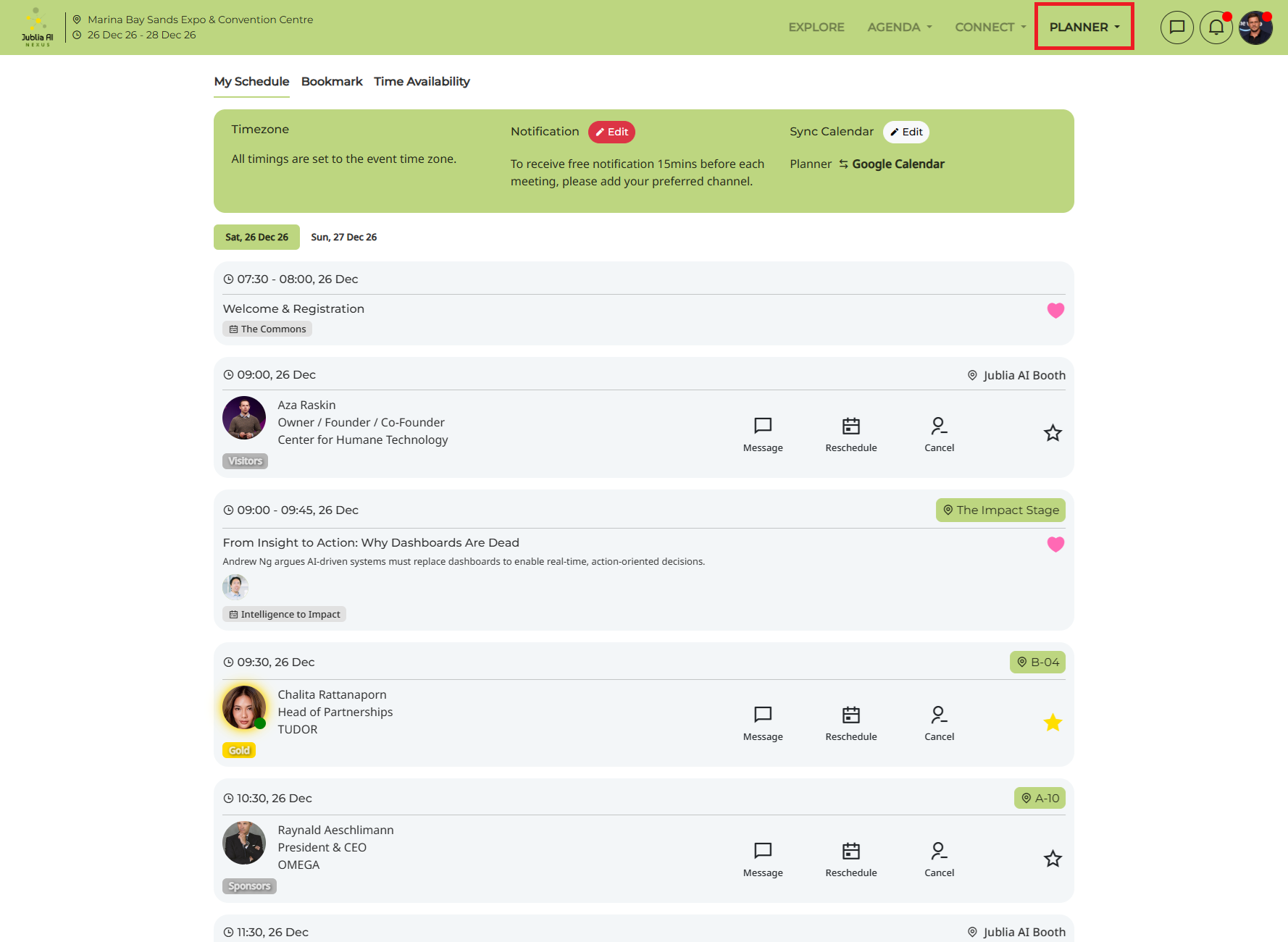
The Planner page serves as your central hub for managing your engagement on the platform. This personalized workspace allows you to efficiently handle your schedule by setting time availability, viewing confirmed meetings, and accessing saved content like bookmarked sessions, companies, people, and products. Furthermore, you can tailor your experience by customizing notification settings. This streamlined approach ensures you remain informed and fully engaged, maximizing every opportunity.
Ask anything prompt bar: Delivers more accurate and contextually relevant search results. It supports both typing and speech to text
Intelligent routing: AI intelligently determines the optimal flow, prioritizing showing direct answers or providing redirection options.
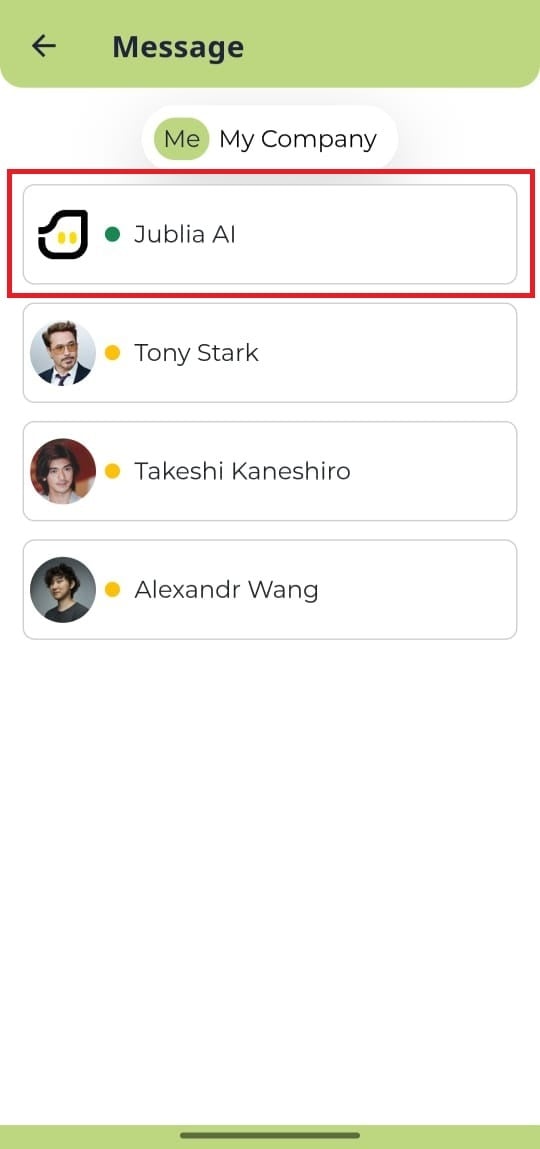
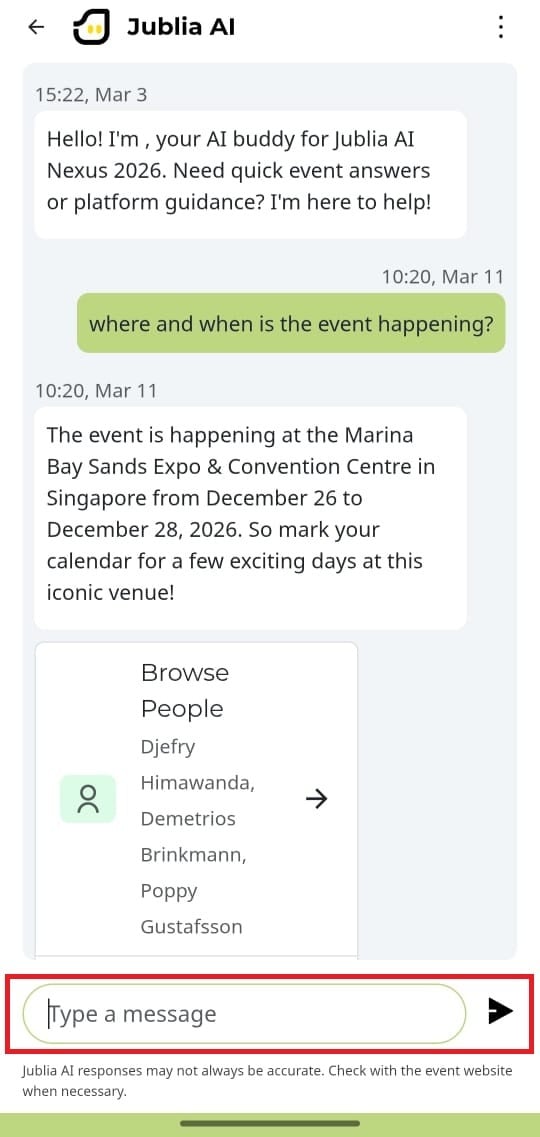
AI Overview: When you use the Ask anything feature and are redirected to a listings page (such as Connect or Agenda), an AI Overview will appear at the top of the results. This feature provides a synthesized summary of the search results, highlighting key takeaways and explaining the relevance of the recommendations to help you navigate your options more efficiently.
Ask anything about sessions and speakers at the Agenda page and get recommendations from Jublia AI
Find people and companies that match with your interests and get recommendations from Jublia AI
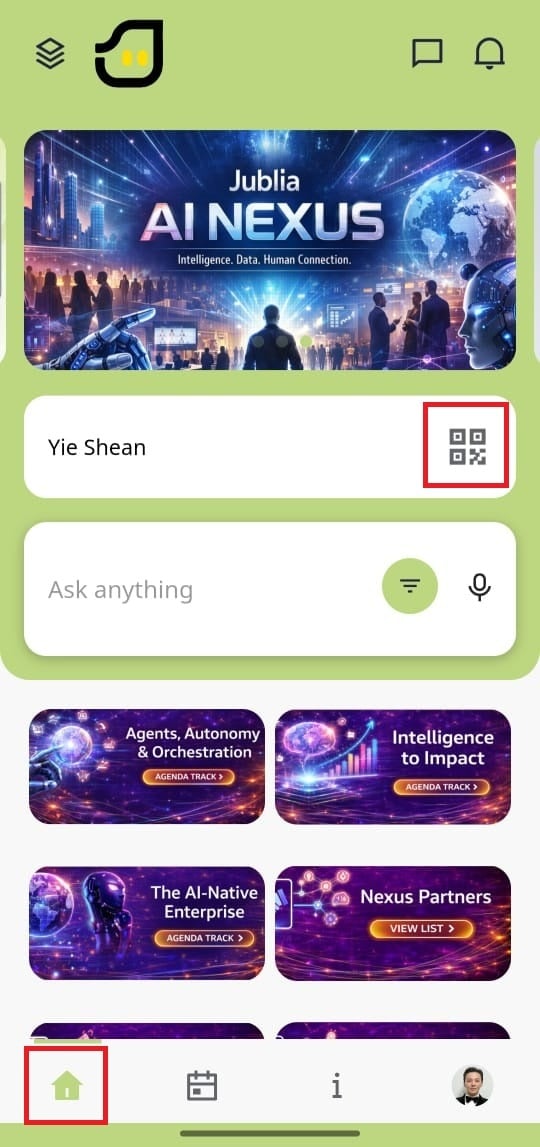
On the home page, you'll find sections such as Menu item list, Interactive Maps, Top Picks and Jublia AI ask anything search bar.
The Planner menu shows your schedule, including favorited sessions, bookmarked companies, people and confirmed meetings.
Access detailed event information in the About menu.
Manage settings for your profile, company, and products. You can also adjust general settings like language preferences and notification frequency.
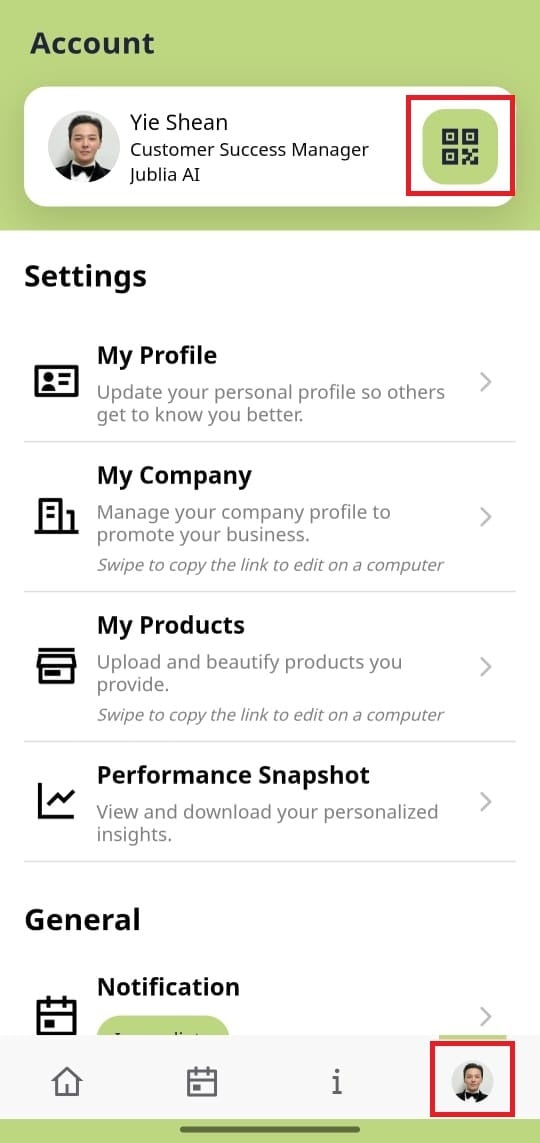
On the Home Menu, click the QR code icon on your profile card to display your QR code.
Open the Account Menu from the bottom right corner of the navigation bar, and click the QR code icon on your profile card to view your QR code.